Flexible childcare for busy lives WordPress Theme


Edit Template Offline
2. Create new page and search for id 6331065
Edit Template Online
Create Awesome Websites


Free Nicepage Builder
Keywords
Page Content and Repeated Service Subjects Fit a WordPress Theme Structure
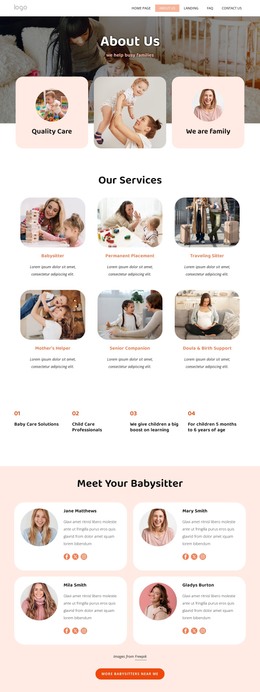
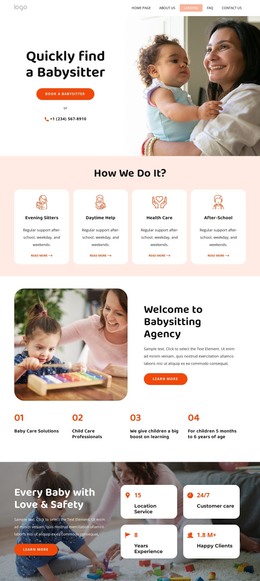
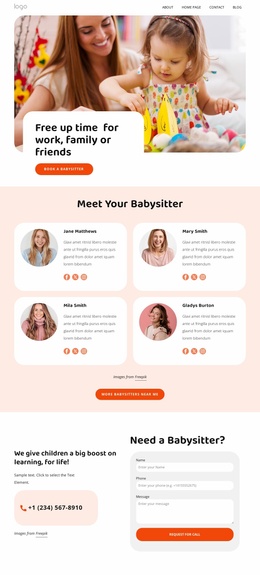
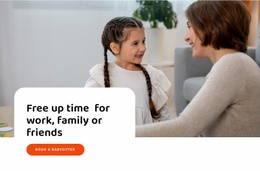
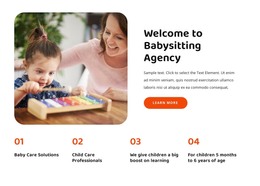
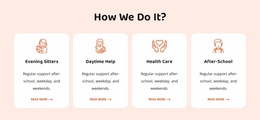
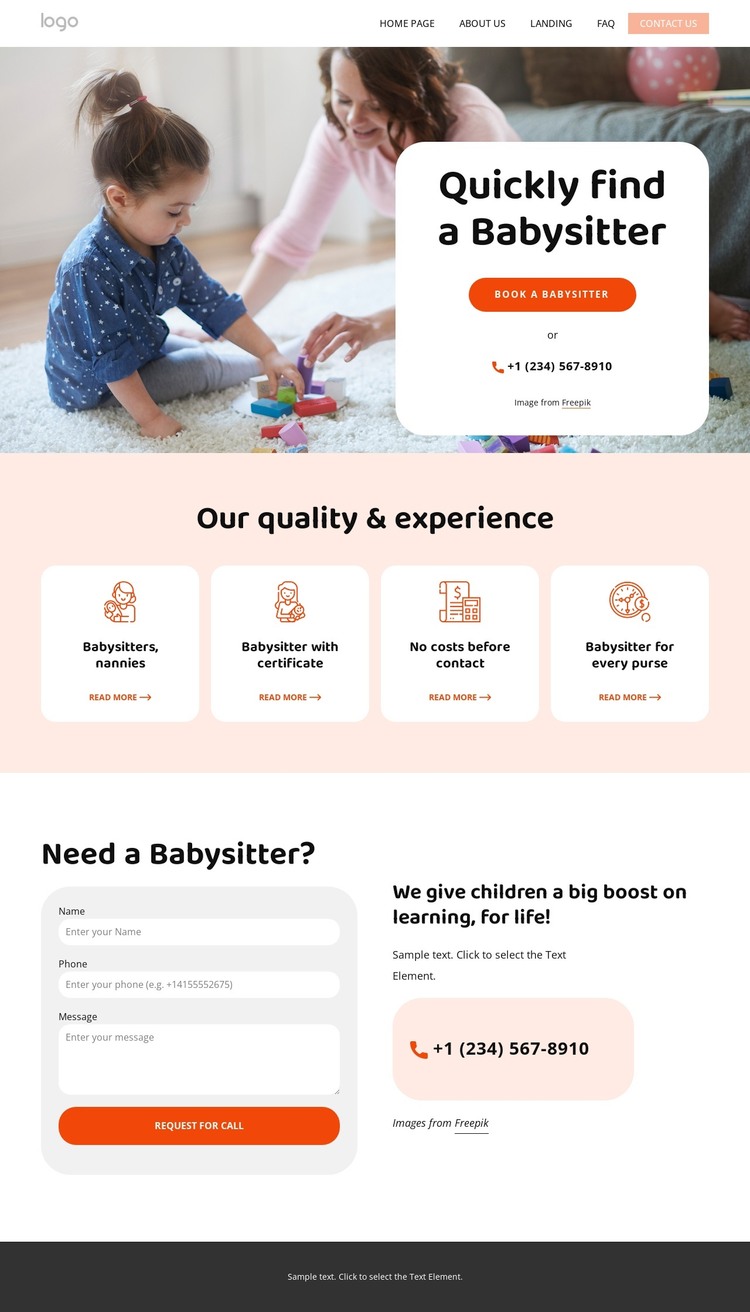
The service cards give the design several clear page-content subjects rather than one general childcare statement. Babysitters, nannies, certified babysitters, and related benefits appear as separate labels within a shared visual system, making them suitable starting points for permanent service information that can be expanded or revised over time. The hero then supplies the central page message with “Quickly find a Babysitter,” a booking action, and a telephone option, keeping the main service context visible above those supporting subjects.
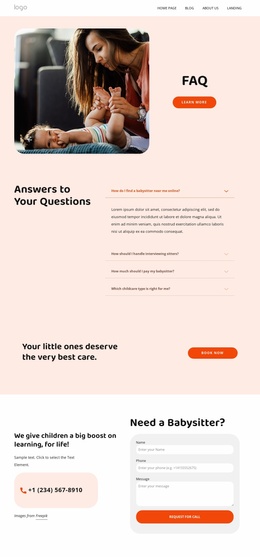
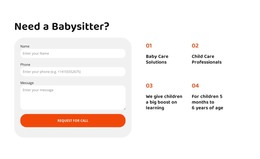
The callback section is another important content area because it combines a practical request with supporting explanation. Its name, phone, and message fields can remain part of the contact presentation, while the neighboring telephone option offers a second route for families. In the footer, address and map information, phone and email contacts, social links, quick navigation, newsletter signup, and legal text form shared site material that can support the page’s broader content environment.
The design’s WordPress value comes from this relationship between permanent page content and recurring site elements, not from assuming that blog posts or categories already exist. If a project later adds announcements or editorial material, the coral palette, rounded cards, and bold sans-serif typography provide a consistent direction around that content. The existing template therefore gives WordPress-managed pages a recognizable childcare presentation while keeping its core contact purpose intact.
Customize with Nicepage
Open this ready-made template in the WordPress Website Builder and customize it visually in the Nicepage editor. Replace demo content, edit page sections, and adapt the design to your project without rebuilding the template from scratch.
Manage and Edit This Theme in WordPress
Customize and Install the WordPress Theme
Start with this ready-made theme instead of building the WordPress design from scratch. Customize its layout, content, typography, images, sections, and other design elements visually in Nicepage editor, then export and install the WordPress Theme, Plugin, and Pages on your WordPress site. The Nicepage WordPress Plugin lets you continue working with the site after installation.
Edit the Theme Directly in WordPress
After installation, you can edit the WordPress Theme directly in WordPress with the Nicepage WordPress Plugin. Use Site Style to customize site Colors, Fonts, Header, Footer, Blog, and Post Page Templates while working within your WordPress website.
Edit WordPress Pages Visually
Use the Nicepage WordPress Plugin to edit page content directly from the WordPress admin area. Open a WordPress Page with Nicepage and visually change its text, images, sections, and other page elements while continuing to manage the Page through WordPress.
WordPress Content and Theme Integration
Use the customized theme with WordPress Pages, Posts, Blog and Post Templates, menus, widgets, and other CMS-managed content. Shared theme elements such as Colors, Fonts, Header, Footer, Blog, and Post Page Templates can be managed as part of the overall site design, while WordPress provides the CMS environment for managing site content.
This workflow combines a ready-made WordPress Theme with visual customization, direct theme editing in WordPress, and continued content management through the Nicepage WordPress Plugin.