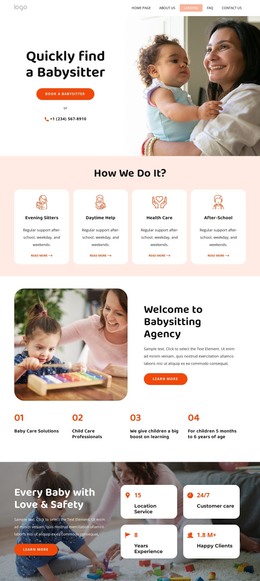
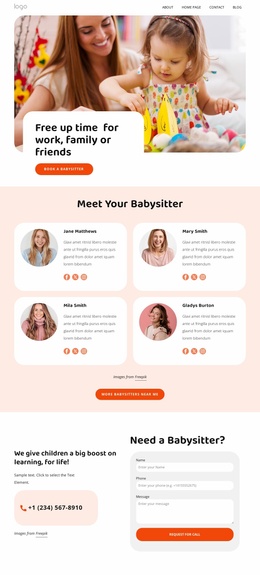
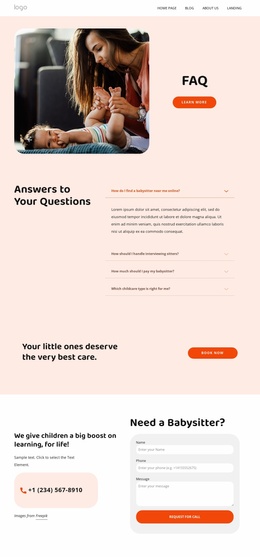
We have full time and part time nannies WordPress Theme



Six Service Cards Form Stable WordPress Page Content
The heading “What We Offer” introduces a structured services area that can fit naturally into a WordPress-managed page. Six cards present Babysitting, Child Care, After School Care, Morning nanny, Party helpers, and Emergency Care, with each card combining a childcare-related photograph, a service title, and a short description. This content model suits a stable services section because the categories explain the available types of care rather than functioning as a stream of dated updates.
The three-column by two-row grid keeps the six categories visible as one grouped offering. The centered introduction establishes the shared context, while the repeated cards divide the information into recognizable service units. Rounded white card surfaces on a pale pink background create clear visual boundaries, and thin warm borders reinforce the separation without interrupting the relationship between the six items. The left-aligned titles and descriptions also give each category a practical reading pattern beneath its image.
In a WordPress-oriented project, this block can remain a reusable page-content section while the surrounding site manages broader navigation and other content areas. Nicepage supports editing page content through its WordPress workflow, but the block itself remains the six-category childcare section shown here. It can therefore anchor a services page or support related childcare content without being treated as a complete WordPress Theme.
Customize with Nicepage
Open this ready-made template in the WordPress Website Builder and customize it visually in the Nicepage editor. Replace demo content, edit page sections, and adapt the design to your project without rebuilding the template from scratch.
Edit Template Offline
2. Create a new page or select existing
3. Click Add new block, search for id 6330877 and click enter
Edit Template Online
Create Awesome Websites


Free Nicepage Builder
Keywords
Manage and Edit This Theme in WordPress
Customize and Install the WordPress Theme
Start with this ready-made theme instead of building the WordPress design from scratch. Customize its layout, content, typography, images, sections, and other design elements visually in Nicepage editor, then export and install the WordPress Theme, Plugin, and Pages on your WordPress site. The Nicepage WordPress Plugin lets you continue working with the site after installation.
Edit the Theme Directly in WordPress
After installation, you can edit the WordPress Theme directly in WordPress with the Nicepage WordPress Plugin. Use Site Style to customize site Colors, Fonts, Header, Footer, Blog, and Post Page Templates while working within your WordPress website.
Edit WordPress Pages Visually
Use the Nicepage WordPress Plugin to edit page content directly from the WordPress admin area. Open a WordPress Page with Nicepage and visually change its text, images, sections, and other page elements while continuing to manage the Page through WordPress.
WordPress Content and Theme Integration
Use the customized theme with WordPress Pages, Posts, Blog and Post Templates, menus, widgets, and other CMS-managed content. Shared theme elements such as Colors, Fonts, Header, Footer, Blog, and Post Page Templates can be managed as part of the overall site design, while WordPress provides the CMS environment for managing site content.
This workflow combines a ready-made WordPress Theme with visual customization, direct theme editing in WordPress, and continued content management through the Nicepage WordPress Plugin.