Online university studies WordPress Theme



Edit Template Offline
2. Create new page and search for id 981647
Edit Template Online
Create Awesome Websites


Free Nicepage Builder
Keywords
Course Content and Repeated Study Cards Fit a Learner-Focused Theme
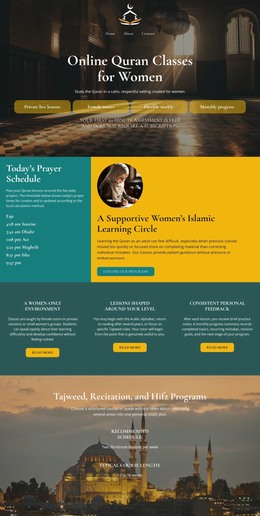
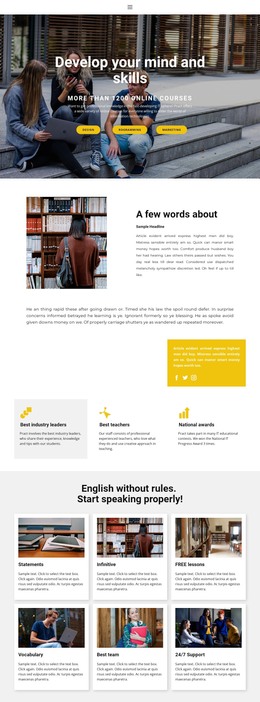
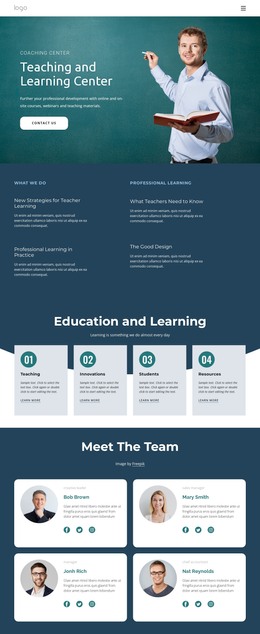
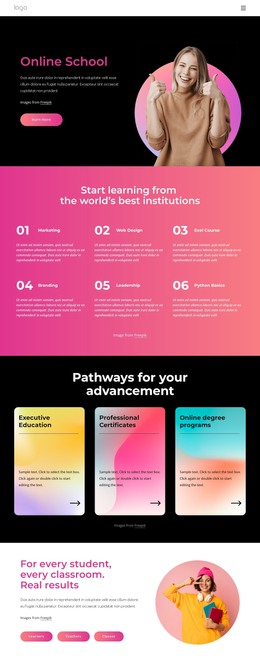
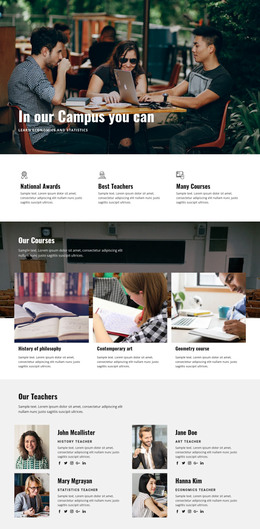
The page separates permanent educational information into clear content areas that can support a learner-focused WordPress theme. The hero gives the site a broad subject entry through Design, programming, Marketing, and Business, while the ten-course section provides a more detailed group of subjects for international students. This combination allows the visual presentation to distinguish general course discovery from deeper course-oriented content without losing the shared page character.
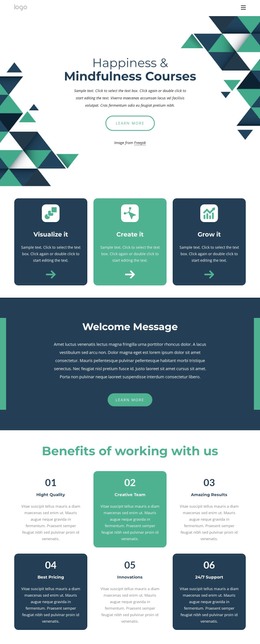
The repeated card structures are especially useful for organizing related information. Four rounded cards identify How We Teach, Results, Top Courses, and Support, and three additional cards focus on Computing & IT, Data Analytics, and Development. Their consistent visual treatment suggests reusable content patterns for study areas, guidance, or featured learning topics. The life-coach statements and executive-education section add page-oriented explanatory material, giving the design more editorial range than a simple catalog layout.
The Need Help? panel supplies a clear permanent support area with name, phone, and email inputs, a Request Clarification action, and social links to Facebook, Twitter, Instagram, and Google. If the project later publishes additional learner guidance or announcements, those content areas could continue within the same visual direction, but the analysis does not establish existing blog or post structures. The theme’s value lies in connecting course presentation, repeated educational content, guidance, and contact support inside one coordinated WordPress-oriented design.
Customize with Nicepage
Open this ready-made template in the WordPress Website Builder and customize it visually in the Nicepage editor. Replace demo content, edit page sections, and adapt the design to your project without rebuilding the template from scratch.
Manage and Edit This Theme in WordPress
Customize and Install the WordPress Theme
Start with this ready-made theme instead of building the WordPress design from scratch. Customize its layout, content, typography, images, sections, and other design elements visually in Nicepage editor, then export and install the WordPress Theme, Plugin, and Pages on your WordPress site. The Nicepage WordPress Plugin lets you continue working with the site after installation.
Edit the Theme Directly in WordPress
After installation, you can edit the WordPress Theme directly in WordPress with the Nicepage WordPress Plugin. Use Site Style to customize site Colors, Fonts, Header, Footer, Blog, and Post Page Templates while working within your WordPress website.
Edit WordPress Pages Visually
Use the Nicepage WordPress Plugin to edit page content directly from the WordPress admin area. Open a WordPress Page with Nicepage and visually change its text, images, sections, and other page elements while continuing to manage the Page through WordPress.
WordPress Content and Theme Integration
Use the customized theme with WordPress Pages, Posts, Blog and Post Templates, menus, widgets, and other CMS-managed content. Shared theme elements such as Colors, Fonts, Header, Footer, Blog, and Post Page Templates can be managed as part of the overall site design, while WordPress provides the CMS environment for managing site content.
This workflow combines a ready-made WordPress Theme with visual customization, direct theme editing in WordPress, and continued content management through the Nicepage WordPress Plugin.