Cool science project WordPress Theme



Edit Template Offline
2. Create new page and search for id 344050
Edit Template Online
Create Awesome Websites


Free Nicepage Builder
Keywords
Course and teacher content gives the theme a clear publishing structure
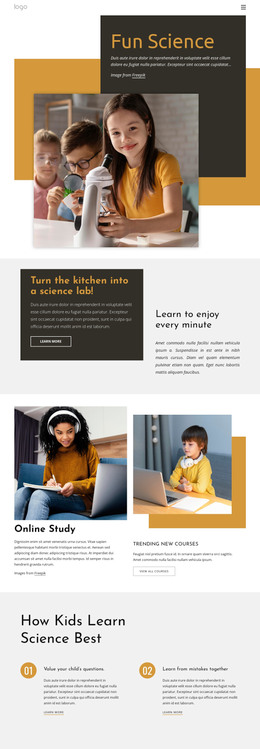
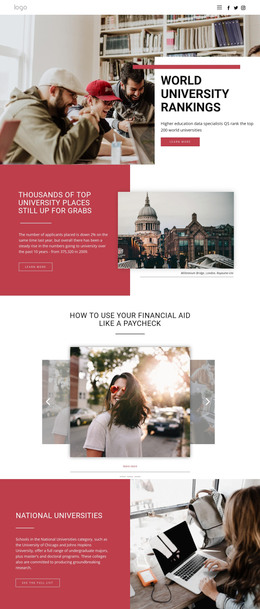
The Online Study section provides the strongest page-oriented content area in this design. Its two image-and-text columns combine study photography with course descriptions, a Trending New Courses link, and a View all courses action. In a WordPress-managed project, that arrangement can serve as the visual starting point for permanent education content while the wording, images, and course material are maintained as the project develops. The template does not claim that WordPress posts or course records already exist.
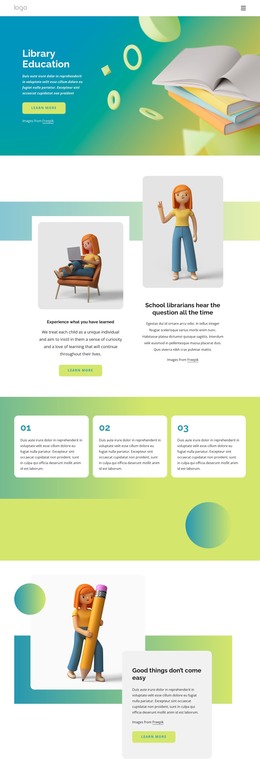
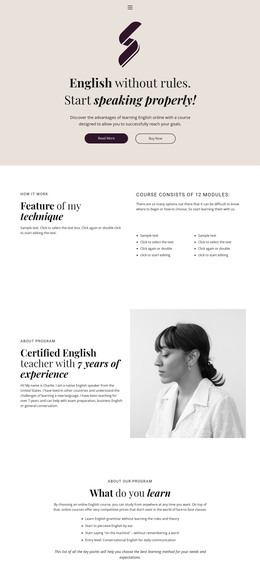
The learning-principle cards create a second content relationship. Valuing children’s questions and learning from mistakes together are presented as two related ideas under one heading, making the repeated card treatment suitable for guidance content that supports the main course offer. Meet Our Teachers & Staff then shifts attention to the people behind the learning experience. The large portrait, supporting text, and overlapping title panel create a focused area for teacher information rather than another generic service block.
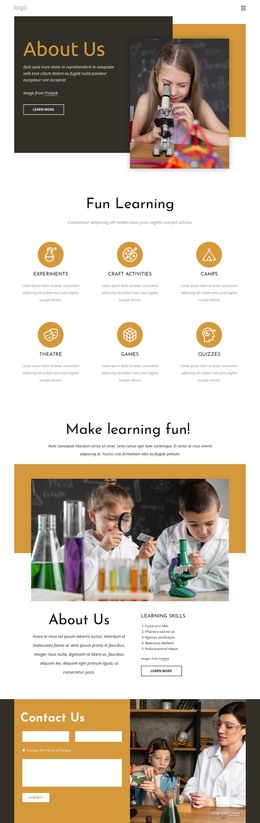
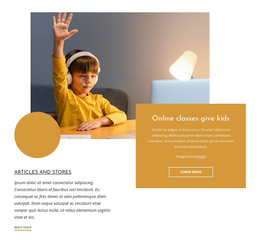
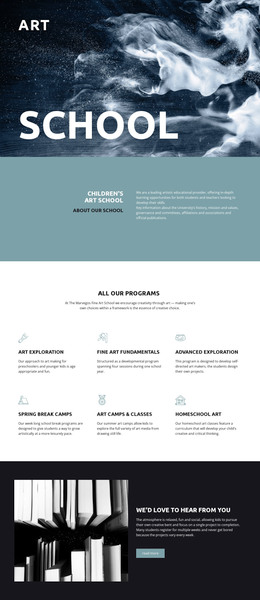
The online classes section can carry a separate page-oriented message, while Articles and Stories suggests a related editorial direction without asserting an existing blog structure. The contact area supplies a permanent inquiry destination with a form beside a classroom image. In a WordPress theme context, these distinct areas can remain part of one visual system as education pages and regularly updated content grow around them. A relevant product bridge is the WordPress Plugin, which supports working with Nicepage designs directly in WordPress when that implementation is selected.
Customize with Nicepage
Open this ready-made template in the WordPress Website Builder and customize it visually in the Nicepage editor. Replace demo content, edit page sections, and adapt the design to your project without rebuilding the template from scratch.
Manage and Edit This Theme in WordPress
Customize and Install the WordPress Theme
Start with this ready-made theme instead of building the WordPress design from scratch. Customize its layout, content, typography, images, sections, and other design elements visually in Nicepage editor, then export and install the WordPress Theme, Plugin, and Pages on your WordPress site. The Nicepage WordPress Plugin lets you continue working with the site after installation.
Edit the Theme Directly in WordPress
After installation, you can edit the WordPress Theme directly in WordPress with the Nicepage WordPress Plugin. Use Site Style to customize site Colors, Fonts, Header, Footer, Blog, and Post Page Templates while working within your WordPress website.
Edit WordPress Pages Visually
Use the Nicepage WordPress Plugin to edit page content directly from the WordPress admin area. Open a WordPress Page with Nicepage and visually change its text, images, sections, and other page elements while continuing to manage the Page through WordPress.
WordPress Content and Theme Integration
Use the customized theme with WordPress Pages, Posts, Blog and Post Templates, menus, widgets, and other CMS-managed content. Shared theme elements such as Colors, Fonts, Header, Footer, Blog, and Post Page Templates can be managed as part of the overall site design, while WordPress provides the CMS environment for managing site content.
This workflow combines a ready-made WordPress Theme with visual customization, direct theme editing in WordPress, and continued content management through the Nicepage WordPress Plugin.