Good online education WordPress Theme


Edit Template Offline
2. Create new page and search for id 82542
Edit Template Online
Create Awesome Websites


Free Nicepage Builder
Keywords
Page Content for Programs, Courses, and Learner Inquiries
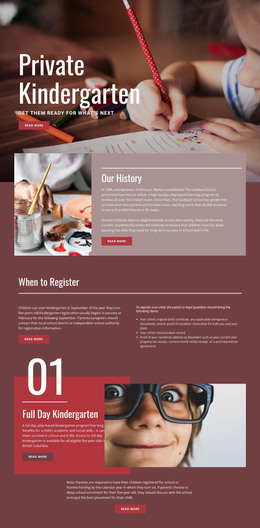
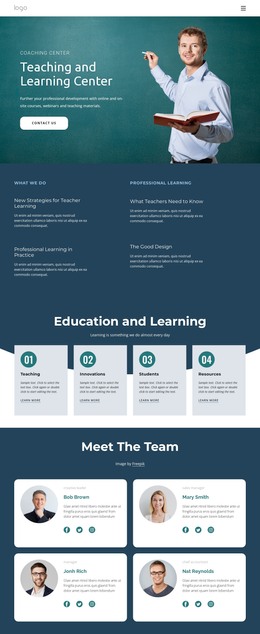
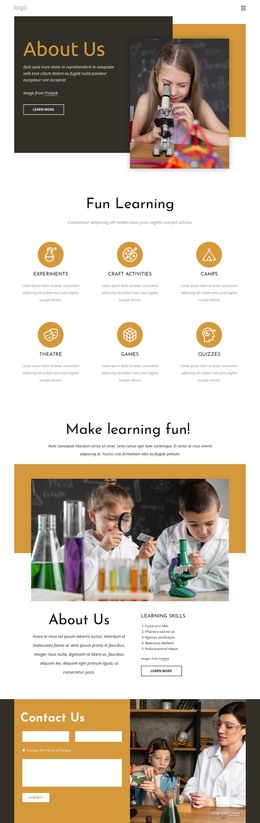
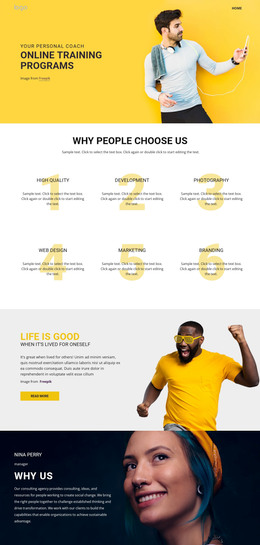
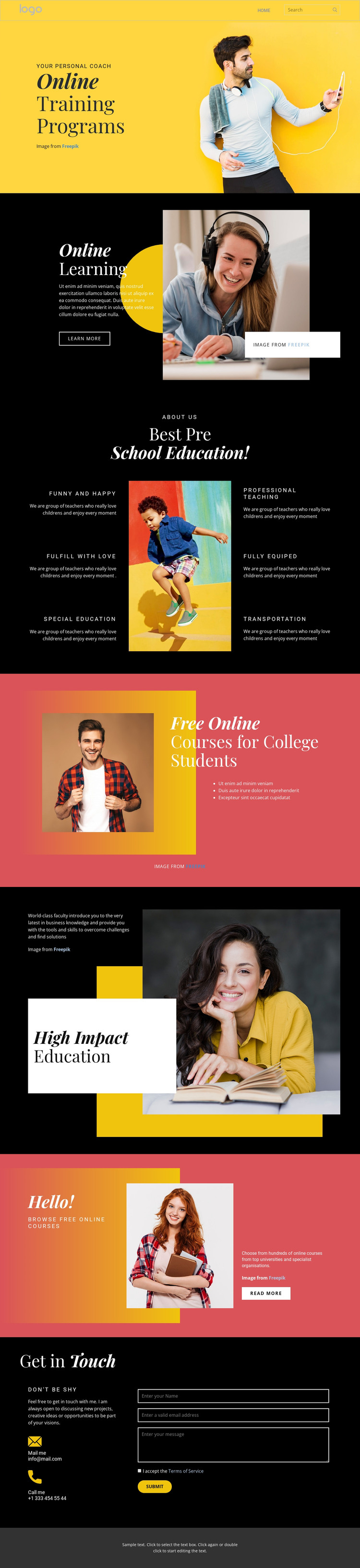
The page-oriented content is strongest where the design separates broad education information from specific learning offers. Online Training Programs and Online Learning can frame permanent educational content, while the six preschool feature labels provide a compact group for describing program characteristics around a central image. The college section has a different editorial role: its student portrait, course heading, and three bullet points create a focused area for information aimed at college learners.
The later Browse Free Online Courses panel adds a discovery-oriented content region with descriptive copy and a read-more action. High Impact Education provides a value statement supported by a large photograph and overlapping title card, giving the page a distinct piece of explanatory content rather than another repeated course list. Together, these relationships suggest a useful division between general pages or sections, offer-focused material, and supporting educational messaging. They do not prove that WordPress Posts, categories, or blog structures already exist.
Navigation and mobile navigation connect the content areas, while the closing Get in Touch section supplies permanent contact content: an email address, telephone number, and form with name, email, and message inputs. In a WordPress-managed project, these verified regions can remain part of one visual theme while educational content is organized and updated through the CMS. The interpretation centers on content mapping, not on installation or plugin workflow.
Customize with Nicepage
Open this ready-made template in the WordPress Website Builder and customize it visually in the Nicepage editor. Replace demo content, edit page sections, and adapt the design to your project without rebuilding the template from scratch.
Manage and Edit This Theme in WordPress
Customize and Install the WordPress Theme
Start with this ready-made theme instead of building the WordPress design from scratch. Customize its layout, content, typography, images, sections, and other design elements visually in Nicepage editor, then export and install the WordPress Theme, Plugin, and Pages on your WordPress site. The Nicepage WordPress Plugin lets you continue working with the site after installation.
Edit the Theme Directly in WordPress
After installation, you can edit the WordPress Theme directly in WordPress with the Nicepage WordPress Plugin. Use Site Style to customize site Colors, Fonts, Header, Footer, Blog, and Post Page Templates while working within your WordPress website.
Edit WordPress Pages Visually
Use the Nicepage WordPress Plugin to edit page content directly from the WordPress admin area. Open a WordPress Page with Nicepage and visually change its text, images, sections, and other page elements while continuing to manage the Page through WordPress.
WordPress Content and Theme Integration
Use the customized theme with WordPress Pages, Posts, Blog and Post Templates, menus, widgets, and other CMS-managed content. Shared theme elements such as Colors, Fonts, Header, Footer, Blog, and Post Page Templates can be managed as part of the overall site design, while WordPress provides the CMS environment for managing site content.
This workflow combines a ready-made WordPress Theme with visual customization, direct theme editing in WordPress, and continued content management through the Nicepage WordPress Plugin.