Fun of learning in school WordPress Theme



Edit Template Offline
2. Create new page and search for id 29805
Edit Template Online
Create Awesome Websites


Free Nicepage Builder
Keywords
Service Cards and Enrollment Areas Suit Page-Oriented School Content
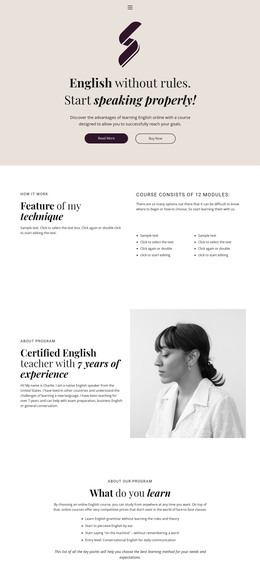
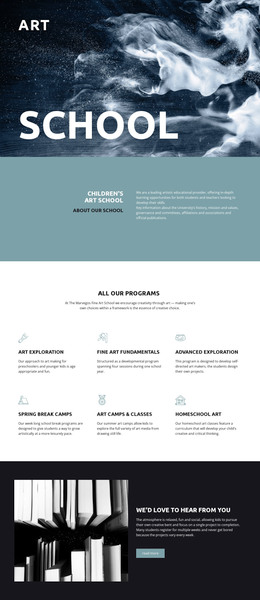
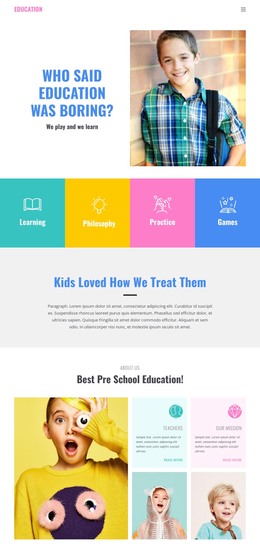
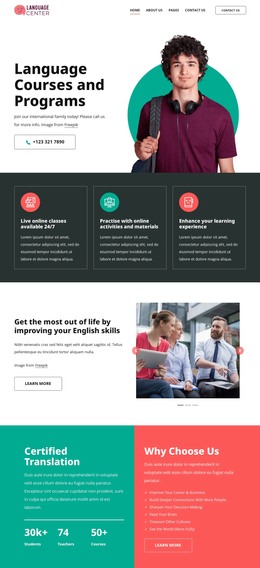
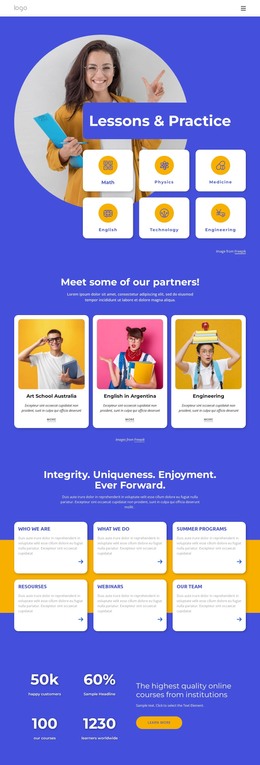
The four category tiles provide a concise way to frame the school’s subject areas before visitors reach the more detailed content. Learning, Philosophy, Practice, and Games can be interpreted as page-oriented themes within a WordPress-managed education site, while the header and navigation provide the shared route between them. These are verified content regions in the design, not proof that WordPress Posts, categories, or blog structures already exist.
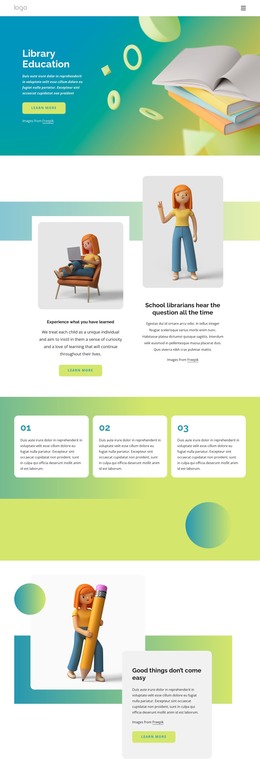
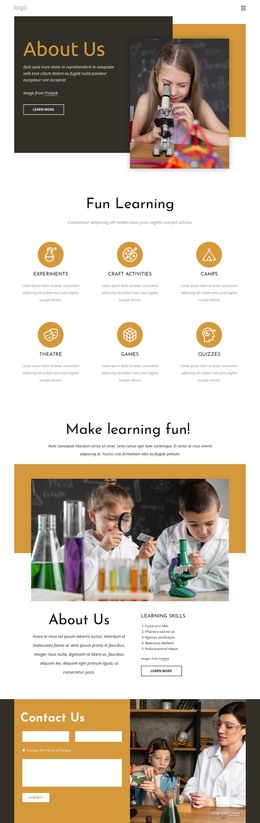
The page also contains several areas that can translate naturally into permanent school information. Teachers and Our Mission appear together in the About Us section, and the four service cards distinguish Environment, Active Learning, Creative Lessons, and Qualified Teacher. The later six-feature group adds further descriptive content, including Special Education, Professional Teaching, Fully Equiped, and Transportation. This mix of explanatory sections and repeated cards gives a WordPress project room for page content that may be revised as the school’s offerings develop.
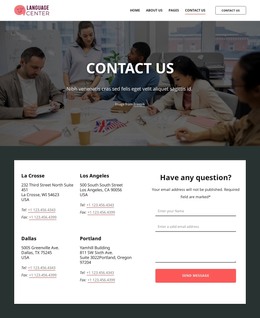
The enrollment section is especially suited to a parent-facing information page because it already separates practical guidance from the broader educational story. The facility panel adds a focused description of relaxation and comfort, while the contact row keeps address, telephone, and email visible as separate channels. The footer’s Facebook, Twitter, Instagram, and LinkedIn links complete the shared site frame. A WordPress implementation could therefore manage changing school copy around these areas without altering the template’s central visual character, while demo names, contact values, and placeholder text remain content to replace.
Customize with Nicepage
Open this ready-made template in the WordPress Website Builder and customize it visually in the Nicepage editor. Replace demo content, edit page sections, and adapt the design to your project without rebuilding the template from scratch.
Manage and Edit This Theme in WordPress
Customize and Install the WordPress Theme
Start with this ready-made theme instead of building the WordPress design from scratch. Customize its layout, content, typography, images, sections, and other design elements visually in Nicepage editor, then export and install the WordPress Theme, Plugin, and Pages on your WordPress site. The Nicepage WordPress Plugin lets you continue working with the site after installation.
Edit the Theme Directly in WordPress
After installation, you can edit the WordPress Theme directly in WordPress with the Nicepage WordPress Plugin. Use Site Style to customize site Colors, Fonts, Header, Footer, Blog, and Post Page Templates while working within your WordPress website.
Edit WordPress Pages Visually
Use the Nicepage WordPress Plugin to edit page content directly from the WordPress admin area. Open a WordPress Page with Nicepage and visually change its text, images, sections, and other page elements while continuing to manage the Page through WordPress.
WordPress Content and Theme Integration
Use the customized theme with WordPress Pages, Posts, Blog and Post Templates, menus, widgets, and other CMS-managed content. Shared theme elements such as Colors, Fonts, Header, Footer, Blog, and Post Page Templates can be managed as part of the overall site design, while WordPress provides the CMS environment for managing site content.
This workflow combines a ready-made WordPress Theme with visual customization, direct theme editing in WordPress, and continued content management through the Nicepage WordPress Plugin.