Nannies and babysitters WordPress Theme



Edit Template Offline
2. Create new page and search for id 6313470
Edit Template Online
Create Awesome Websites


Free Nicepage Builder
Keywords
Service Content and Advice Areas Suit a WordPress Theme
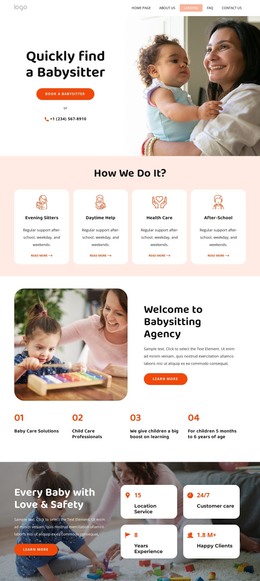
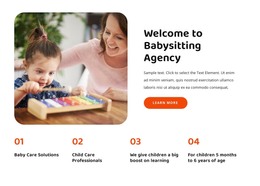
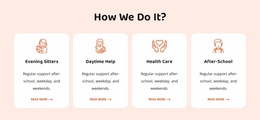
The opening hero gives the BabyCare design a clear page-oriented starting point: families see a babysitter search, a booking action, family photography, and phone contact before moving into the agency introduction. The four repeated service cards then divide the core subject into babysitting, child care, after-school care, and emergency care. In a WordPress project, these areas provide a practical visual framework for permanent service content without claiming that specific WordPress Pages or Posts already exist in the template.
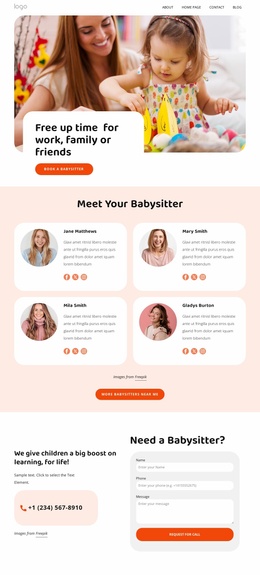
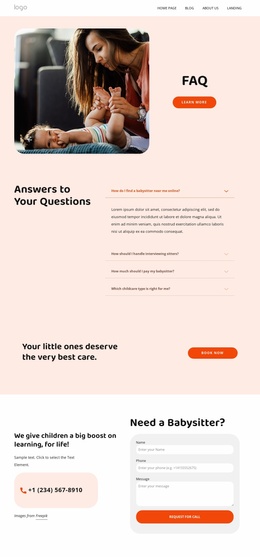
The design also supports content that may need to grow over time. Two advice article cards create an editorial area for child-care information, while the FAQ section presents four question rows for common visitor concerns. The babysitter profile section adds two portrait-based caregiver entries with descriptions and rating indicators, giving the page a people-focused content relationship that differs from the service cards. Testimonials, the six-image gallery, and four metric callouts can remain supporting sections around those page and editorial areas.
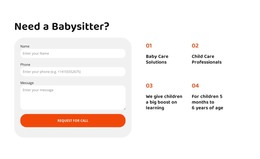
Two contact forms preserve the response structure while the content environment develops. The first follows service discovery, and the second combines help messaging with phone contact near the end. This makes the design suitable for a WordPress-managed care website where page content, advice material, caregiver information, and inquiries can continue within one coordinated visual direction.
Customize with Nicepage
Open this ready-made template in the WordPress Website Builder and customize it visually in the Nicepage editor. Replace demo content, edit page sections, and adapt the design to your project without rebuilding the template from scratch.
Manage and Edit This Theme in WordPress
Customize and Install the WordPress Theme
Start with this ready-made theme instead of building the WordPress design from scratch. Customize its layout, content, typography, images, sections, and other design elements visually in Nicepage editor, then export and install the WordPress Theme, Plugin, and Pages on your WordPress site. The Nicepage WordPress Plugin lets you continue working with the site after installation.
Edit the Theme Directly in WordPress
After installation, you can edit the WordPress Theme directly in WordPress with the Nicepage WordPress Plugin. Use Site Style to customize site Colors, Fonts, Header, Footer, Blog, and Post Page Templates while working within your WordPress website.
Edit WordPress Pages Visually
Use the Nicepage WordPress Plugin to edit page content directly from the WordPress admin area. Open a WordPress Page with Nicepage and visually change its text, images, sections, and other page elements while continuing to manage the Page through WordPress.
WordPress Content and Theme Integration
Use the customized theme with WordPress Pages, Posts, Blog and Post Templates, menus, widgets, and other CMS-managed content. Shared theme elements such as Colors, Fonts, Header, Footer, Blog, and Post Page Templates can be managed as part of the overall site design, while WordPress provides the CMS environment for managing site content.
This workflow combines a ready-made WordPress Theme with visual customization, direct theme editing in WordPress, and continued content management through the Nicepage WordPress Plugin.