Teaching and learning center WordPress Theme


Edit Template Offline
2. Create new page and search for id 3790399
Edit Template Online
Create Awesome Websites


Free Nicepage Builder
Keywords
Learning Categories and Profiles Provide Clear WordPress Content Areas
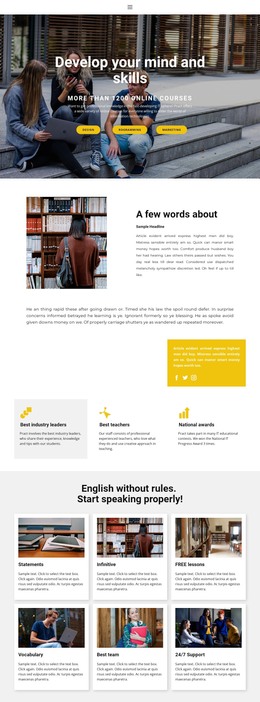
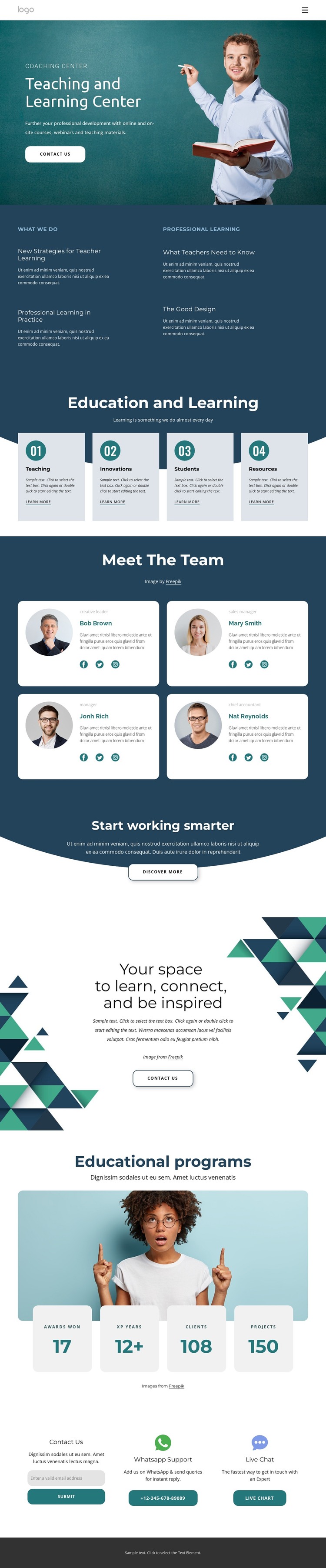
The four learning-focus cards give the design a useful page-oriented content structure. Teaching, Innovations, Students, and Resources can be interpreted as permanent areas of an education site, while the four “What We Do” topics provide more specific explanatory content about teacher learning, professional practice, and educational resources. This relationship separates broad categories from supporting descriptions instead of treating every card as the same type of content.
The four team profiles create another clear content area, with roles and social links that can be maintained as people or responsibilities change. The educational-program section adds imagery and four displayed metrics, offering a defined place for program context or organizational indicators. Those displayed values are demo content and should not be presented as verified achievements without independent confirmation. The page’s promotional and inspirational sections can remain as stable editorial content around these more regularly maintained areas.
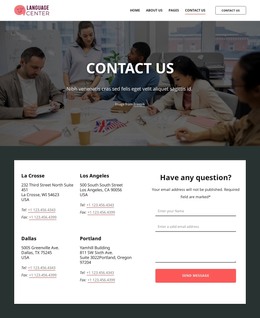
The final contact block brings together an email form, WhatsApp support, live chat, and a phone contact button. That combination gives the design both permanent informational content and direct inquiry paths. In a WordPress project, the visual system could frame pages and content that evolve over time, but the verified analysis does not prove that posts, categories, or WordPress-specific structures already exist. The design’s value lies in its clear content areas and coherent presentation.
Customize with Nicepage
Open this ready-made template in the WordPress Website Builder and customize it visually in the Nicepage editor. Replace demo content, edit page sections, and adapt the design to your project without rebuilding the template from scratch.
Manage and Edit This Theme in WordPress
Customize and Install the WordPress Theme
Start with this ready-made theme instead of building the WordPress design from scratch. Customize its layout, content, typography, images, sections, and other design elements visually in Nicepage editor, then export and install the WordPress Theme, Plugin, and Pages on your WordPress site. The Nicepage WordPress Plugin lets you continue working with the site after installation.
Edit the Theme Directly in WordPress
After installation, you can edit the WordPress Theme directly in WordPress with the Nicepage WordPress Plugin. Use Site Style to customize site Colors, Fonts, Header, Footer, Blog, and Post Page Templates while working within your WordPress website.
Edit WordPress Pages Visually
Use the Nicepage WordPress Plugin to edit page content directly from the WordPress admin area. Open a WordPress Page with Nicepage and visually change its text, images, sections, and other page elements while continuing to manage the Page through WordPress.
WordPress Content and Theme Integration
Use the customized theme with WordPress Pages, Posts, Blog and Post Templates, menus, widgets, and other CMS-managed content. Shared theme elements such as Colors, Fonts, Header, Footer, Blog, and Post Page Templates can be managed as part of the overall site design, while WordPress provides the CMS environment for managing site content.
This workflow combines a ready-made WordPress Theme with visual customization, direct theme editing in WordPress, and continued content management through the Nicepage WordPress Plugin.