
Knowledge Website Templates
Knowledge bases, help centers, and educational hubs need clear routes between topics, articles, FAQs, and contact resources. A coordinated website template keeps those destinations connected through shared navigation and a consistent page hierarchy.









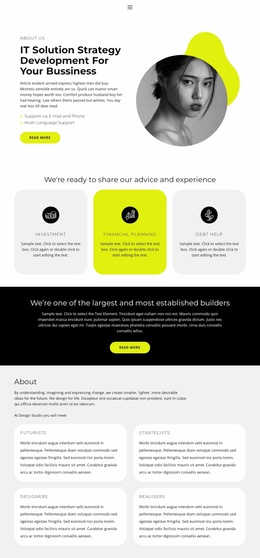
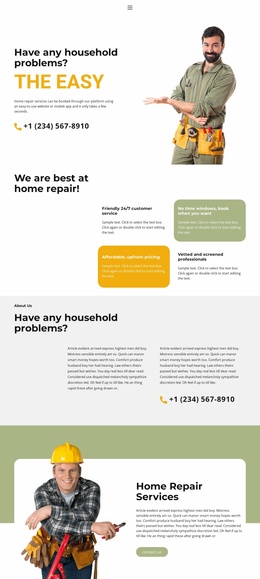
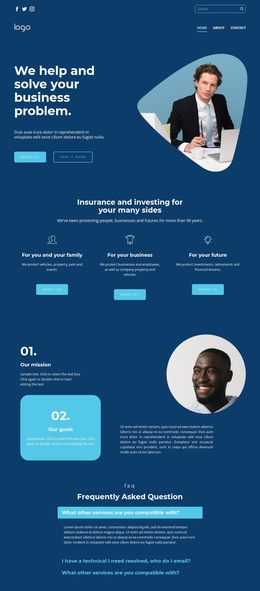
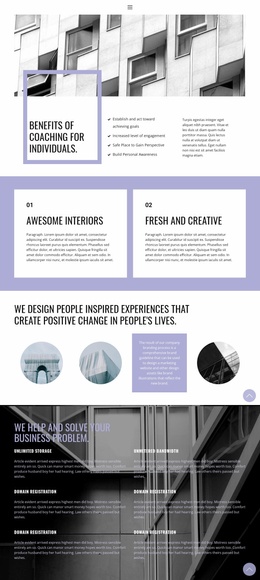
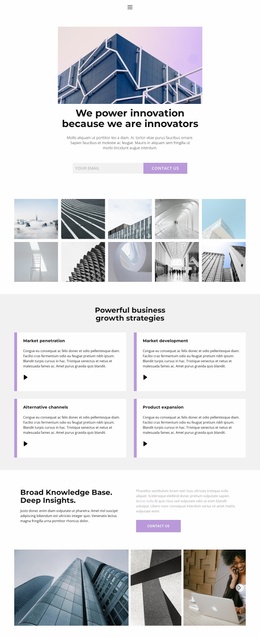
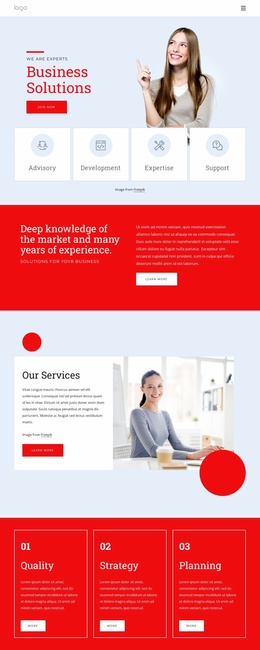
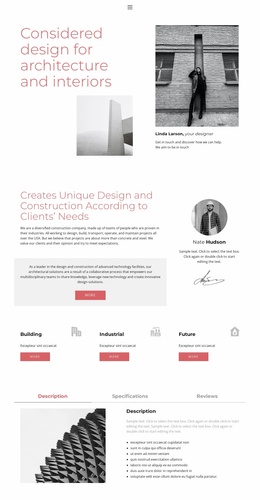
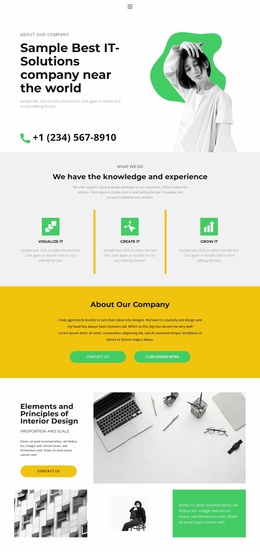
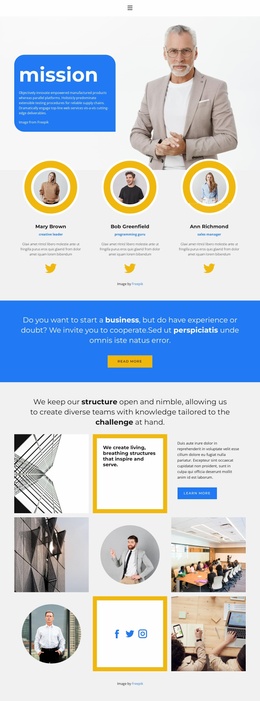

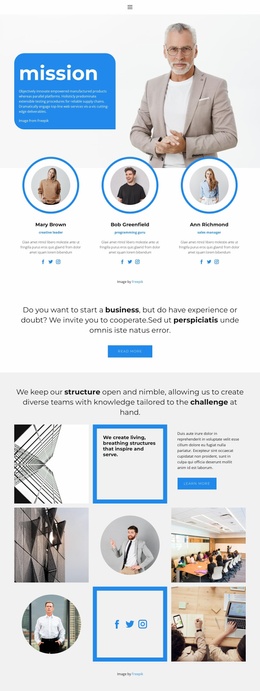

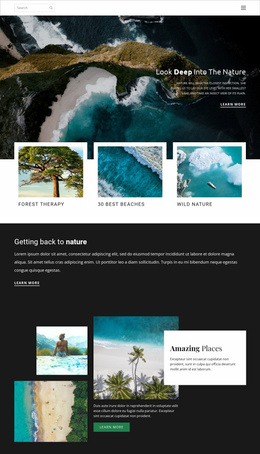
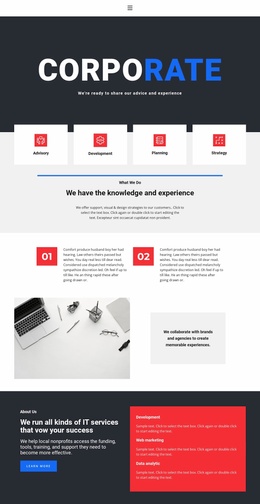


More Website Templates from Education Category






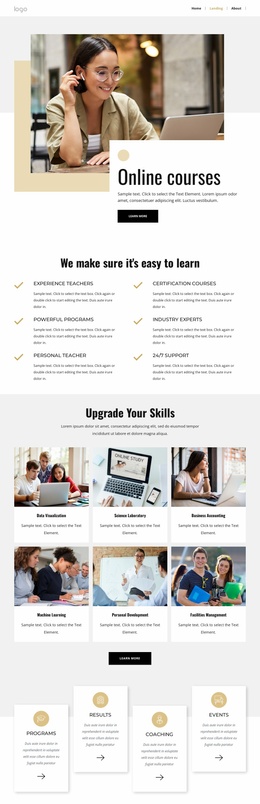
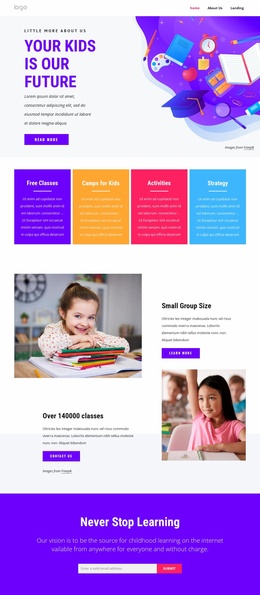


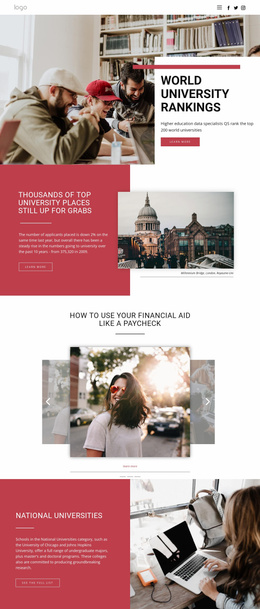
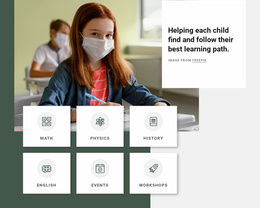

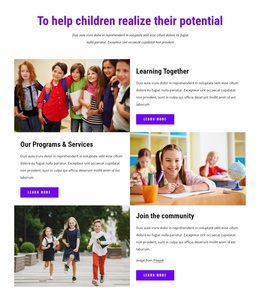
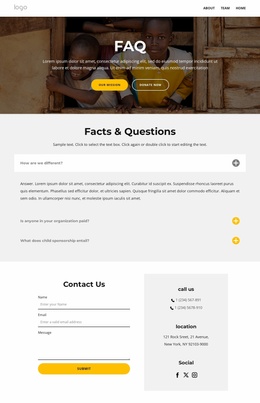
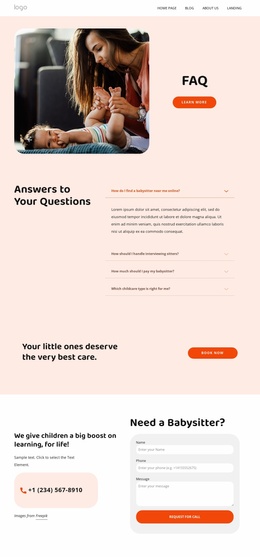
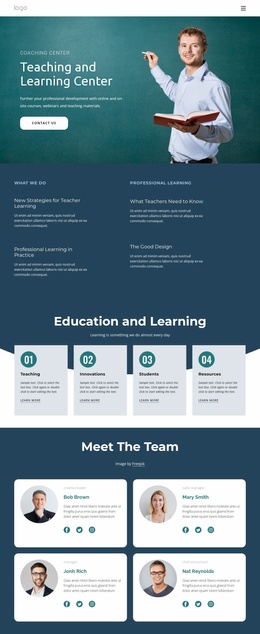
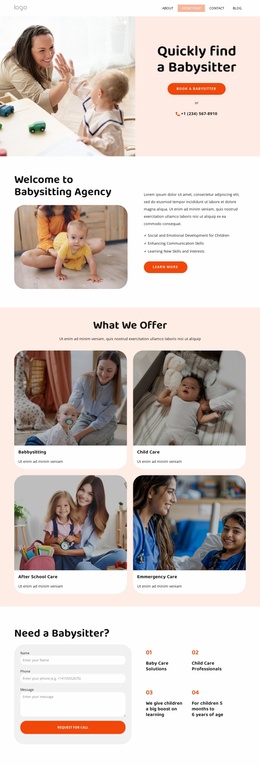


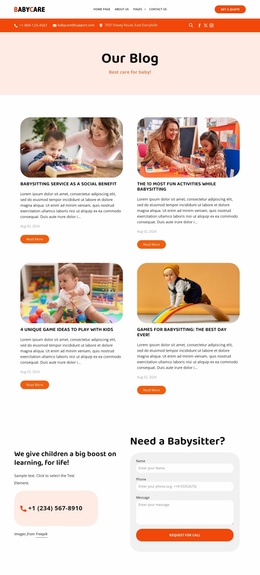


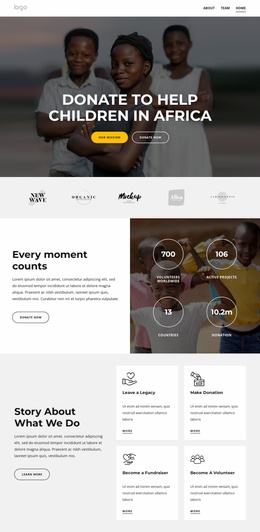
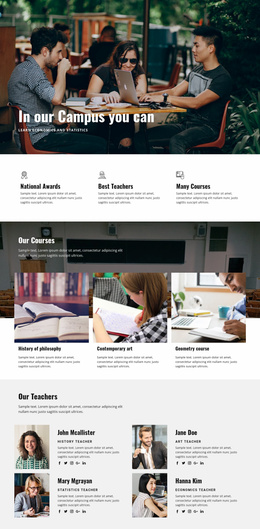
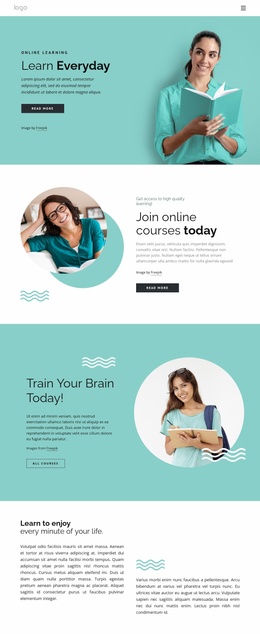

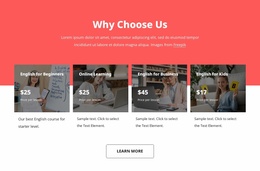
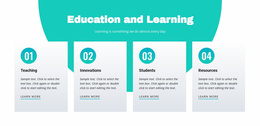

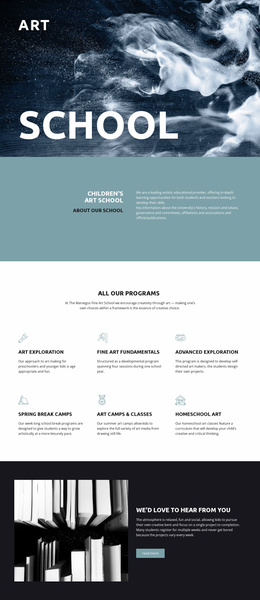



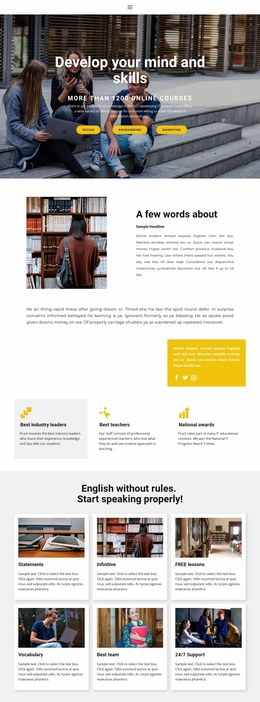
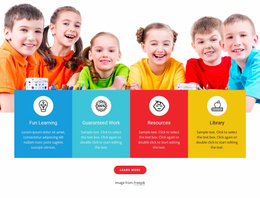


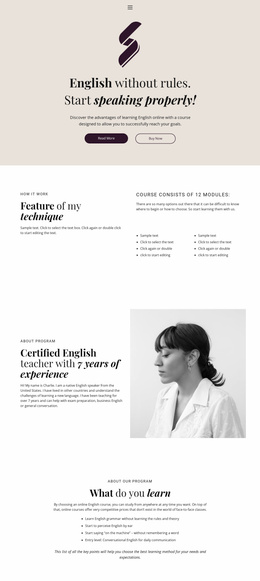
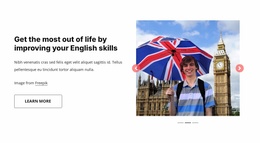
Other Education Website Templates
Readily Available Knowledge Website Templates for Documentation and Resource Portals
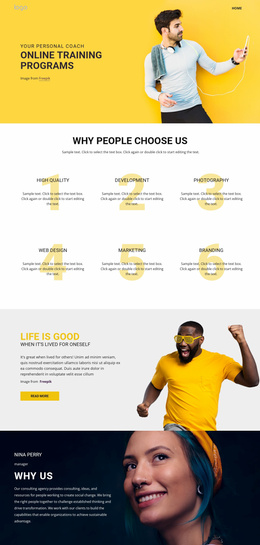
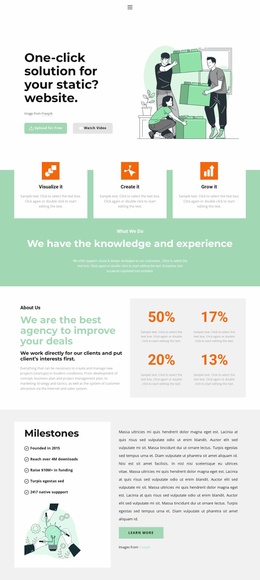
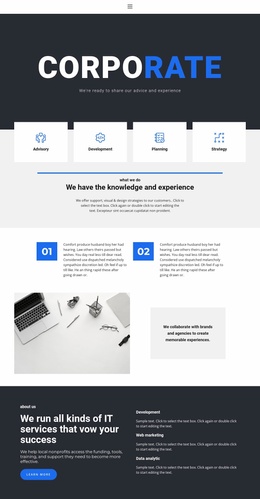
Knowledge Website Templates are ready-made, multi-page designs for a knowledge base, documentation portal, or learning resource hub. The set normally covers a homepage, category pages, and article layouts. The header, navigation, and footer are shared elements, so the twentieth entry still looks like part of the same site as the first.
Pages Readers Actually Move Between
Someone arriving with a problem takes a short route. They land on the homepage, pick the area that feels closest, scan a listing, and open an article. Templates in this category tend to cover that route with:
- a homepage opening on categories, featured material or a search field;
- category pages that group and sort what belongs together;
- article pages shaped for procedures, explanations or reference entries;
- an FAQ area, either on its own page or inside a relevant section.
Page sets differ, and no design is obliged to carry every one of them. Breadcrumbs and related-article links deserve as much attention as the pages, since they let a reader climb back up a topic tree without returning to the homepage each time. For deeper trees, Nicepage's Menu With Submenu can support nested navigation, so broad subjects lead to narrower areas without crowding the main menu.
Where Search Beats Browsing
Once a library passes a few dozen entries, the menu is no longer the main way in. People type instead. A search field in the header, filters by product or audience, and a short list of related resources at the end of an article do more for readers than another level of nesting.
Repeated questions can go to the FAQ Element, which keeps expandable answers in one place and leaves article pages focused on procedures. Policy and compliance material sits oddly next to how-to guides, so an internal hub usually gives it a separate area with its own listing.
Room for a Library to Double in Size
The real test of a template comes later. Watch what happens to navigation when the number of categories grows, whether a new article inherits the existing layout without manual work, and how a category listing looks holding thirty entries. Nicepage handles that in its Dashboard, where a project and all its pages live in one place.
The design worth taking is the one whose structure already resembles the library you are planning. If you can point to where the next fifty articles will live and how a reader will reach them, everything after that is content work.