
Typing Website Templates
Typing tutors and learning platforms often need separate spaces for lessons, exercises, course details, and student resources. These website templates provide a connected page structure so the whole learning experience can grow beyond one screen.







More Website Templates from Education Category

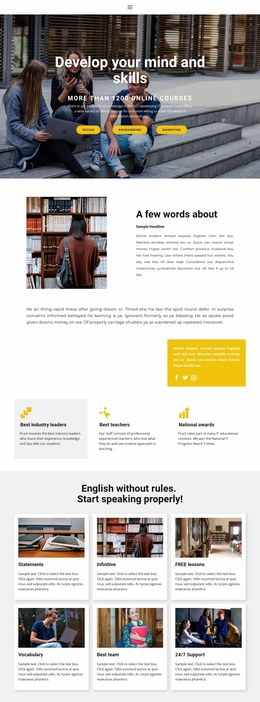
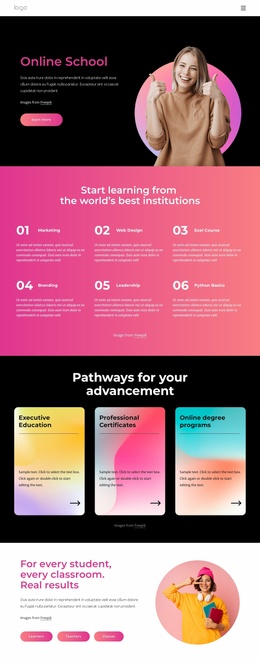
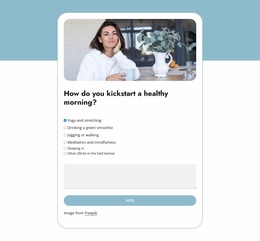
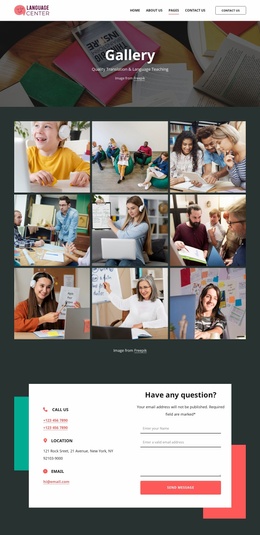








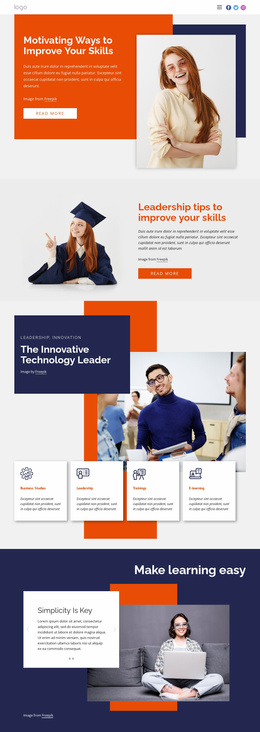
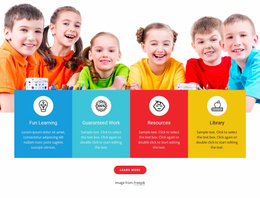

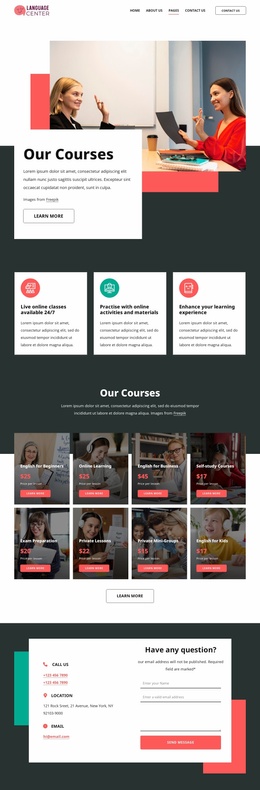
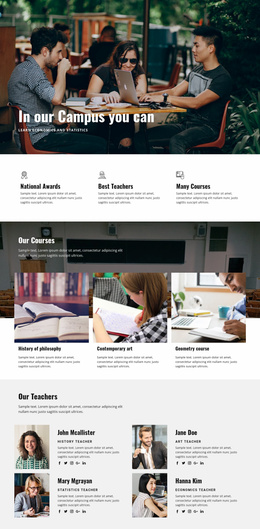
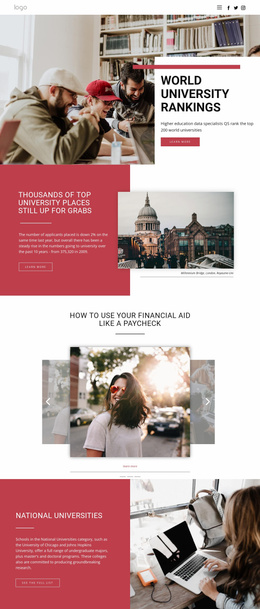
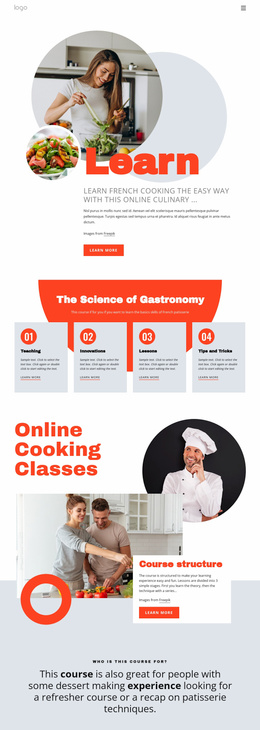


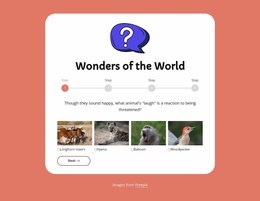
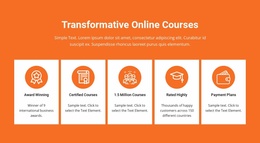
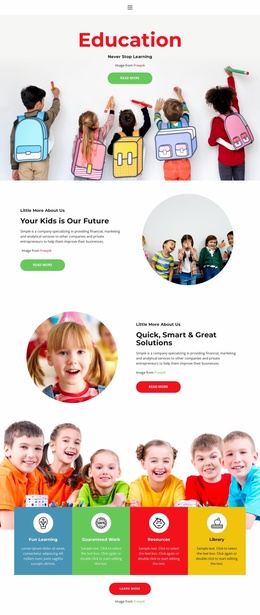
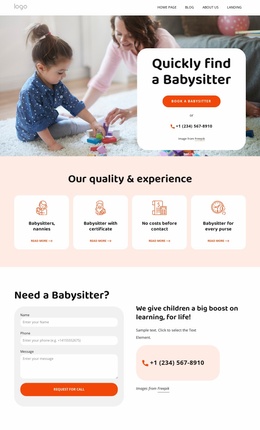




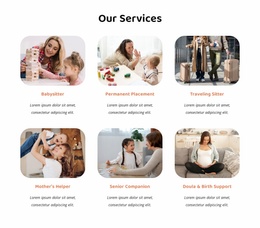
Other Education Website Templates
Functional Typing Website Templates for Complete Learning Sites
A typing school rarely fits on one screen. Lessons, course information, and teacher resources each need their own place, and a single scrolling front page buries all three. Typing website templates give you a ready multi-page design to start from, with the destinations already drawn and connected. You pick a look you like, move your own material into the existing structure, and publish.
Plan Destinations for Each Learner Journey
Before comparing designs, follow the people who will use the site. A newcomer arrives with a vague wish to type faster and reads the program description. A returning student goes straight to the drills. A parent looks for the curriculum and price, while a teacher wants supporting materials.
A template earns its keep when those routes already exist as separate destinations:
- a homepage that says who the program is for and where to start;
- lesson pages grouped by level, with the practice sections they lead into;
- course and pricing information kept clear of the learning flow;
- a resource area for teachers, parents, and anyone hunting for reference material.
Progress and score history belong on that map as well, and the question is whether the demo offers them a sensible destination.
Link Lessons, Resources, and Enrollment Together
Destinations only work when the routes between them are obvious. A menu should survive a program that runs three levels deep, so a visitor gets from an overview to a level and into practice without backing out. Inner links carry the same weight. A lesson points to its drill, a course description points to enrollment, and a resource points back to the lesson it supports.
Theme Settings keep typography, colors, and shared elements consistent across those screens, so the teacher library looks like the same school as the homepage. Nicepage's Pages Panel documentation shows how to open and manage pages within a single project.
On a phone, test the menu. A parent checking prices from a bus should reach the course details in a couple of taps.
Judge the Whole Site Map
Do not decide from the homepage. Open the inner screens and count how many distinct types are actually there, because one lesson design repeated four times is a thinner offer than the preview suggests. Leave room to expand, too, since a second program or a teacher library should be able to claim its own place without turning the homepage into a catalog of everything. The template worth taking is the one that already connects discovery and instruction with practice, and leaves enrollment a clear route of its own.