Effective learning WordPress Theme


Stable Course Content Within a WordPress Page
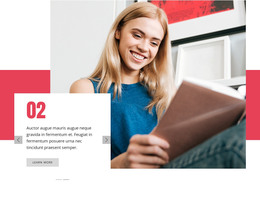
The heading and staged lesson description make this block well suited to stable page content in a WordPress-managed site. “Effective Learning” introduces the subject directly, while the paragraph explains that lessons progress through theory, technique, and a further stage. The visible truncation should be resolved when the section is adapted for publication, but the underlying content pattern remains clear: a concise explanation followed by a “learn more” action that can lead visitors toward related course information.
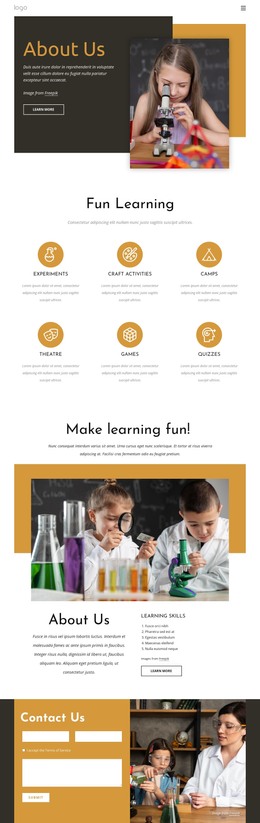
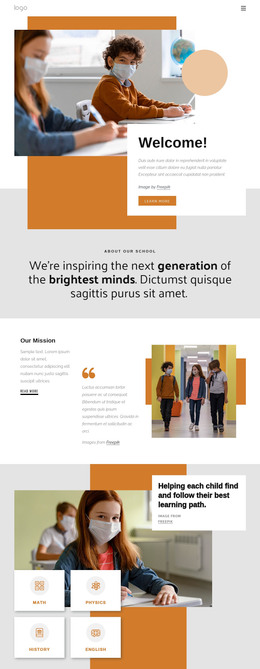
The visual arrangement supports that content role without relying on a complex interaction. A circular portrait sits to the left inside a cyan backdrop and red-orange ring, and the image overlaps with a white text card containing the explanatory material. Three geometric accents extend the layered composition, while the light gray background and horizontal white band preserve contrast between the image treatment and the card. Red-orange heading and button styling ties the visual emphasis to the action.
For WordPress page content, this section can provide a consistent course-introduction area that remains visually separate from frequently changing editorial material. The wider project may place other blocks around it for detailed lessons, instructor information, or inquiries. Nicepage’s WordPress workflow can provide the surrounding page context, while this block retains its focused portrait, explanation, attribution, and response structure.
Customize with Nicepage
Open this ready-made template in the WordPress Website Builder and customize it visually in the Nicepage editor. Replace demo content, edit page sections, and adapt the design to your project without rebuilding the template from scratch.
Edit Template Offline
2. Create a new page or select existing
3. Click Add new block, search for id 154865 and click enter
Edit Template Online
Create Awesome Websites


Free Nicepage Builder
Keywords
Manage and Edit This Theme in WordPress
Customize and Install the WordPress Theme
Start with this ready-made theme instead of building the WordPress design from scratch. Customize its layout, content, typography, images, sections, and other design elements visually in Nicepage editor, then export and install the WordPress Theme, Plugin, and Pages on your WordPress site. The Nicepage WordPress Plugin lets you continue working with the site after installation.
Edit the Theme Directly in WordPress
After installation, you can edit the WordPress Theme directly in WordPress with the Nicepage WordPress Plugin. Use Site Style to customize site Colors, Fonts, Header, Footer, Blog, and Post Page Templates while working within your WordPress website.
Edit WordPress Pages Visually
Use the Nicepage WordPress Plugin to edit page content directly from the WordPress admin area. Open a WordPress Page with Nicepage and visually change its text, images, sections, and other page elements while continuing to manage the Page through WordPress.
WordPress Content and Theme Integration
Use the customized theme with WordPress Pages, Posts, Blog and Post Templates, menus, widgets, and other CMS-managed content. Shared theme elements such as Colors, Fonts, Header, Footer, Blog, and Post Page Templates can be managed as part of the overall site design, while WordPress provides the CMS environment for managing site content.
This workflow combines a ready-made WordPress Theme with visual customization, direct theme editing in WordPress, and continued content management through the Nicepage WordPress Plugin.