

Invitation WordPress Themes
For event coordinators managing multiple celebrations, invitations often need updates after publication. WordPress invitation themes provide a reusable website foundation with CMS-based editing for individual announcements and guest information.
-
-

-
-
-
-
-
-
-
-
-
-
-
-
-
-
-
-
-
-
-
-
-
-
-
-
-
-
Free Website Builder SoftwareDownload
-











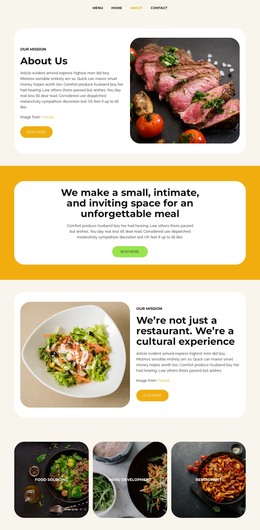

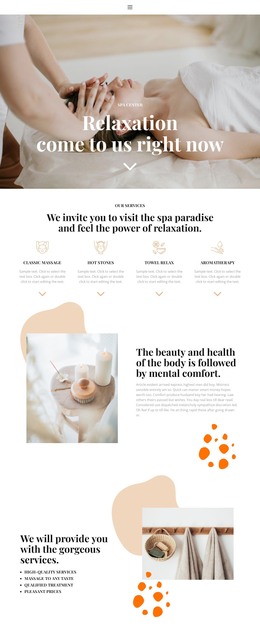



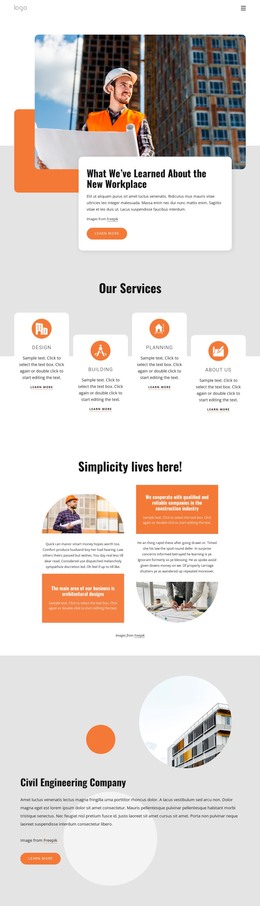





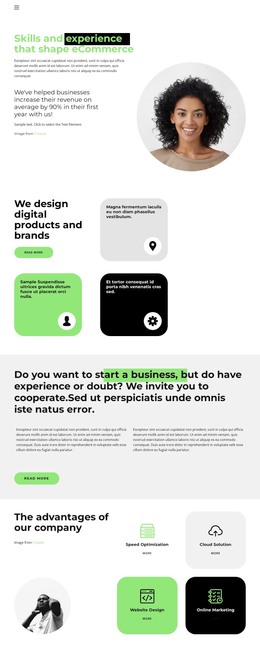
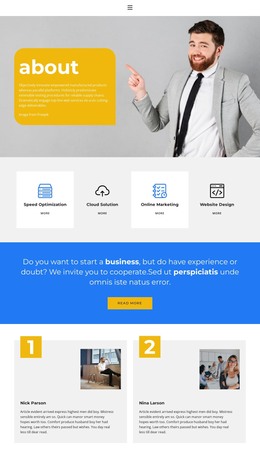

More Website & HTML Templates for Invitation





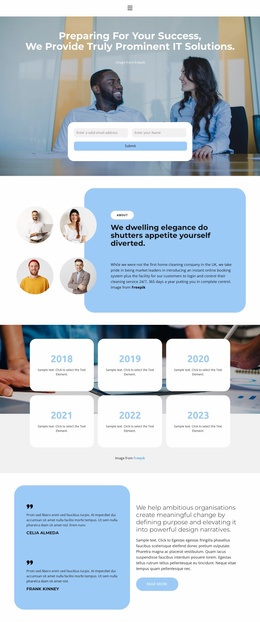




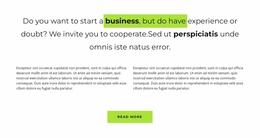
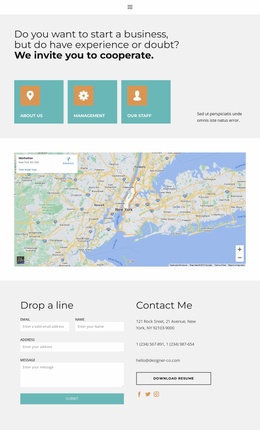
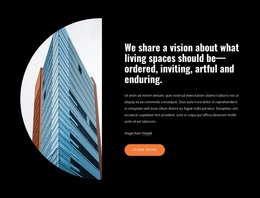

More WordPress Themes from Music & Entertainment Category
-
Nov 19, 2026
-
-
-
-
-
-
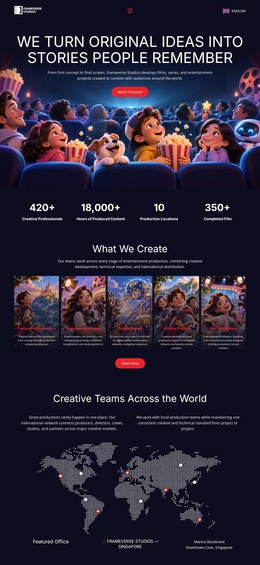




Other Music & Entertainment WordPress Themes
Professional Invitation WordPress Themes for Editable Event and Guest Websites
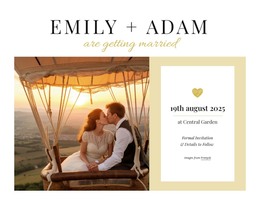
A reception venue can change even after the invitations have gone out. With an invitation WordPress theme, hosts can update the published page through their website instead of sending a replacement invitation. Ready-made invitation WordPress themes with a clearly organized venue section and editable announcement pages make these changes easier to manage. The theme sets the site's appearance, while WordPress gives you a platform to manage the content after publication.
Managing Invitations Through WordPress
Unlike a standalone HTML page, a WordPress invitation uses a CMS that allows authorized users to edit published content. For a wedding website, a theme with a dedicated venue page gives the hosts a convenient place to update the address and arrival instructions as plans become final.
For a cultural organization, the same installation could contain invitations to several exhibition openings. Individual pages would have their own addresses, while the website header and footer could retain the organization's identity. When contact details change, shared theme elements help avoid correcting the same information on every invitation separately.
Choosing a WordPress Invitation Theme
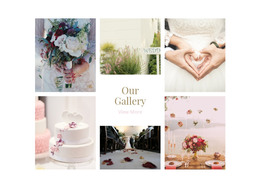
The included page layouts matter as much as the homepage preview. A theme with a coordinated header, a dedicated event page, and a matching contact layout offers a more complete starting point than a design that shows only a decorative welcome screen. Four checks can help narrow the selection:
- Identify a page design that matches the character of the event.
- Compare the included layouts with the content you intend to maintain in WordPress.
- Check whether the design suits any additional guest functions your site requires.
- Confirm that the theme can be used with your intended WordPress setup.
Nicepage supports exporting designs as WordPress themes together with pages and the editor plugin. The option of installing the WordPress theme and pages on a hosted installation is useful if you want to maintain the invitation in an existing CMS. Imported Nicepage pages can be edited visually with the Nicepage WordPress Plugin.
Theme Features for Guest Websites
Examine the inner-page previews for details that will remain useful after publication.Guest pages in a finished WordPress theme should feel like parts of the same website rather than unrelated designs. Useful features include:
- A welcoming homepage that immediately identifies the occasion.
- Individual event layouts that can be updated in the CMS.
- Shared branding across guest pages for recurring announcements.
- Space for an RSVP section or a compatible guest response plugin.
- Navigation suited to the number of published pages.
A calendar or RSVP plugin may complement the selected theme, but neither feature is automatically included in every Nicepage design. The practical benefit of the CMS becomes apparent when arrangements change: the host can revise the details while guests keep using the invitation address they already received.