Our business mission WordPress Theme



Edit Template Offline
2. Create new page and search for id 5247541
Edit Template Online
Create Awesome Websites


Free Nicepage Builder
Keywords
Company content areas suited to a WordPress-managed theme
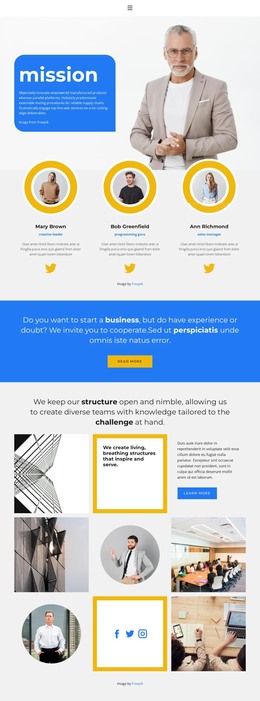
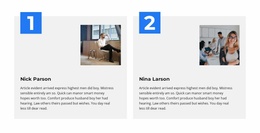
The mission panel and portrait provide clear permanent page content for explaining the consulting company, while the three team profiles create a separate people-oriented area. Their placement after the introduction makes the company’s human presence part of the main page narrative. The collage section then adds a visual explanation of open, nimble structure and teams tailored to the challenge, giving the page content more depth than a simple service summary.
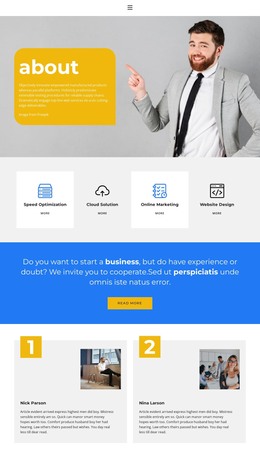
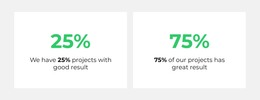
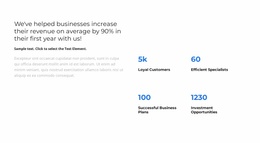
Other sections can be understood as distinct content groups within the same theme direction. The two testimonial entries offer client-oriented statements, the three percentage figures form a separate metrics presentation, and the capability block identifies Content Optimization, Branding Strategy, and advertising support. The client logo row adds another recognizable grouping. These are verified areas of this design; they should not be treated as existing WordPress Posts, categories, or other CMS structures unless the project later creates them.
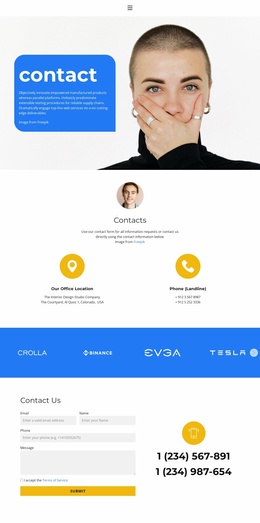
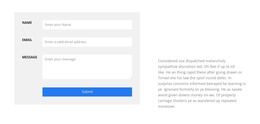
The closing thank-you panel and Contact Us section complete the page-oriented content sequence. The contact form and two phone numbers give visitors a direct route to the company after reviewing its mission, people, capabilities, and proof. In a WordPress project, this arrangement can serve as a visually coordinated company page while additional editorial or business content is added separately through the CMS. The theme’s value lies in keeping those areas visually connected rather than in assuming a prebuilt content model.
Customize with Nicepage
Open this ready-made template in the WordPress Website Builder and customize it visually in the Nicepage editor. Replace demo content, edit page sections, and adapt the design to your project without rebuilding the template from scratch.
Manage and Edit This Theme in WordPress
Customize and Install the WordPress Theme
Start with this ready-made theme instead of building the WordPress design from scratch. Customize its layout, content, typography, images, sections, and other design elements visually in Nicepage editor, then export and install the WordPress Theme, Plugin, and Pages on your WordPress site. The Nicepage WordPress Plugin lets you continue working with the site after installation.
Edit the Theme Directly in WordPress
After installation, you can edit the WordPress Theme directly in WordPress with the Nicepage WordPress Plugin. Use Site Style to customize site Colors, Fonts, Header, Footer, Blog, and Post Page Templates while working within your WordPress website.
Edit WordPress Pages Visually
Use the Nicepage WordPress Plugin to edit page content directly from the WordPress admin area. Open a WordPress Page with Nicepage and visually change its text, images, sections, and other page elements while continuing to manage the Page through WordPress.
WordPress Content and Theme Integration
Use the customized theme with WordPress Pages, Posts, Blog and Post Templates, menus, widgets, and other CMS-managed content. Shared theme elements such as Colors, Fonts, Header, Footer, Blog, and Post Page Templates can be managed as part of the overall site design, while WordPress provides the CMS environment for managing site content.
This workflow combines a ready-made WordPress Theme with visual customization, direct theme editing in WordPress, and continued content management through the Nicepage WordPress Plugin.