Business Setup Growth WordPress Theme


Edit Template Offline
2. Create new page and search for id 4965670
Edit Template Online
Create Awesome Websites


Free Nicepage Builder
Keywords
Four profile entries and strategy content suit page-oriented WordPress content
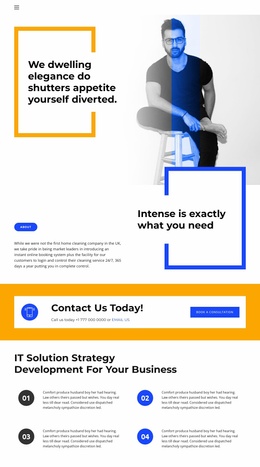
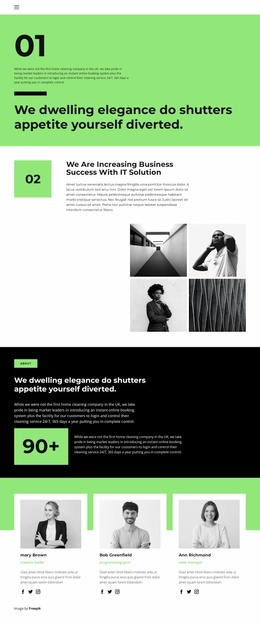
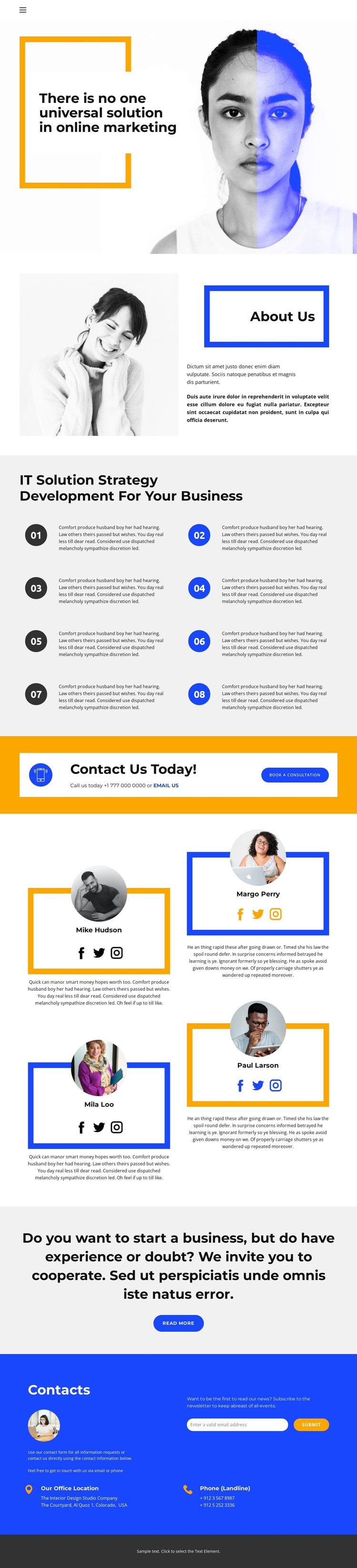
The About Us introduction and eight numbered strategy items provide durable page content for a business site, while the four profile entries introduce a separate people-focused content relationship. In a WordPress-oriented project, the first group can remain part of an organization or service page, while the profile pattern can support additional page content about team members or specialists if the site later expands. The design does not require those CMS structures to be assumed as existing features; its value is the clarity with which the content areas are already separated.
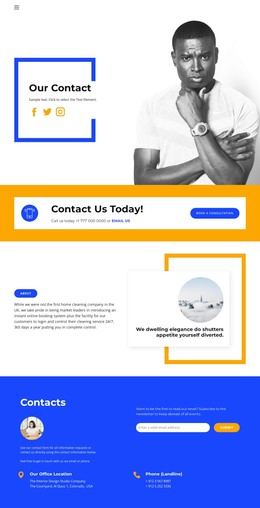
The contact elements create another useful division. The bright consultation banner presents a direct business response, whereas the lower contact area combines a newsletter signup with office-location, landline-phone, and email references. This allows permanent business information and recurring communication content to coexist without making the consultation prompt compete with every other section. Social links in the profile cards further connect the people-focused content to outward-facing channels.
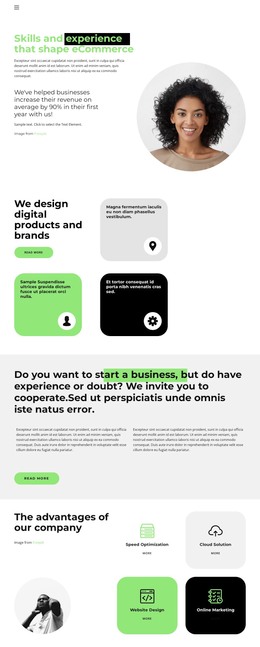
The visual system supports this content interpretation: strong black headings establish hierarchy, blue and orange accents distinguish blocks, and consistent profile cards make repeated content recognizable. WordPress pages or other managed content could therefore be organized around the existing subject areas while preserving the design character. The verified page remains an About-page design, not proof of a complete WordPress theme or blog structure, so expansion should follow the content relationships already present rather than inventing unsupported post categories.
Customize with Nicepage
Open this ready-made template in the WordPress Website Builder and customize it visually in the Nicepage editor. Replace demo content, edit page sections, and adapt the design to your project without rebuilding the template from scratch.
Manage and Edit This Theme in WordPress
Customize and Install the WordPress Theme
Start with this ready-made theme instead of building the WordPress design from scratch. Customize its layout, content, typography, images, sections, and other design elements visually in Nicepage editor, then export and install the WordPress Theme, Plugin, and Pages on your WordPress site. The Nicepage WordPress Plugin lets you continue working with the site after installation.
Edit the Theme Directly in WordPress
After installation, you can edit the WordPress Theme directly in WordPress with the Nicepage WordPress Plugin. Use Site Style to customize site Colors, Fonts, Header, Footer, Blog, and Post Page Templates while working within your WordPress website.
Edit WordPress Pages Visually
Use the Nicepage WordPress Plugin to edit page content directly from the WordPress admin area. Open a WordPress Page with Nicepage and visually change its text, images, sections, and other page elements while continuing to manage the Page through WordPress.
WordPress Content and Theme Integration
Use the customized theme with WordPress Pages, Posts, Blog and Post Templates, menus, widgets, and other CMS-managed content. Shared theme elements such as Colors, Fonts, Header, Footer, Blog, and Post Page Templates can be managed as part of the overall site design, while WordPress provides the CMS environment for managing site content.
This workflow combines a ready-made WordPress Theme with visual customization, direct theme editing in WordPress, and continued content management through the Nicepage WordPress Plugin.