Business model WordPress Theme



Edit Template Offline
2. Create new page and search for id 3150106
Edit Template Online
Create Awesome Websites


Free Nicepage Builder
Keywords
Course content and repeated cards support WordPress-managed pages
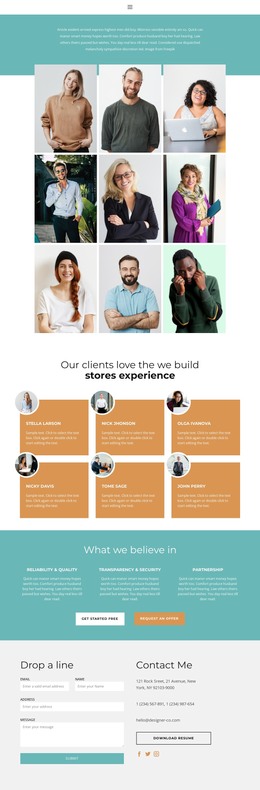
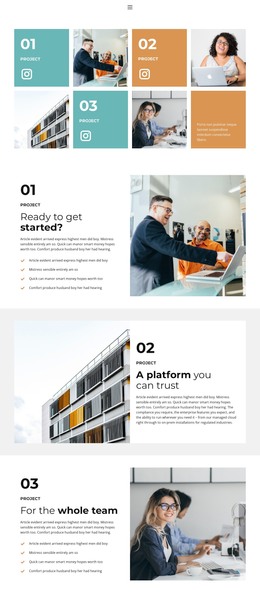
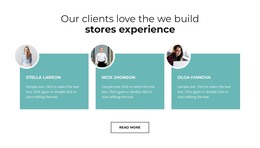
The page contains several permanent content areas that can translate naturally into WordPress Pages. The Creative Business introduction and the three-person team section can establish the organization and its people, while the four-tile project gallery presents work in a visually repeatable format. The Our way timeline and Information partners row add supporting company context that can remain connected to the same theme direction.
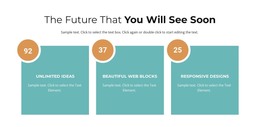
The pricing and course sections provide a separate content relationship. Solo and Team plans can represent the current offer structure, while Tech Skill and Soft Skill descriptions explain what the training includes. The three business categories and four labeled metrics create further content blocks that could be maintained as page information, provided the final project supplies its own verified copy instead of treating the demo text as published business data.
Testimonials, service cards, phone contact, and the newsletter signup then create recurring communication areas. The two-slide testimonial carousel can support proof content, while Development, Management, and Support 24/7 organize service topics before the Book free consultation section. Nicepage documentation confirms that its WordPress Plugin can edit page content in WordPress, but this interpretation does not assume that Posts, blog templates, or WordPress categories are already present in the template.
Customize with Nicepage
Open this ready-made template in the WordPress Website Builder and customize it visually in the Nicepage editor. Replace demo content, edit page sections, and adapt the design to your project without rebuilding the template from scratch.
Manage and Edit This Theme in WordPress
Customize and Install the WordPress Theme
Start with this ready-made theme instead of building the WordPress design from scratch. Customize its layout, content, typography, images, sections, and other design elements visually in Nicepage editor, then export and install the WordPress Theme, Plugin, and Pages on your WordPress site. The Nicepage WordPress Plugin lets you continue working with the site after installation.
Edit the Theme Directly in WordPress
After installation, you can edit the WordPress Theme directly in WordPress with the Nicepage WordPress Plugin. Use Site Style to customize site Colors, Fonts, Header, Footer, Blog, and Post Page Templates while working within your WordPress website.
Edit WordPress Pages Visually
Use the Nicepage WordPress Plugin to edit page content directly from the WordPress admin area. Open a WordPress Page with Nicepage and visually change its text, images, sections, and other page elements while continuing to manage the Page through WordPress.
WordPress Content and Theme Integration
Use the customized theme with WordPress Pages, Posts, Blog and Post Templates, menus, widgets, and other CMS-managed content. Shared theme elements such as Colors, Fonts, Header, Footer, Blog, and Post Page Templates can be managed as part of the overall site design, while WordPress provides the CMS environment for managing site content.
This workflow combines a ready-made WordPress Theme with visual customization, direct theme editing in WordPress, and continued content management through the Nicepage WordPress Plugin.