
Magic WordPress Themes
Seasonal show schedules and theatrical press coverage make a magician's site a living archive, not a fixed brochure. WordPress post listings and consistent editorial styles help visitors distinguish fresh announcements from past appearances.












More WordPress Themes from Music & Entertainment Category
-

-
-
-
-
-
-
-
-
-
-
-
-
-
-
-
-
-
-
-
-
-
-
-
-
-
-
-
-
-
-
-
-
Free Website Builder SoftwareDownload
-
-
-
-
-
-
-




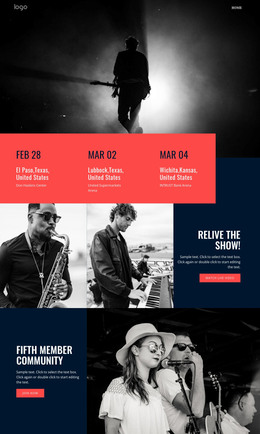
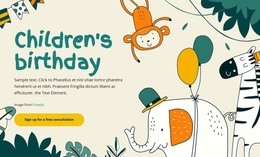
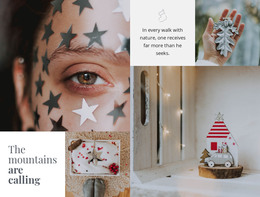


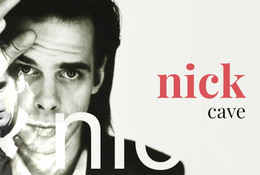


















Other Music & Entertainment WordPress Themes
Fully Editable Magic WordPress Themes for Creative Sites
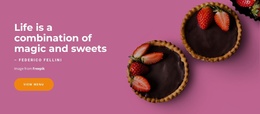
A magic WordPress theme gives a site its character, and WordPress handles the posts and pages that keep changing behind it. A cooking site built on The Magic of the Kitchen would add recipes much more often than it would rethink its look. Each new recipe appears with the same headings, colors, and fonts as the last. Other designs in the category lean toward nature- or creative-studio branding. The choice depends on the overall design and the page and post layouts. Customization and the fit with your content matter just as much.
Where the Theme Ends and Posts Begin
WordPress separates design and content, with the theme controlling how everything looks. Posts and pages hold the content, so that you can publish a new recipe without touching the layout. A magic theme's header and footer frame every screen, and the post layout shapes each new article. Nicepage themes need a self-hosted WordPress installation, since WordPress.com is not supported.
A typical Nicepage workflow looks like this:
- The theme is designed in the Nicepage desktop application and exported from there.
- You upload it to your WordPress installation and activate it.
- The Nicepage Editor Plugin then lets you edit Nicepage pages visually inside WordPress.
The plugin's Site Style settings cover colors and fonts, plus blog and post layouts. Structural changes go back to the desktop app, and Nicepage documents a way to update the theme there without replacing existing content.
Testing WordPress Layouts Against Real Material
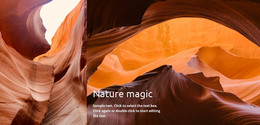
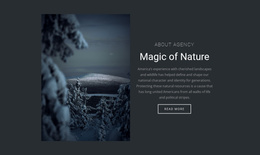
Neat sample posts can hide weak spots. Nature Magic might suit a hiking blog with long photo stories, whereas a cooking site cares how a recipe reads from top to bottom.
Before installing anything, go through the preview in this order:
- Compare the home page with a single post and see whether both feel like one site.
- Check how a post title as long as your wordiest one wraps on a narrow screen.
- Open the menu and the sidebar, if there is one, to see whether your categories fit.
- Look for layouts suited to what you will publish, whether recipes, project news, or plain pages.
Life After Launch Day
A theme proves itself months after launch. Categories, dates, and featured images should show up where readers need them. Dates help in a news section, but recipes are easier to browse by categories such as desserts or quick dinners. Nicepage's Blog Posts Element can show fresh posts on the home page with a title, an image, and a short excerpt. If the fiftieth recipe looks as polished as the first, the magic theme was the right call.