Mission-critical security Website Template


Edit Template Offline
2. Create new page and search for id 3150085
Edit Template Online
Create Awesome Websites


Free Nicepage Builder
Keywords
The Map, Category Cards, and Contact Section Establish a Site Foundation
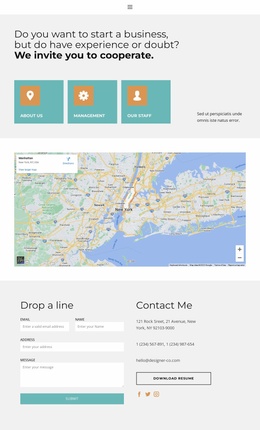
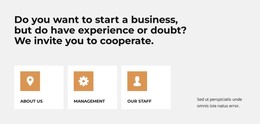
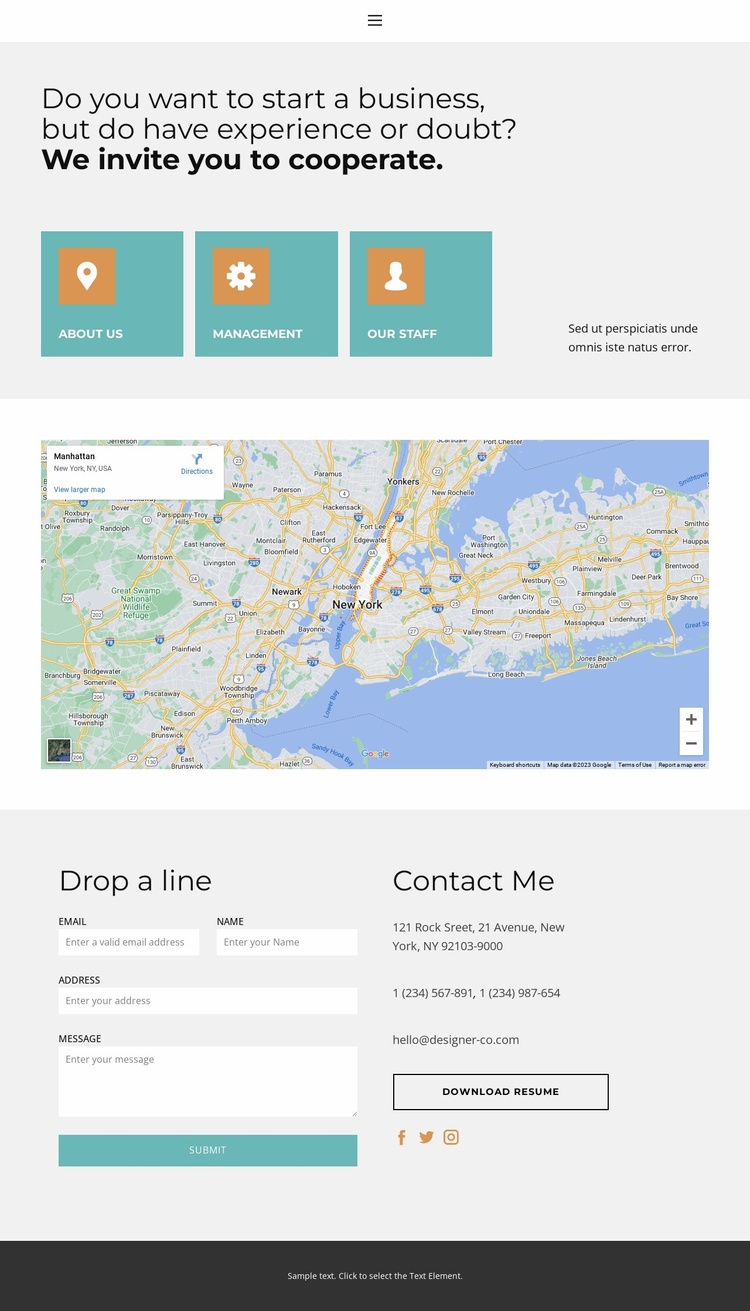
The page already defines several content areas that can anchor a broader website project. The opening navigation names Home, About, Contact, and Team, establishing a simple route between core areas. Beneath it, three evenly arranged cards for About Us, Management, and Our Staff introduce organizational topics that could support more detailed pages or expanded sections as the site grows. They give the design an information structure beyond the contact purpose of the current page.
The wide map creates a separate location-focused area, while the final two-column section concentrates the response details. A visitor can send a message on the left and review address, telephone, email, social links, or the Download resume action on the right. This combination gives a wider website project a practical contact foundation: informational categories explain the organization, the map adds context, and the closing region gathers several ways to continue the conversation.
The visual system supports that expansion without requiring a new design direction. Light gray backgrounds create a neutral base, muted teal and blue-green cards provide section-level emphasis, and the dark footer gives the page a defined ending. Additional pages could therefore follow the same restrained palette and spacious spacing while using the existing navigation and contact conventions as reference points. The template is most useful as a starting structure for a small business or professional site that needs clear organizational content alongside direct inquiry options.
Customize with Nicepage
Open this ready-made template in the Website Template Builder and customize it visually in the Nicepage editor. Replace demo content, edit page sections, and adapt the design to your project without rebuilding the template from scratch.
Build a Complete Website From This Template
Customize the Website Visually
Use this ready-made website template as a starting point for your project and adapt its pages visually in Nicepage. Change content, images, typography, navigation, sections, and other design elements while keeping the website together as a single editable project.
Manage Website Pages in One Project
Use the Pages panel to open, add, duplicate, and manage the pages of your website. Work on individual pages while keeping navigation and the overall site structure accessible from the same project, making it easier to develop a complete website instead of managing separate page files.
Expand the Website With Matching Designs
When you need additional pages or sections, use Page Design Sets to find Page and Block Designs created in the same visual style. Design Sets group matching designs together, making it easier to expand the website with new content while maintaining a consistent look across its pages and sections.
Organize Larger Multi-Page Websites
As the website grows, use Page Folders to organize related pages and keep larger multi-page projects easier to navigate in the editor. This is especially useful for websites with separate service pages, company information, contacts, landing pages, and other content areas.
This workflow makes the template a practical foundation for building and expanding a complete website while managing its pages, content, and visual design within one Nicepage project.