Get 10% off your order today WordPress Theme


A Promotional Page Section for WordPress Content
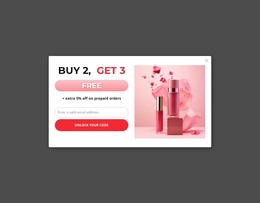
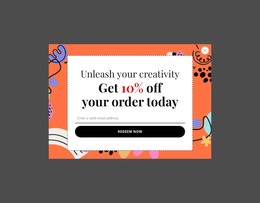
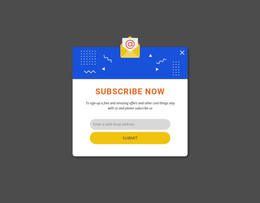
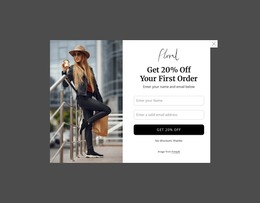
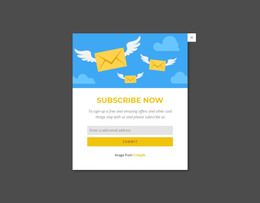
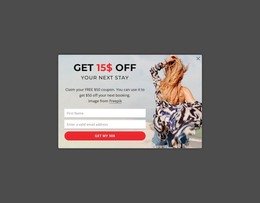
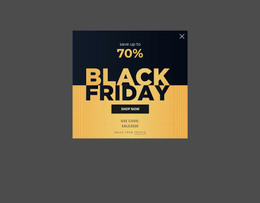
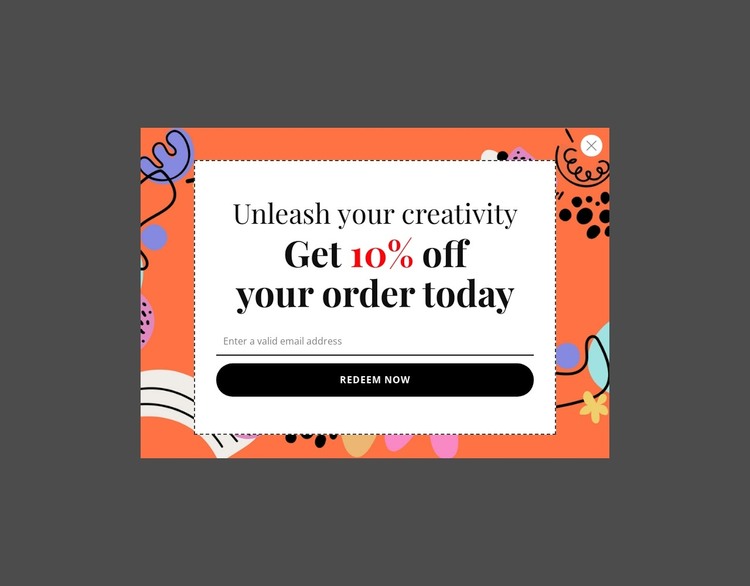
The heading, discount statement, email field, and “Redeem Now” button form a stable promotional content group that can sit within a WordPress-managed page. Unlike time-sensitive editorial material, this section reads as a focused offer area: it presents a reason to respond and provides the input and action needed to begin that response. The centered white card keeps the content visually contained, while the bright illustrated background gives the promotion a distinct presence among neighboring page sections.
For a WordPress-oriented website, the block can serve as reusable page content around product or order information maintained elsewhere in the project. The surrounding pages may explain the available products, provide purchasing details, or present related promotions, while this section concentrates on the email-based redemption moment. The close control is especially relevant when the block is used as a dismissible promotional area over existing content; it gives visitors a way to leave the offer without confusing it with the page’s primary structure.
The black serif typography, red discount accent, thin border, and rounded black button also provide a defined visual treatment for the content area. That treatment can remain consistent when the section is placed on a suitable page, while broader WordPress-managed content supplies the surrounding context. The block participates in the site’s page content; it is not the complete theme or website architecture.
Customize with Nicepage
Open this ready-made template in the WordPress Website Builder and customize it visually in the Nicepage editor. Replace demo content, edit page sections, and adapt the design to your project without rebuilding the template from scratch.
Edit Template Offline
2. Create a new page or select existing
3. Click Add new block, search for id 6545685 and click enter
Edit Template Online
Create Awesome Websites


Free Nicepage Builder
Keywords
Manage and Edit This Theme in WordPress
Customize and Install the WordPress Theme
Start with this ready-made theme instead of building the WordPress design from scratch. Customize its layout, content, typography, images, sections, and other design elements visually in Nicepage editor, then export and install the WordPress Theme, Plugin, and Pages on your WordPress site. The Nicepage WordPress Plugin lets you continue working with the site after installation.
Edit the Theme Directly in WordPress
After installation, you can edit the WordPress Theme directly in WordPress with the Nicepage WordPress Plugin. Use Site Style to customize site Colors, Fonts, Header, Footer, Blog, and Post Page Templates while working within your WordPress website.
Edit WordPress Pages Visually
Use the Nicepage WordPress Plugin to edit page content directly from the WordPress admin area. Open a WordPress Page with Nicepage and visually change its text, images, sections, and other page elements while continuing to manage the Page through WordPress.
WordPress Content and Theme Integration
Use the customized theme with WordPress Pages, Posts, Blog and Post Templates, menus, widgets, and other CMS-managed content. Shared theme elements such as Colors, Fonts, Header, Footer, Blog, and Post Page Templates can be managed as part of the overall site design, while WordPress provides the CMS environment for managing site content.
This workflow combines a ready-made WordPress Theme with visual customization, direct theme editing in WordPress, and continued content management through the Nicepage WordPress Plugin.