Design-led architecture practice WordPress Theme



Edit Template Offline
2. Create new page and search for id 5061468
Edit Template Online
Create Awesome Websites


Free Nicepage Builder
Keywords
Service Content and Repeated Cards Fit a Page-Based Theme Structure
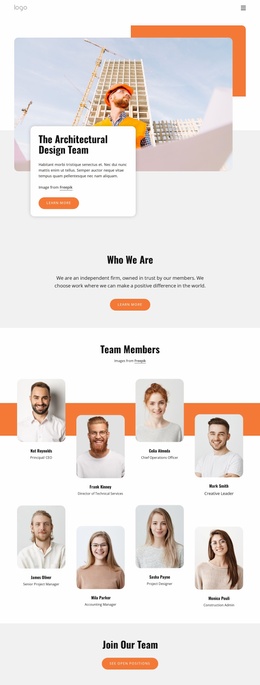
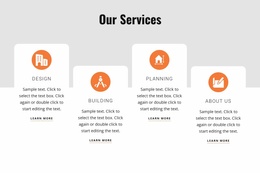
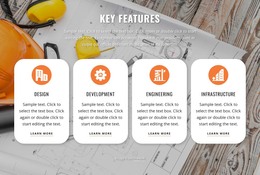
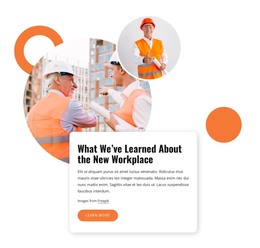
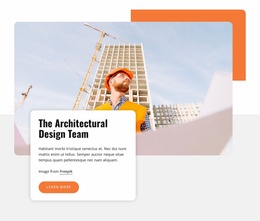
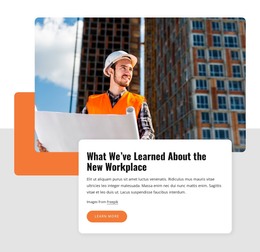
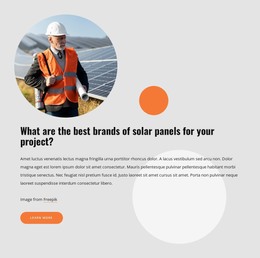
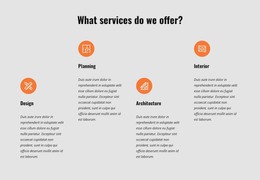
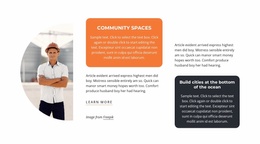
The four service cards give the design a natural set of permanent page-oriented content areas. Design, Building, Planning, and About Us are presented as separate repeated items, so a WordPress project could interpret them as stable information categories while retaining the same visual treatment. The opening workplace feature can similarly introduce the practice through an image, supporting copy, and a learn more action without changing the surrounding page character.
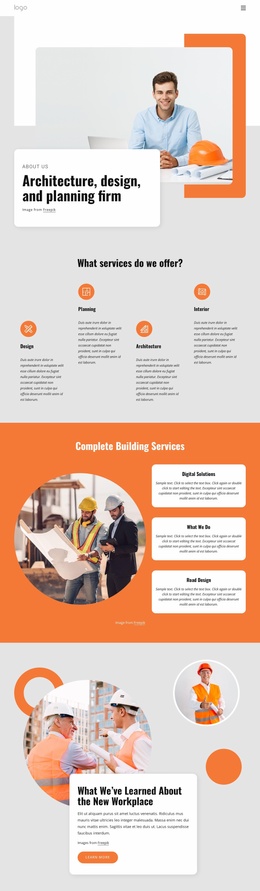
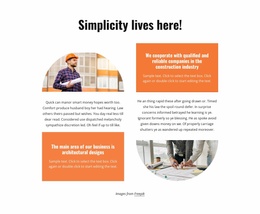
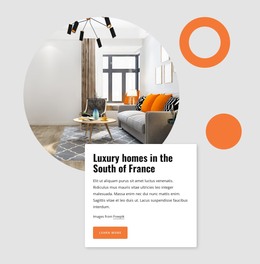
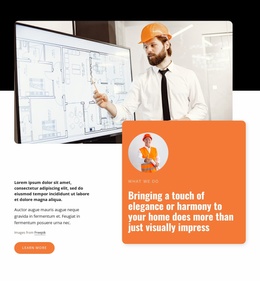
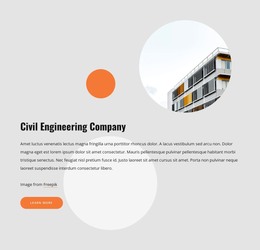
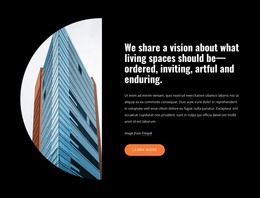
Other sections support different types of ongoing site content. The simplicity and living-space vision blocks provide editorial statements about the practice, while the civil engineering and What We Do areas organize broader service explanations around large images and layered panels. The testimonial-style section can hold supporting architectural commentary as structural content, but its visible sample wording should be replaced rather than treated as a verified customer statement. This distinction keeps the theme’s content areas factual and adaptable.
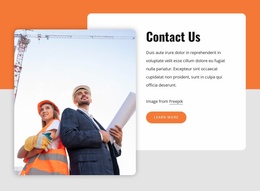
The Contact Us block supplies a clear permanent page area with a form, phone, location, and service-list subsections. Shared navigation and the dark footer provide continuity around those content regions. If the project later adds regularly updated articles or announcements, they would be additional WordPress-managed content rather than existing elements proven by this analysis. The theme’s main value is its combination of page content, repeated service presentation, visual feature areas, and contact information within one coherent architecture-focused direction.
Customize with Nicepage
Open this ready-made template in the WordPress Website Builder and customize it visually in the Nicepage editor. Replace demo content, edit page sections, and adapt the design to your project without rebuilding the template from scratch.
Manage and Edit This Theme in WordPress
Customize and Install the WordPress Theme
Start with this ready-made theme instead of building the WordPress design from scratch. Customize its layout, content, typography, images, sections, and other design elements visually in Nicepage editor, then export and install the WordPress Theme, Plugin, and Pages on your WordPress site. The Nicepage WordPress Plugin lets you continue working with the site after installation.
Edit the Theme Directly in WordPress
After installation, you can edit the WordPress Theme directly in WordPress with the Nicepage WordPress Plugin. Use Site Style to customize site Colors, Fonts, Header, Footer, Blog, and Post Page Templates while working within your WordPress website.
Edit WordPress Pages Visually
Use the Nicepage WordPress Plugin to edit page content directly from the WordPress admin area. Open a WordPress Page with Nicepage and visually change its text, images, sections, and other page elements while continuing to manage the Page through WordPress.
WordPress Content and Theme Integration
Use the customized theme with WordPress Pages, Posts, Blog and Post Templates, menus, widgets, and other CMS-managed content. Shared theme elements such as Colors, Fonts, Header, Footer, Blog, and Post Page Templates can be managed as part of the overall site design, while WordPress provides the CMS environment for managing site content.
This workflow combines a ready-made WordPress Theme with visual customization, direct theme editing in WordPress, and continued content management through the Nicepage WordPress Plugin.