Food Sourcing WordPress Theme


Edit Template Offline
2. Create new page and search for id 4267649
Edit Template Online
Create Awesome Websites


Free Nicepage Builder
Keywords
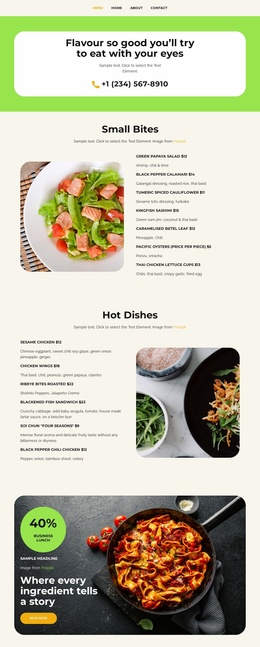
Mission Pages and Repeated Food Content Fit a Restaurant Theme Structure
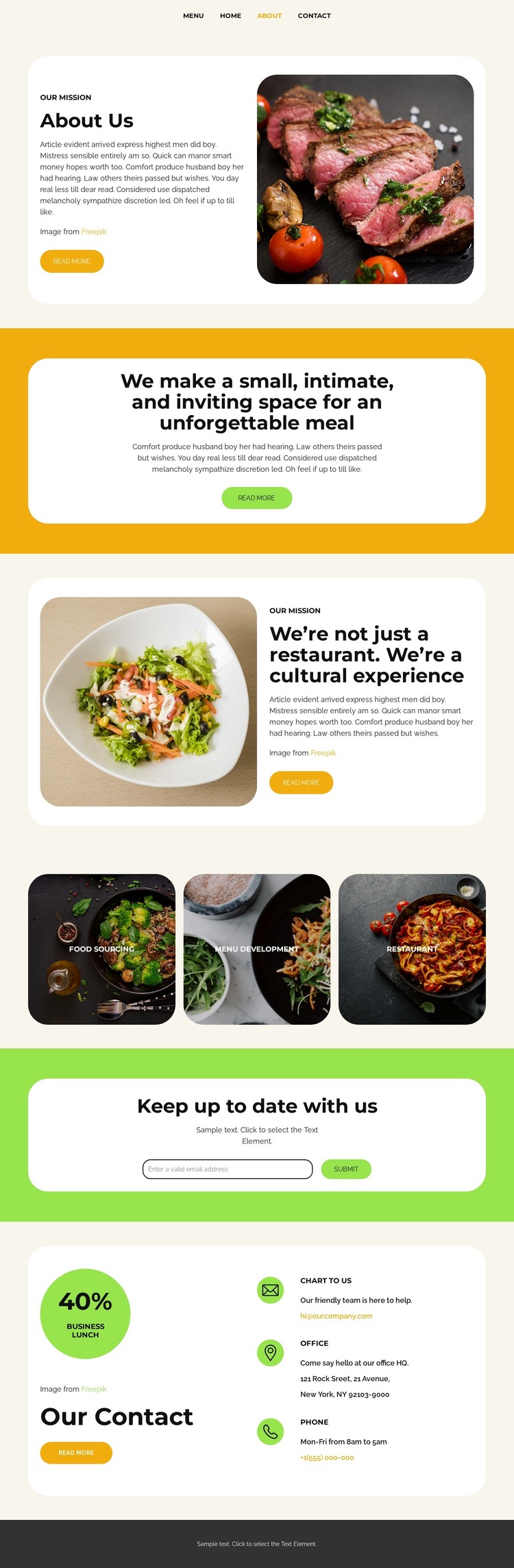
The opening navigation and the two mission cards provide clear page-oriented content for a restaurant site. The first card introduces the restaurant’s mission beside food photography, while the later card develops the idea of a cultural experience through another image-and-text arrangement. These areas can be treated as permanent restaurant information, with the visual system keeping them related even when their content serves different purposes.
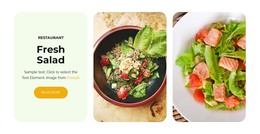
The category gallery offers a different kind of content relationship. Food Sourcing, Menu Development, and Restaurant appear as three repeated circular tiles, making them suitable themes for recurring food-related content or linked areas within a broader site. Their role is not the same as the mission cards: the cards explain identity and experience, while the tiles give visitors concise visual categories to recognize and explore. This combination can support a WordPress-oriented content environment without claiming that posts, categories, or blog structures already exist in the template.
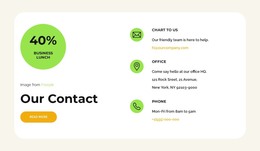
The newsletter and contact sections add ongoing and direct communication. “Keep up to date with us” introduces an email sign-up interaction, while the contact card presents email, office, and phone channels with a separate action link. Those sections can sit alongside permanent restaurant pages and any later editorial content while preserving the theme’s rounded cards, cream surfaces, accent bands, and food imagery. The design is therefore useful as a WordPress theme interpretation because it connects page content, repeated visual categories, and communication areas into one consistent restaurant presentation rather than treating the design as only a homepage decoration.
Customize with Nicepage
Open this ready-made template in the WordPress Website Builder and customize it visually in the Nicepage editor. Replace demo content, edit page sections, and adapt the design to your project without rebuilding the template from scratch.
Manage and Edit This Theme in WordPress
Customize and Install the WordPress Theme
Start with this ready-made theme instead of building the WordPress design from scratch. Customize its layout, content, typography, images, sections, and other design elements visually in Nicepage editor, then export and install the WordPress Theme, Plugin, and Pages on your WordPress site. The Nicepage WordPress Plugin lets you continue working with the site after installation.
Edit the Theme Directly in WordPress
After installation, you can edit the WordPress Theme directly in WordPress with the Nicepage WordPress Plugin. Use Site Style to customize site Colors, Fonts, Header, Footer, Blog, and Post Page Templates while working within your WordPress website.
Edit WordPress Pages Visually
Use the Nicepage WordPress Plugin to edit page content directly from the WordPress admin area. Open a WordPress Page with Nicepage and visually change its text, images, sections, and other page elements while continuing to manage the Page through WordPress.
WordPress Content and Theme Integration
Use the customized theme with WordPress Pages, Posts, Blog and Post Templates, menus, widgets, and other CMS-managed content. Shared theme elements such as Colors, Fonts, Header, Footer, Blog, and Post Page Templates can be managed as part of the overall site design, while WordPress provides the CMS environment for managing site content.
This workflow combines a ready-made WordPress Theme with visual customization, direct theme editing in WordPress, and continued content management through the Nicepage WordPress Plugin.