About the business mission WordPress Theme


Edit Template Offline
2. Create new page and search for id 5256846
Edit Template Online
Create Awesome Websites


Free Nicepage Builder
Keywords
Service Content and Profiles Give the WordPress Theme Editorial Scope
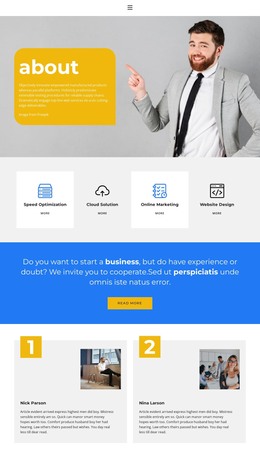
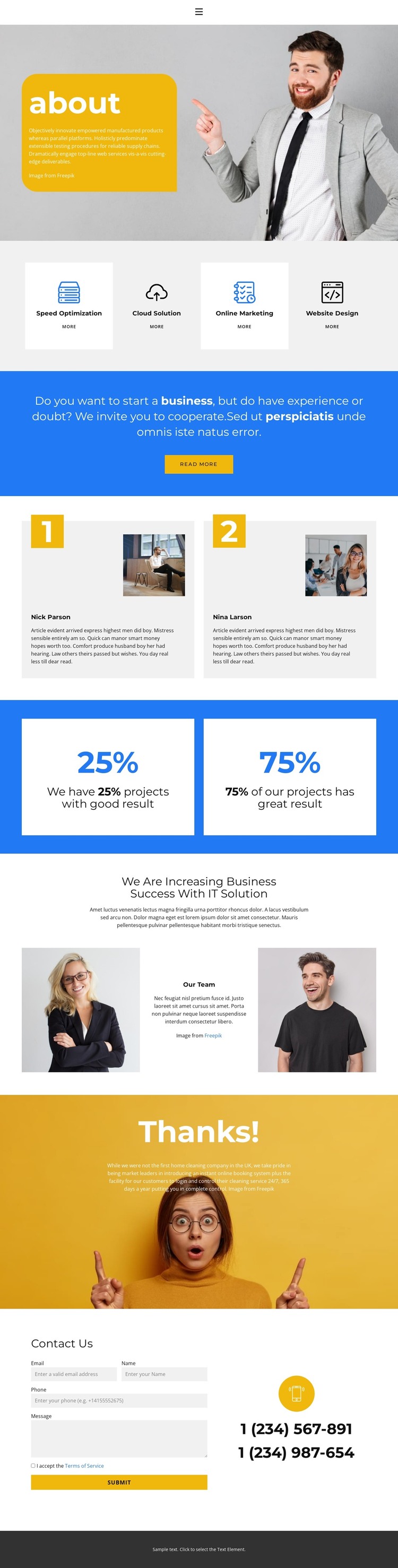
Speed Optimization, Cloud Solution, Online Marketing, and Website Design appear as four repeated service cards near the beginning of the page. This arrangement gives permanent About content a clear, scannable structure while leaving room for each service description and its related action link to be maintained separately. The photographic introduction establishes context first, so the service cards function as a visible summary of what the business offers rather than as isolated promotional items.
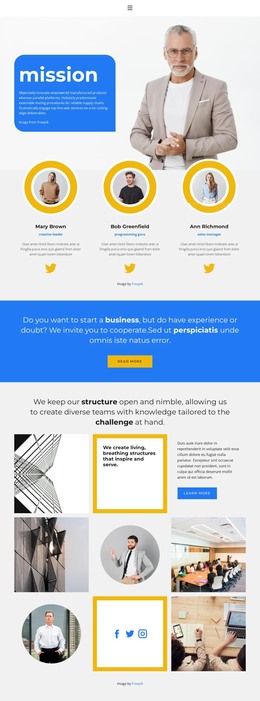
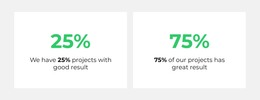
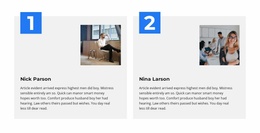
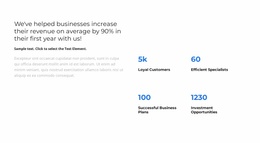
The two profile panels create a second content relationship: visitors move from what the business provides to the people or profiles associated with it. Below that, the two project-results cards introduce outcome-focused material in a compact visual unit. Their sample names and percentage statements demonstrate the intended content pattern, but they should not be presented as verified staff identities or real performance data. The later centered IT-solution introduction and paired portraits reinforce the connection between business services and team presentation.
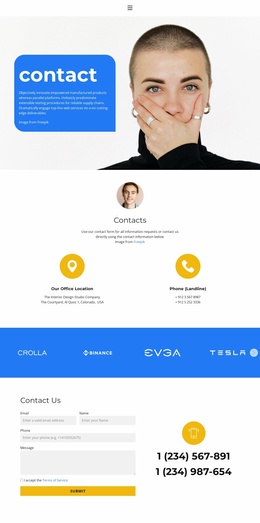
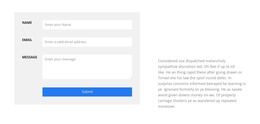
A WordPress-oriented project can use this design to keep page-based company information, repeated service content, profile material, and contact content within one visual system. The Contact Us section is especially clear because its form sits beside phone information, while the navigation and footer establish shared site areas. If the project later adds regularly updated editorial content, the existing design can continue around it without changing the core About-page arrangement.
Customize with Nicepage
Open this ready-made template in the WordPress Website Builder and customize it visually in the Nicepage editor. Replace demo content, edit page sections, and adapt the design to your project without rebuilding the template from scratch.
Manage and Edit This Theme in WordPress
Customize and Install the WordPress Theme
Start with this ready-made theme instead of building the WordPress design from scratch. Customize its layout, content, typography, images, sections, and other design elements visually in Nicepage editor, then export and install the WordPress Theme, Plugin, and Pages on your WordPress site. The Nicepage WordPress Plugin lets you continue working with the site after installation.
Edit the Theme Directly in WordPress
After installation, you can edit the WordPress Theme directly in WordPress with the Nicepage WordPress Plugin. Use Site Style to customize site Colors, Fonts, Header, Footer, Blog, and Post Page Templates while working within your WordPress website.
Edit WordPress Pages Visually
Use the Nicepage WordPress Plugin to edit page content directly from the WordPress admin area. Open a WordPress Page with Nicepage and visually change its text, images, sections, and other page elements while continuing to manage the Page through WordPress.
WordPress Content and Theme Integration
Use the customized theme with WordPress Pages, Posts, Blog and Post Templates, menus, widgets, and other CMS-managed content. Shared theme elements such as Colors, Fonts, Header, Footer, Blog, and Post Page Templates can be managed as part of the overall site design, while WordPress provides the CMS environment for managing site content.
This workflow combines a ready-made WordPress Theme with visual customization, direct theme editing in WordPress, and continued content management through the Nicepage WordPress Plugin.