
Farming CSS Templates
Farms often need to present crops, produce, services, seasonal updates, and strong field photography within one clear visual system. CSS-focused templates provide structured layouts and controlled styling for those varied agricultural sections.

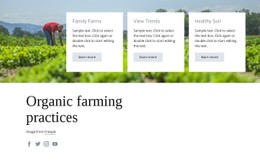
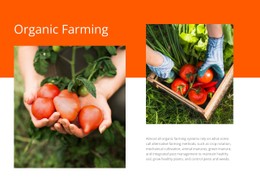
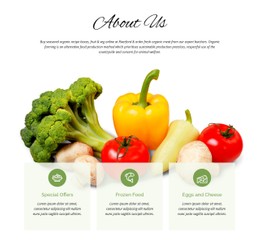
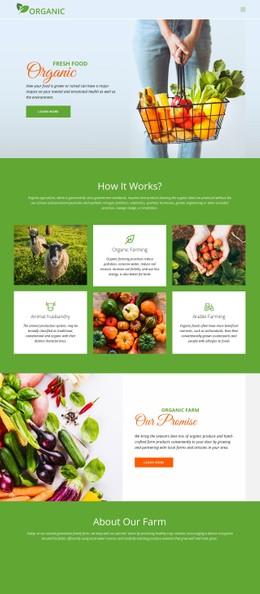



More CSS Templates from Food & Restaurant Category
-

-
-
-
-
-
-
-
-
-
-
-
-
-
-
Build Website with no CodingDownload
-
-
-
-
-
-





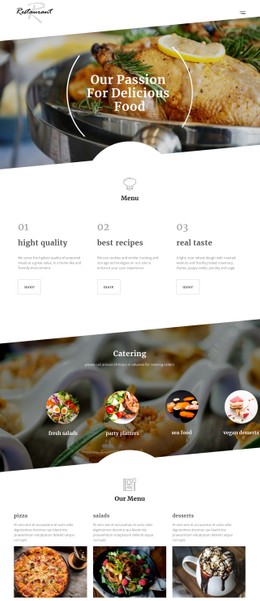
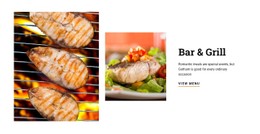
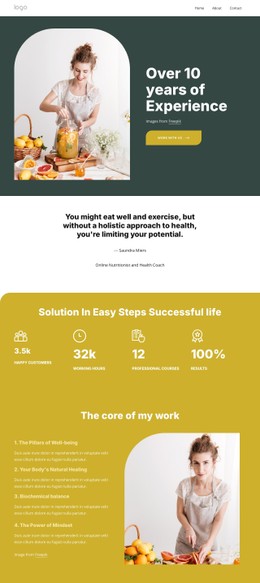


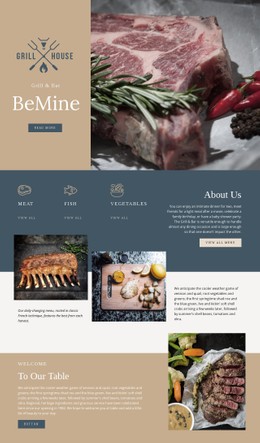









Other Food & Restaurant CSS Templates
Simple Farming CSS Templates
Farming CSS templates give growers a finished visual style for crop listings, farm services, and field photography, ready to customize with the farm's colors and fonts. Produce grids and harvest galleries already share spacing and type, so a vegetable box offer and a hay delivery service look like parts of the same farm.
Crop Cards With Seasonal Badges
Farm catalogs grow in small steps as new crops arrive each season. Good farming CSS templates handle these additions with shared card styles, so every new item gets the right spacing and image ratio automatically.
Picture a seasonal produce card with a close-up photo, the variety name, and a small label saying whether the crop is in season, coming soon, or sold out. CSS earns its keep on that label, giving each state its own color while the card stays unchanged. Restaurants and grocers buying wholesale use such labels to see what they can order right now.
When comparing templates, look at how the styles treat farm content:
- availability badges with separate colors for current, upcoming, and finished harvests;
- large field imagery that still leaves crop names and the inquiry button above the fold;
- product cards and service blocks that look related but are easy to tell apart.
Livestock Profiles and Field Photography
A vegetable grower mostly needs a dense produce grid, while a livestock farm shows breeds, dairy or meat production, and animal welfare practices in wider, text-heavy cards. A template that styles both card types saves rebuilding later. The Grid Element in Nicepage then keeps crops, certifications, or services in even rows.
Farm photos rarely match in lighting. A wheat field at noon, a dim barn interior, and a tray of washed carrots can share a gallery. Fixed image ratios and a soft overlay under captions help them read as a set.
Tuning Contrast on Smaller Screens
On narrow screens, a produce grid needs fewer columns, tighter gaps, and a smaller type scale. Responsive Modes in Nicepage let you check tablets and phones separately, fixing rows where a long variety name breaks or a caption loses contrast over a cropped photo.
For details beyond the visual controls, such as a striped sold-out badge or a border around organic certification marks, you can apply Custom CSS to an individual element or across the whole site. A farm that runs pick-your-own days might use it to provide a contrasting backdrop for visiting hours.
Before settling on a design, fill a few cards with real crops, including a long variety name and a sold-out item, and view them on a phone. If nothing needs fixing, the template suits a catalog that changes every season.