
Menus CSS Templates


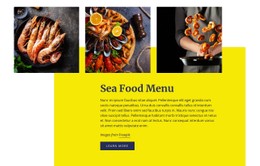
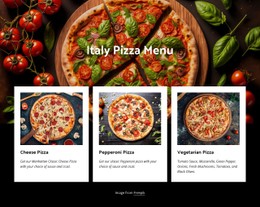
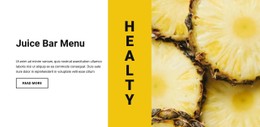
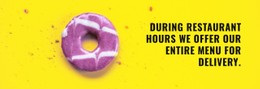

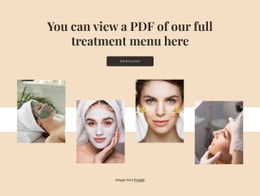
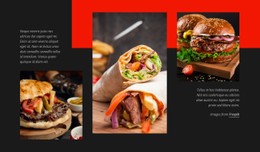
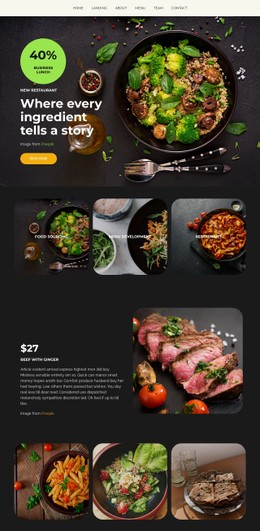
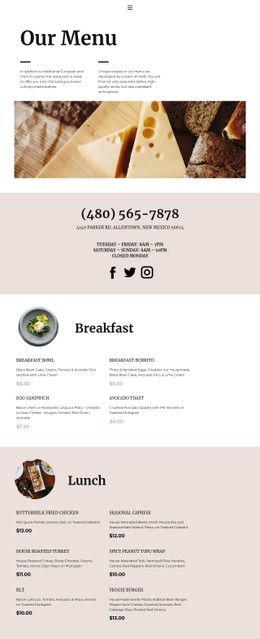
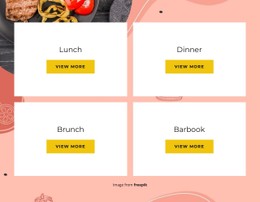

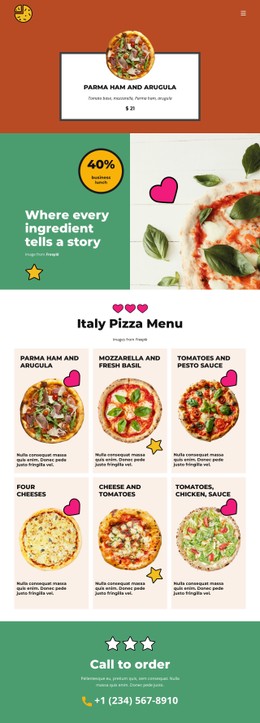
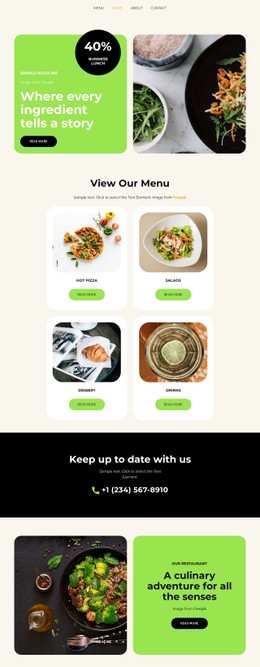
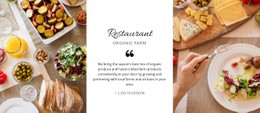
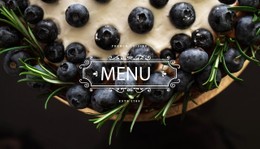
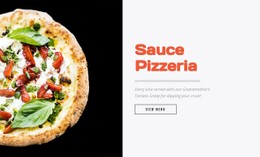
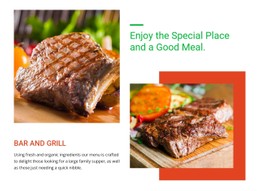
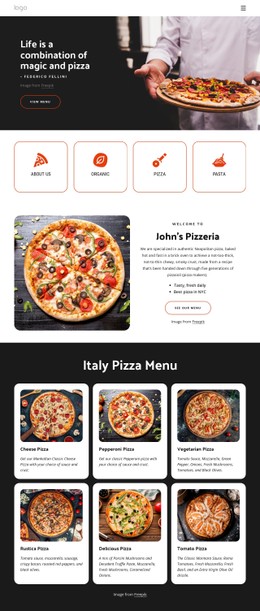
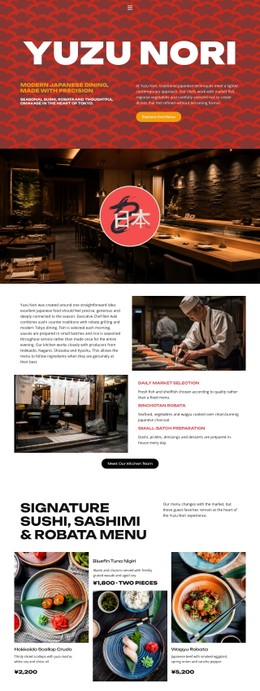
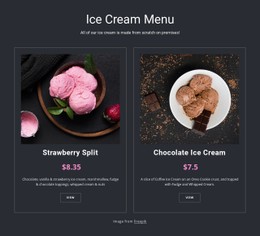
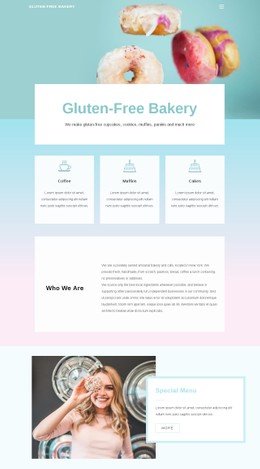
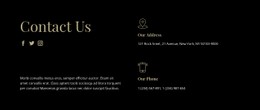
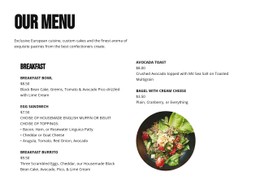
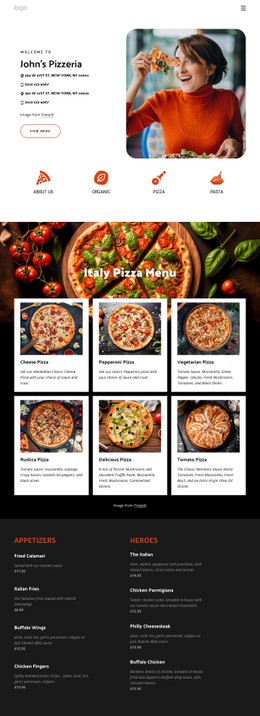
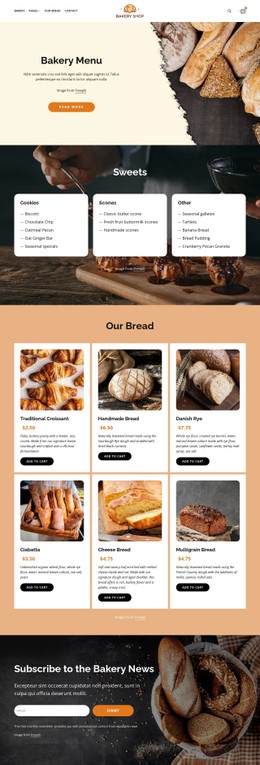
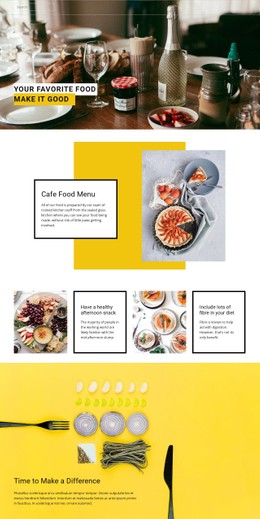


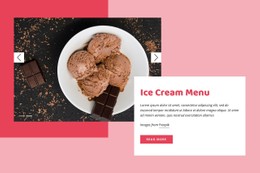
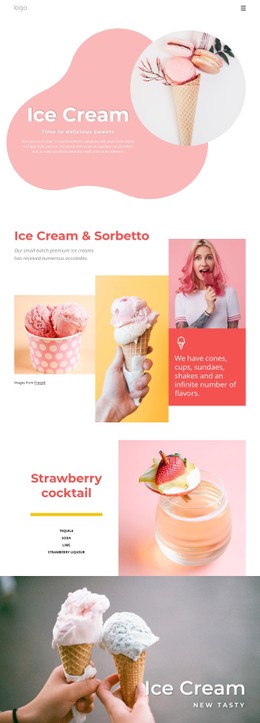
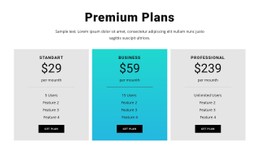
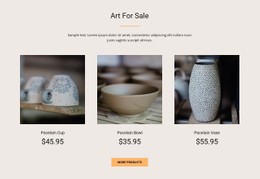

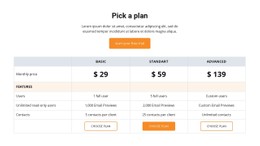
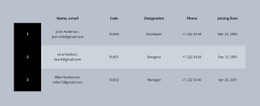
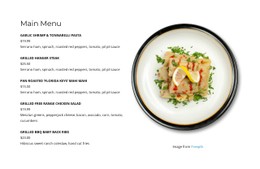


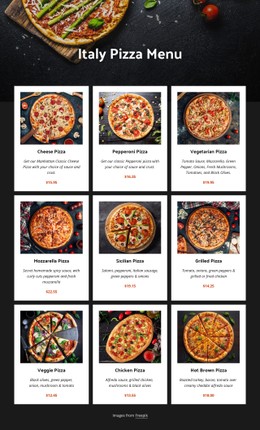
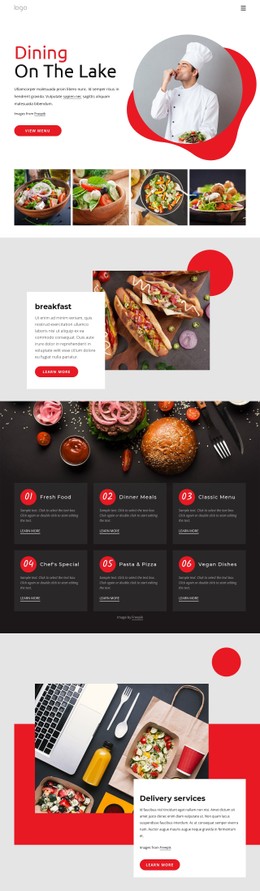
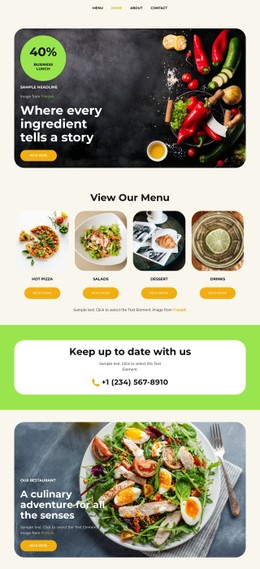
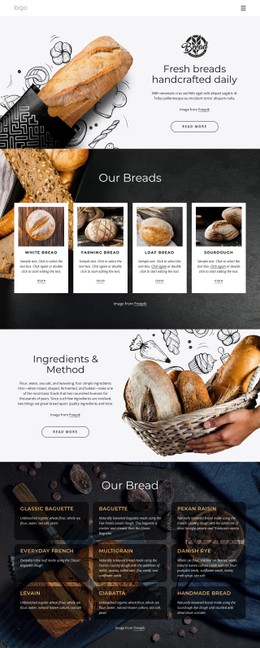
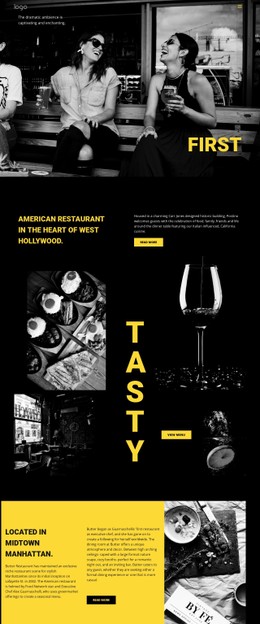
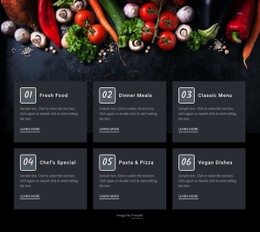
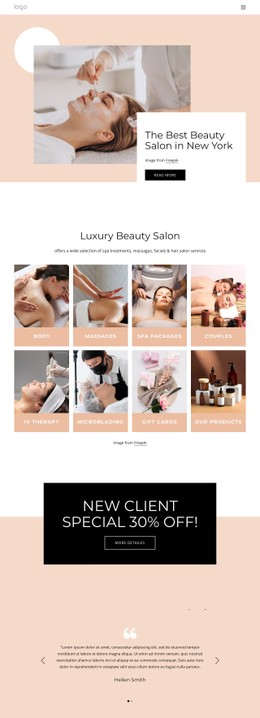
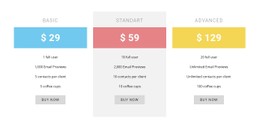
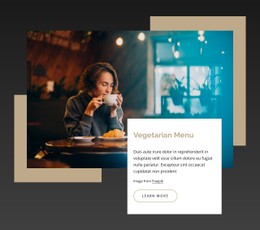
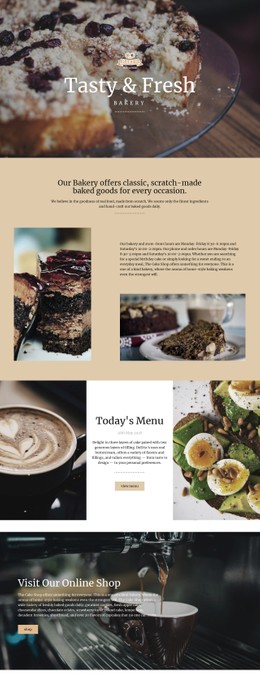
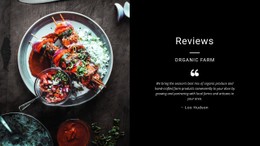
Other Food & Restaurant CSS Templates
Sleek Menus CSS Templates With Organized Restaurant Content
Menus CSS templates assist developers and designers with creating efficient, functional, and visually appealing navigation that fits into the website's design scheme. 98.5% of all web pages employ CSS. Meanwhile, 91.8% of them feature external stylesheets. These stats illustrate the necessity of employing repeatable CSS styles on a website. Such a template is capable of managing colors, fonts, space, icons, hover state, and mobile panel.
The restaurant menu CSS layouts are perfect for online shops, web agencies, personal and corporate blogs, educational institutions, restaurants, and large business websites. An online shop may benefit from using a mega menu for categorization of its products and promotional offers.
A restaurant can divide its offer into categories: food, beverages, delivery, and booking options. On a large corporate website, services and contacts should be easily accessible. Mega menus have already become the primary means of navigation on 88% of top ecommerce platforms in the United States.
Creative CSS Styles for Clear Food Choices
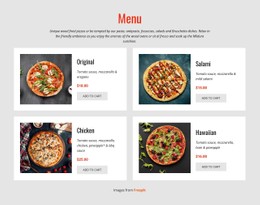
However, CSS manages more than just the colors applied to a restaurant website. It establishes spacing between cards, creates a hierarchy of typography, and aligns dish names, descriptions, and prices.
Moreover, image proportions, states on hover, badges to categorize food according to diet requirements, and background colors per section dedicated to certain foods can also be styled.
Unique Menu Details to Review Before Publication
A restaurant menu may seem perfect on the outset, yet there are usually some visual problems that become apparent when you put actual dishes, more descriptive information, and discounted prices in it. This final check will allow you to ensure that your users will have no problems reading the menu and navigating through it.
Before the page goes live, check these practical options of menu card CSS styles:
- Strong Contrast
- Readable Typography
- Consistent Spacing
- Focus States
- Responsive Testing
Such elements assist in making sure that everything stays uniform even if there are new dishes or deals on offer. Consistent spacing and the possibility to reuse styles make it easy for employees to input information without interfering with adjacent parts of the website. Contrast helps users who cannot see low-contrast text very well.
Select Your CSS Menu Layout and Shape the Style
Look through the Nicepage designs and choose one that matches your food, budget, and brand style. Change out the sample menu items, tweak the typography, space everything just right, and design a menu that will look great anywhere. Get your menus CSS templates today and make sure there is no gap between appetizers and dessert.