Eat best organic food CSS Template


Edit Template Offline
2. Create new page and search for id 17318
Edit Template Online
Create Awesome Websites


Free Nicepage Builder
Keywords
Green Bands and White Cards Define the Farm Styling System
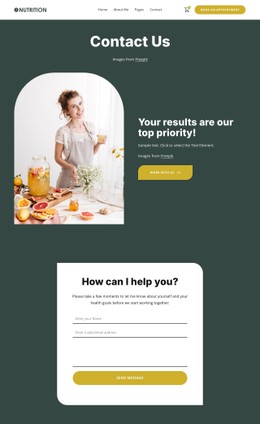
The page’s visual rules are easiest to see in the way color and imagery repeat across different content groups. A green branded header establishes the primary surface, and the green About Our Farm section returns to that color as a full-width background for the farm’s explanatory text. Light blue and white areas create contrast later, especially behind the three featured cards for fresh fruits, vegetables, and salad leaves. These changes separate content categories without breaking the natural farm-oriented appearance.
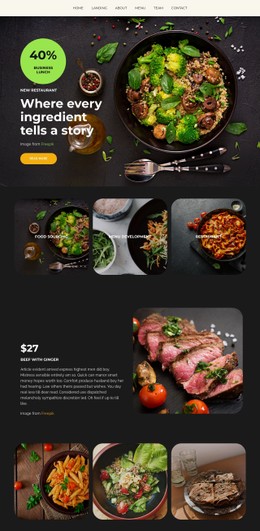
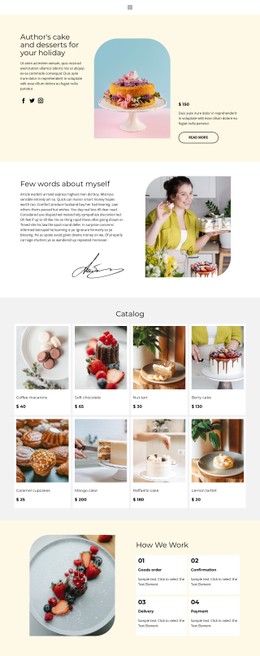
Large agricultural photography provides another consistent styling layer. Produce, animal, harvesting, and landscape images appear beside text in split sections, while the three farming-method cards use alternating image-and-text treatments. Circular crops in the produce category cards introduce a softer shape against the surrounding rectangular layout, and the four agricultural image tiles create a denser visual group. Serif-style display lettering gives major headings a strong editorial accent, while clean body text preserves a readable counterpoint. Generous spacing around centered groups prevents the imagery and cards from feeling crowded. Together, the palette, type contrast, image treatment, card surfaces, shapes, and spacing form a repeatable appearance system. That system can be adjusted as styling properties while preserving the page’s existing content sequence and farm-focused visual character.
Customize with Nicepage
Open this ready-made template in the CSS Template Builder and customize it visually in the Nicepage editor. Replace demo content, edit page sections, and adapt the design to your project without rebuilding the template from scratch.
Customize This Template With CSS
Control Page-Specific Styling
Customize the visual appearance of this ready-made template directly in the Nicepage editor. Adjust typography, spacing, backgrounds, borders, colors, positioning, and other style properties using visual controls while keeping the page layout easy to manage without writing CSS manually.
Add Custom CSS When Needed
For styling requirements that go beyond the standard editor options, use Custom CSS to add targeted rules. CSS can be applied to individual elements, specific pages, or the entire website depending on the scope of the customization, while CSS classes can be used to connect custom rules with selected elements.
Export Minimal CSS Per Page
For projects where CSS size and page performance matter, Nicepage can export minimal CSS for each page. Instead of relying on one larger common stylesheet, each page can use a separate CSS file containing only the style rules required for that particular page. According to Nicepage documentation, these page-specific CSS files can be about ten times more compact, helping reduce unnecessary CSS and improve page loading performance.
This workflow combines visual styling with optional custom CSS and optimized page-specific CSS output, giving you additional control when a project requires it without making manual CSS editing the primary way to customize the template.