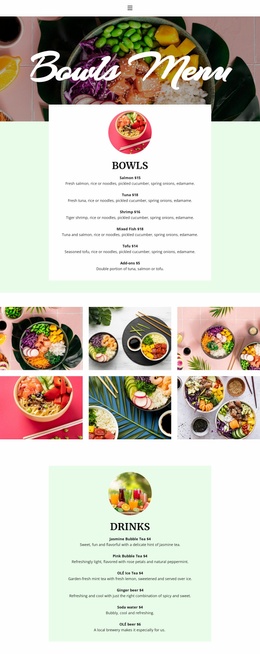
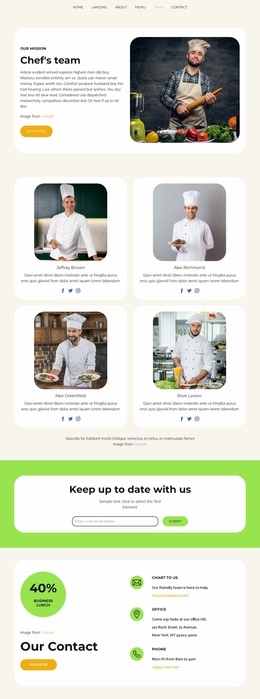
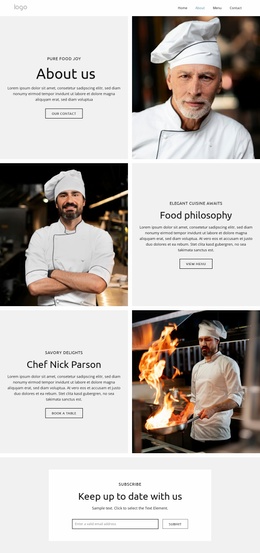
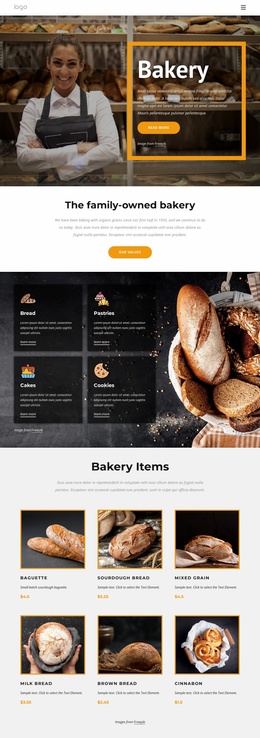
Healthy and fresh food Website Template


Edit Template Offline
2. Create new page and search for id 61312
Edit Template Online
Create Awesome Websites


Free Nicepage Builder
Keywords
Produce, Farming, and Sustainability Areas Support Broader Site Growth
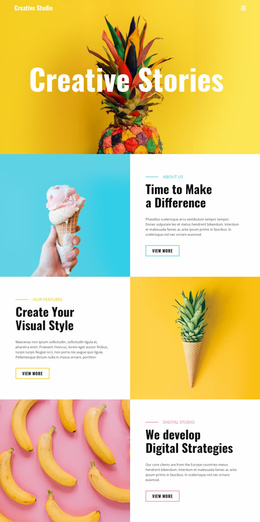
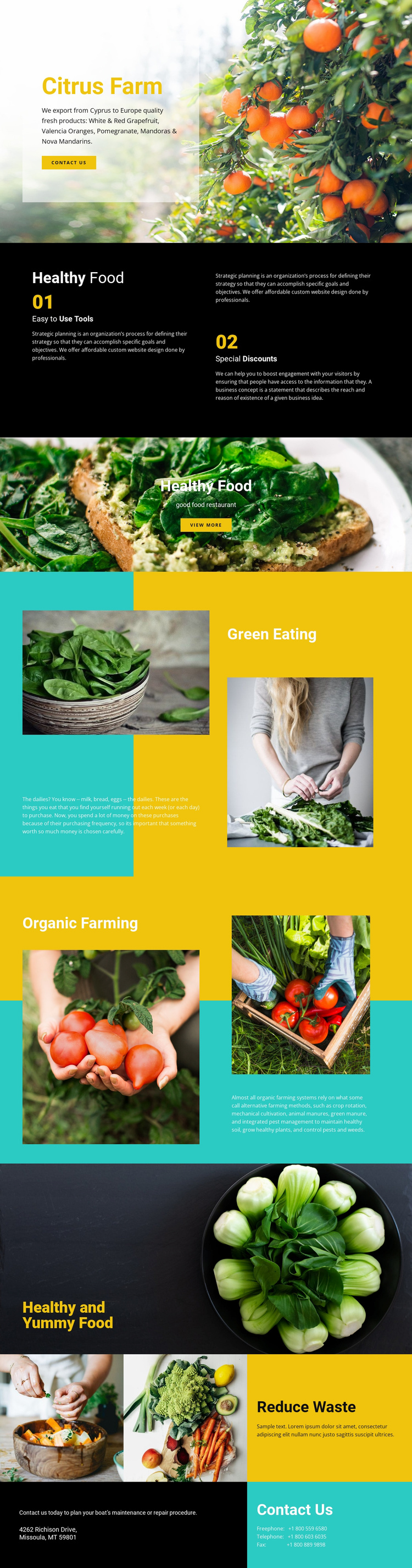
The design establishes several major content categories that can serve as a foundation for a larger agricultural website. Citrus Farm introduces the core subject, while the named produce areas—White & Red Grapefruit, Valencia Oranges, Pomegranate, and Mandoras & Nova Mandarins—provide a basis for organizing product or offering information. Green Eating and Organic Farming extend the structure beyond a simple product display by creating places for editorial explanations about food and farming.
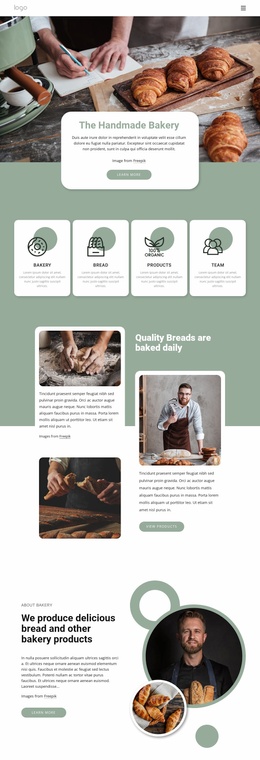
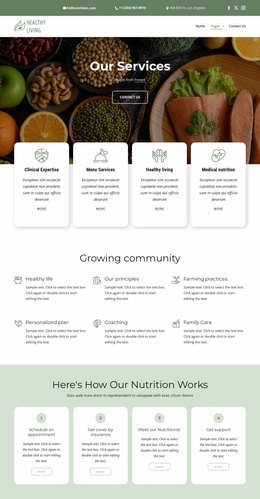
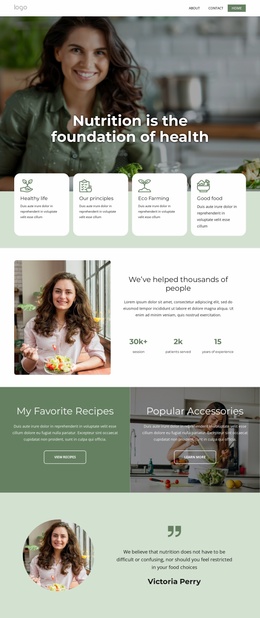
Reduce Waste adds another recurring theme that could support sustainability-focused content as the project develops. The page's visual system helps connect these different areas: agricultural and prepared-food photography carry the subject, while yellow and turquoise panels distinguish content groups against black and white backgrounds. The final Contact Us block supplies a defined response area with an invitation, address, and telephone information, giving the project a practical endpoint. These verified areas do not prove that additional pages already exist, but they do provide a clear information architecture for considering future expansion. A broader website could build around produce details, farming practices, food-related editorial content, sustainability, and contact information while retaining the same visual direction. The template is therefore useful as a project foundation because it begins with meaningful content categories rather than only a decorative homepage surface.
Customize with Nicepage
Open this ready-made template in the Website Template Builder and customize it visually in the Nicepage editor. Replace demo content, edit page sections, and adapt the design to your project without rebuilding the template from scratch.
Build a Complete Website From This Template
Customize the Website Visually
Use this ready-made website template as a starting point for your project and adapt its pages visually in Nicepage. Change content, images, typography, navigation, sections, and other design elements while keeping the website together as a single editable project.
Manage Website Pages in One Project
Use the Pages panel to open, add, duplicate, and manage the pages of your website. Work on individual pages while keeping navigation and the overall site structure accessible from the same project, making it easier to develop a complete website instead of managing separate page files.
Expand the Website With Matching Designs
When you need additional pages or sections, use Page Design Sets to find Page and Block Designs created in the same visual style. Design Sets group matching designs together, making it easier to expand the website with new content while maintaining a consistent look across its pages and sections.
Organize Larger Multi-Page Websites
As the website grows, use Page Folders to organize related pages and keep larger multi-page projects easier to navigate in the editor. This is especially useful for websites with separate service pages, company information, contacts, landing pages, and other content areas.
This workflow makes the template a practical foundation for building and expanding a complete website while managing its pages, content, and visual design within one Nicepage project.