
Buy HTML Templates
A good HTML template purchase should reduce structural work, not create more of it. Compare page hierarchy, reusable sections, content fit, and the final HTML workflow before choosing a layout.
















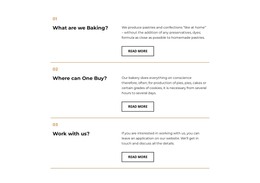


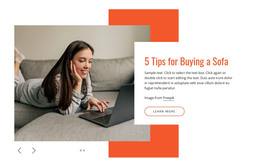
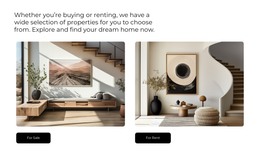

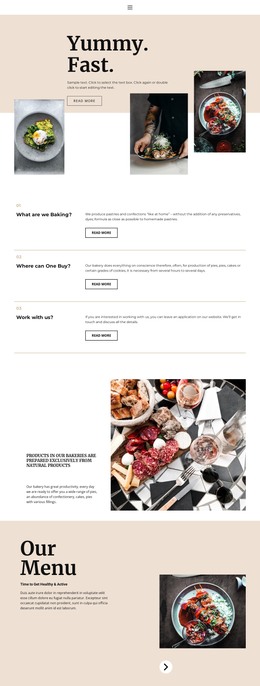








More HTML Templates from Sale Category




























Other Sale HTML Templates
Premium Buy HTML Templates
Buying a ready HTML template makes sense when you want a working site soon without coding every section by hand. A good one arrives with the structure already built, so after purchase, your job shifts to swapping in your own text, photos, and contact details.
What Comes With the Purchase
Before you pay, look past the screenshots and find out which files and rights you actually receive. Four points deserve a closer look:
- Source files. You should get editable HTML files for every demo layout, along with the styles, scripts, and images they rely on.
- A live preview. Click through the demo on a phone and a laptop to test navigation and forms.
- License terms. Check whether commercial use is allowed and whether one purchase covers several client projects.
- Documentation and updates. Clear setup notes save hours, and ongoing fixes matter for a long-running site.
Compared with building from scratch, much of the groundwork is already done. The header, content grid, and footer are coded, and responsive behavior has been tested on smaller screens. What remains is your content plus a few style tweaks for your brand.
Picking a Layout That Fits Your Project
A gorgeous demo can still cost you days if its sections don't match what you offer. Start from the content you will really publish. Most purchases fall into one of these scenarios:
- A service business needs a strong hero block, a services section, and a contact form. If the template already includes pricing tables and testimonials, you fill them in.
- A freelancer or studio portfolio benefits from a gallery plus separate project detail layouts for each case study.
- A small product catalog calls for grid layouts with product cards. Plain HTML handles presentation only, so checkout and payments will need a separate integration.
When a needed section is missing, the job moves from replacing text to rewriting markup, which is exactly the work you paid to skip.
From Demo Content to Published Files
Nicepage lets you adjust a chosen layout visually, so changing headlines and images feels closer to editing a document than writing code. Once the design looks right, the HTML export guide shows how to save the project as a folder of ready HTML files.
Keep those finished files, and since Nicepage allows third-party hosting for exported sites, you can upload them to whichever provider fits your budget.
The smartest buy is usually the template whose demo already resembles your future site. Less rebuilding means a shorter trip from checkout to a live address, so start with the option that needs the fewest changes.