
Purchase HTML Templates
Shoppers need price, product value, and clear purchase actions to keep pages easy to scan before they commit. These HTML templates structure offers, product details, order prompts, and supporting trust content as reusable sections for purchase-focused pages.


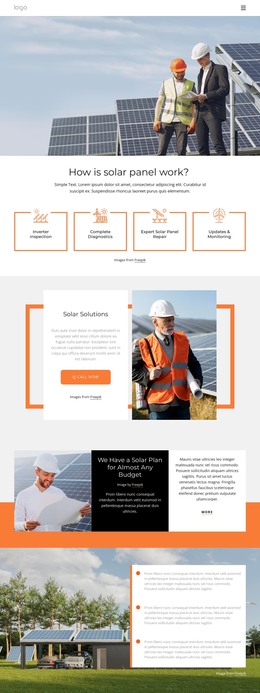
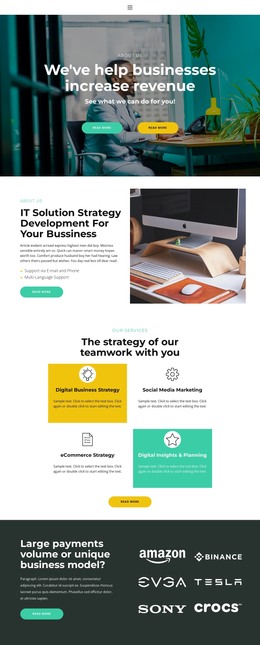



















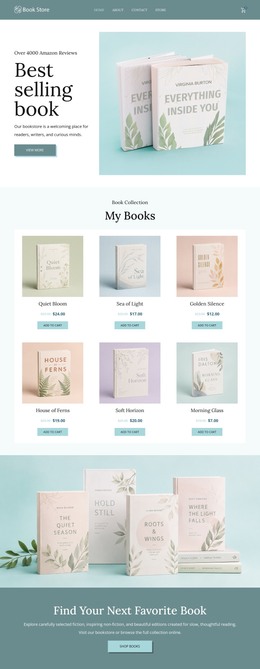
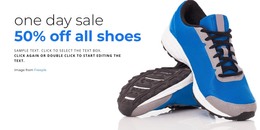
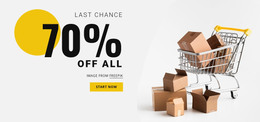
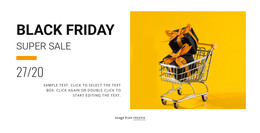



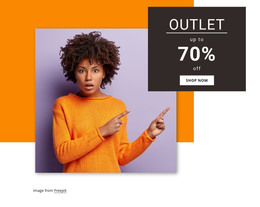
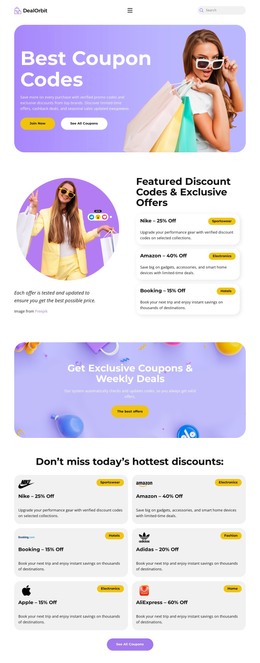
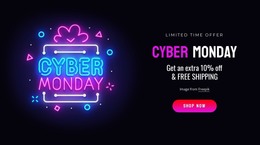
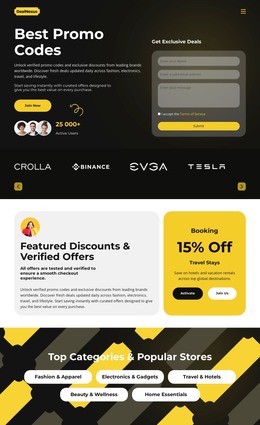

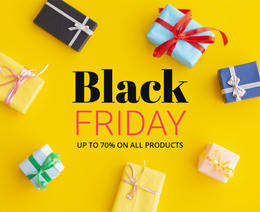
Other Sale HTML Templates
Ready-to-Use Purchase HTML Templates for Offers, Plans, and Sales
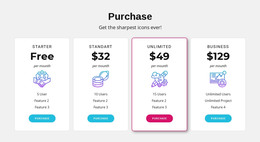
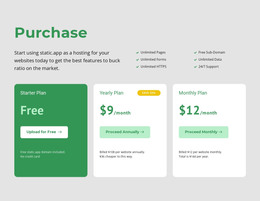
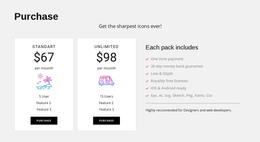
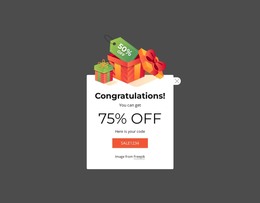
A brand launching a single product needs a different screen than a service that asks people to compare Standard and Unlimited plans. Purchase HTML templates cover both cases, along with popups for first-time buyers and banners built around a sale deadline. Each design arrives as a complete set of sections, ready for your own products and prices.
What Sits Inside an Offer Layout
Look past the demo photos and check how the offer is put together. Layouts that sell well usually share four parts, roughly in this order:
- a product header that keeps the title and the main image together;
- a price area that fits an old price beside the current one, or a billing period for plans;
- space for options such as size or package above the main button;
- a short note about delivery or returns right under that button.
A stock note determines whether the button is worth pressing, so it belongs near the price. A returns line lowers the risk of trying something new and helps most where people hesitate. In a catalog, this set repeats card after card.
Linking Product Details With Payment
Nicepage documentation for managing products explains that products can be managed in the Products Panel and assigned to a Payment Button. They can also be displayed through Product List and Product Details elements and templates. A ready layout should keep the offer details and the button side by side, so people buy exactly what they just read about. A digital download needs room for license terms and a line about how the file arrives. A physical item requires more space, since options, stock, and shipping all compete for the same corner of the layout.
Before settling on a design, open its preview and see how the offer leads to the purchase:
- where the price sits relative to the title and image;
- whether the button still stands out once your text replaces the demo copy;
- how much room is left for options and a stock note near the price;
- whether the buttons stay in line when one product name runs much longer than the rest.
Fitting Real Merchandise Into Demo Sections
The best purchase HTML templates take your content with little resistance. You change the photos, rewrite the price line, and point the button at your product while the sections hold their shape. Sale designs deserve one extra test, because every deadline passes and the banner needs a calmer version without the date. When a layout already follows how people buy, you spend your time on product copy and very little moving blocks around.