
Cart HTML Templates
A shopping cart must keep each product connected to its quantity, price, and removal controls while making the order total easy to identify. These HTML templates provide reusable markup for that transactional structure.


More HTML Templates from Sale Category
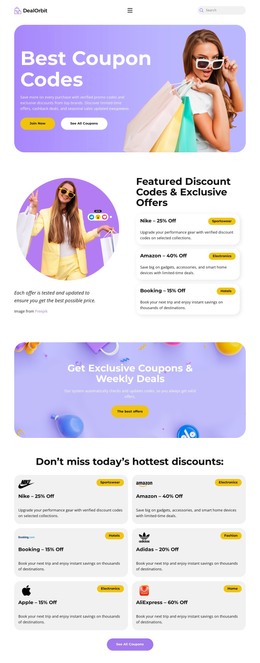



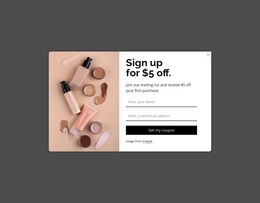
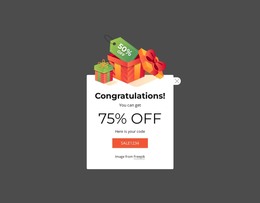
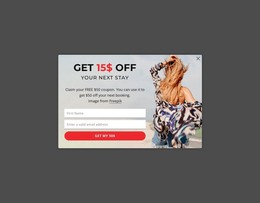


























Other Sale HTML Templates
Ready-Made Cart HTML Templates for eCommerce Projects
A cart HTML template gives you a finished cart page for an online store, written in structured markup you can open and edit. Each product sits in its own row with a quantity control and a remove link. The order summary and checkout button come ready as well. People use these templates for a small shop, a clickable client prototype, or the front end of a bigger store.
Repeating Items and a Separate Summary
When a template covers the whole cart, its markup usually splits into these parts:
- An item block written once and repeated for every product, with room for the image, the name, and options like size.
- An order summary in its own section, where subtotal and total rows sit above the checkout button.
- Rows for a promo code, shipping, or tax, which some templates include, and others leave for you to add.
- An empty-cart state with a short message and a link back to the store.
For projects built in Nicepage, the E-Commerce In HTML guide explains that an eCommerce site can be exported as HTML, with products included through the Publish and Export dialog.
Beyond the Tidy Demo
Demo carts tend to hold two short product names and a neat total, so a few messier cases say more about a cart HTML template:
- A product with a long title and two options needs its own spot for each detail in the item block.
- A discounted product needs room for both the old and the new price within the item.
- On a phone, the row folds into a stack, and the order of elements in the markup decides what the shopper reads first.
A telling detail is where the summary lives. Tucked inside the item list, it looks fine until a fourth copied product lands under the totals.
From Prototype to Working Store
Because the item block and the summary remain independent, adapting a template for a live store mostly involves copying and replacing. A developer can swap in real products, change the currency, or add a gift note field without touching the rest.
A designer can first show the client a cart full of sample items. Later, the developer wires the buttons to a payment system and uploads the files to the hosting service. Sale and coupon sections from this collection can join the same project for a seasonal campaign.
The cart HTML templates that make this easy repeat the item block cleanly and keep the summary apart. Their markup also reads in a sensible order on a phone, so nothing needs to be rebuilt between mockup and launch.