

Seller HTML Templates
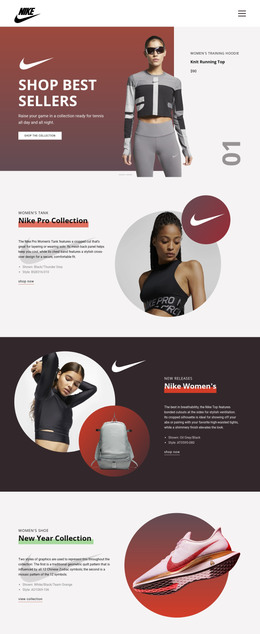
Worn sports gear may look acceptable in a photograph but still needs accurate condition notes and accessory details. With seller HTML templates, buyers can read the price, size, and availability in structured, mobile-friendly sections.



More HTML Templates from Sale Category

Other Sale HTML Templates
Clean Seller HTML Templates for Online Shops and Promotions
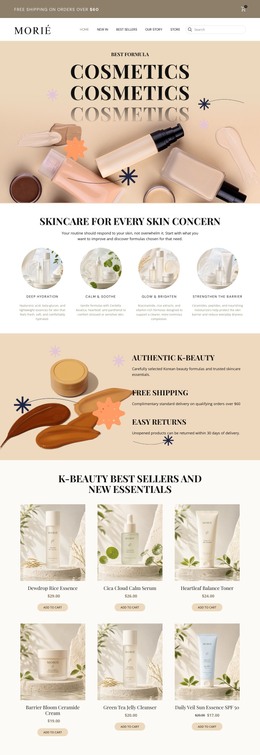
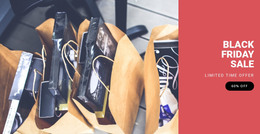
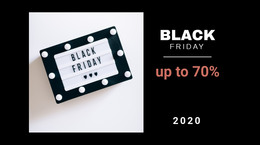
Seller HTML templates give you a complete shop design you can customize in Nicepage and export as files for any hosting provider. The category covers several store types. Some designs resemble a sports gear shop with featured best sellers, others suit a stock photography business, and a few focus on a seasonal sale. Each one is a base for items, prices, and contact details that you adapt to your range.
Picking Layouts That Fit Your Assortment
Start with the shape of your assortment. A dealer with a few used rackets needs fewer sections than a store with dozens of categories and frequent promotions.
When comparing demos, look at these practical points:
- Whether the showcase area, category blocks, and offer cards match how you group items.
- How a card copes with a long description, such as grip size and wear notes for a used tennis racket.
- Whether a sale banner can be reused for the next campaign or removed cleanly.
- Where the contact section sits, since some sellers take orders through messages at first.
These blocks vary widely across the category, so scroll the whole demo before deciding.
Adapting Demo Items Before Export
Replacing sample content takes most of the setup time, and nearly all of it happens in the visual editor. Before export, work through these changes:
- Swap the demo products for your own names, photos, and prices.
- Update contact details and order instructions so buyers know what happens next.
- Preview each section in Nicepage Responsive Modes to see how long titles and buttons behave at phone width.
Narrow screens often reveal what the desktop demo hides, like a price drifting away from its name. Alt text that names a racket's color and model helps more than a phrase such as "great deal."
What Changes After Publishing
An HTML template makes sense if you want to host the shop on your own server or plan to hand the files to a developer. Sellers who prefer built-in hosting may find another format simpler. After uploading, click through internal links, images, and buttons on the live pages to confirm everything loads.
Exported pages present your offers, but payments and stock tracking require a separate commerce setup or integration you test with a real purchase. Updates need some thought before launch. You can change new prices and seasonal items in Nicepage and export again, or edit them directly in the files if you are comfortable with code.
A seller HTML template works well when its layout matches your range, its demo content is easy to replace, and the published files behave on your server as they did in the preview.