How the restaurant works HTML Template


Three Question Rows Form a Ready-Made Bakery Information Section
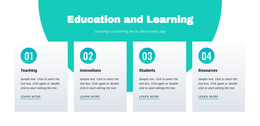
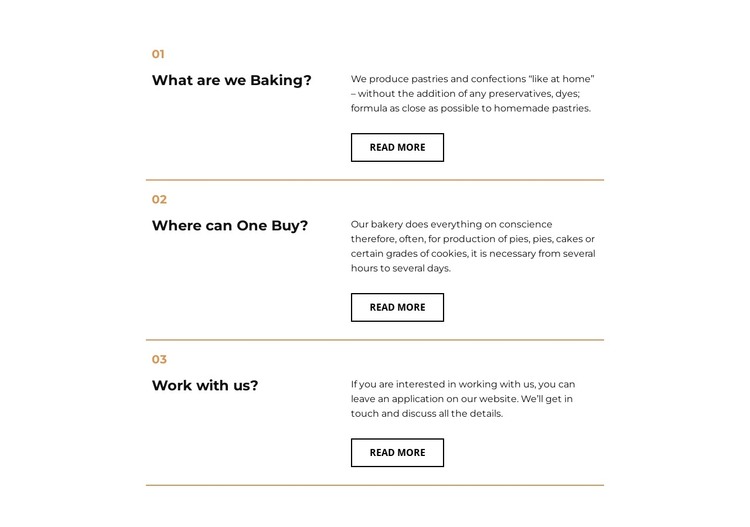
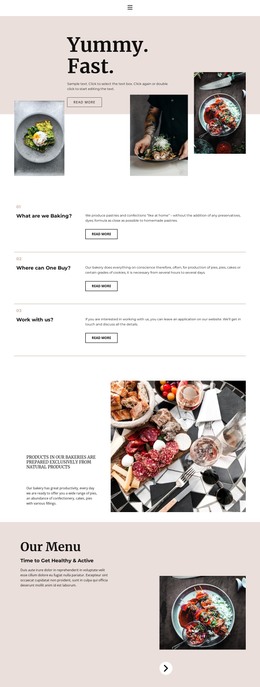
The three numbered rows already provide a coherent information unit for a static HTML page. The first explains a production approach for pastries and confections without preservatives or dyes, the second introduces pies, cakes, and cookies while indicating that preparation can take from several hours to several days, and the third opens a path for people interested in discussing work details. Together, these topics cover product information and participation without requiring the section to carry the surrounding page structure.
Each row follows the same internal pattern: a numbered question and bold heading occupy the left side, while the answer paragraph and an outlined Read more button sit on the right. This repeated two-column arrangement makes the three entries feel related while allowing each question to stand as its own content unit. Thin horizontal gold lines separate the rows, and the white background with black typography leaves enough contrast for the text-heavy content. In a static HTML context, the block can be placed as a finished FAQ-style section between other page areas, with the surrounding document supplying navigation, introductions, or contact content. Its buttons provide clear follow-up points without changing the block into a complete page or site. A static export workflow can handle the containing project, while this section retains its defined question-and-answer role within that project.
Customize with Nicepage
Open this ready-made template in the HTML Builder and customize it visually in the Nicepage editor. Replace demo content, edit page sections, and adapt the design to your project without rebuilding the template from scratch.
Edit Template Offline
2. Create a new page or select existing
3. Click Add new block, search for id 1672629 and click enter
Edit Template Online
Create Awesome Websites


Free Nicepage Builder
Keywords
Export and Use This Template as an HTML Website
Create a Portable HTML Website
When the template is ready, use the HTML Export option to create a static website with the files required for deployment. The exported website can be used independently of the Nicepage editor and deployed on your preferred hosting.
Nicepage also provides SEO settings and optimization features, including Page Titles and Descriptions, Canonical settings, headings, image Alt Text, and other page-level properties that help prepare the website for search engines.
Deploy Without a CMS
Upload the finished website to the hosting environment that fits your project. Because the exported site does not require WordPress, Joomla, or another CMS to deliver its pages, it can be placed on your own server, uploaded to a hosting provider, or deployed through an existing web infrastructure.
Hand Off the Website Files
The generated website files can also be provided to a client, developer, or hosting team. They remain available outside the Nicepage editor for deployment, technical review, or project-specific development when additional work is required.
This workflow makes the template a practical foundation for a portable static website that can be exported from the Nicepage editor and deployed independently.

Design Set (12)
-

-
-
-
-
-
-
-
Free Website Builder SoftwareDownload
-
-

More from Grid Repeater Blocks
-

-
-
-
-
-
-
-
-
-
-
Free Website Builder SoftwareDownload
-
-
-
-
-
-
-
-
-
-