
Building HTML Templates
Architects and site engineers need to distinguish structural materials, floor areas, and construction stages on a project page. Building HTML templates keep these technical details in consistent HTML sections that remain clear across screen sizes.




















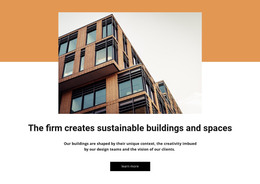
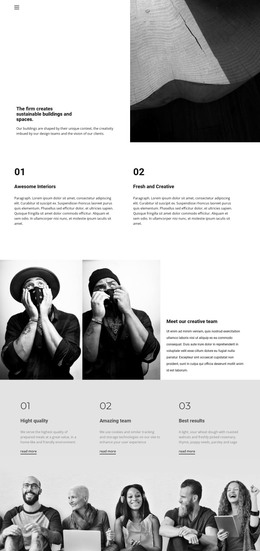
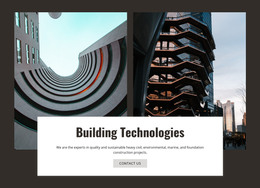





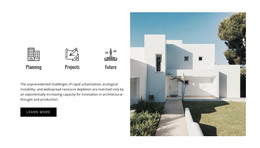












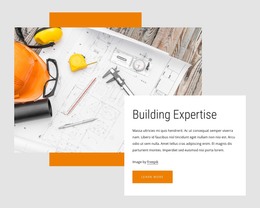





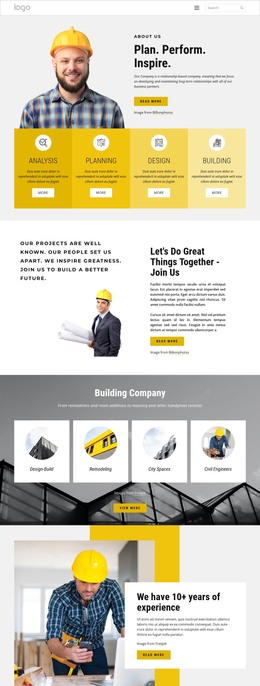


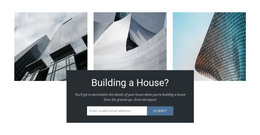







































Other Architecture & Building HTML Templates
Clear Building HTML Templates for Construction Company Sites
Every design in this category can end up as HTML files on a server of your choice. Building HTML templates gives you a starting layout for a construction company site. You customize it in Nicepage and adjust it for phones and tablets without touching code. A developer can also edit the exported files directly.
Designs range from home remodelers to engineering firms and office-tower builders. A small crew may only need a service list, a gallery, and a phone number, while an architecture studio wants room for every finished building.
Picking an HTML Layout That Fits Construction Firms
A construction home page built from these layouts often runs in this order:
- A header whose menu leads straight to renovation or new construction services
- A services block naming what the company builds or repairs
- Project cards and a gallery of finished buildings
- Reviews or credentials, then a contact section for project requests
Check whether a project card can hold a photo, a long project name, and a couple of key facts like the completion year. Nicepage's Grid Repeater Element keeps one card layout across the set while each card gets its own text and image. An apartment complex and a restored warehouse then line up in the same format.
Exported Files and Where They Go
A typical route from template to live site looks like this:
- Pick a layout that matches your services and portfolio
- Swap the demo text and stock images for your own projects
- Adjust the design to your brand, then review the phone and tablet views
- Export the site and upload it to your server
You get the HTML pages plus every file they need to display as they did in the editor, from images to scripts. Depending on the app and your plan, you can export to a folder, a ZIP archive, or directly to a server over FTP.
Catching Mobile Glitches Before Clients Do
Small screens are hard on construction content. Wide building photos often lose their edges, and long project names can wrap into awkward stacks.
After uploading, click through the live site to confirm that images load, headings read in a sensible order, and the menu reaches every page. Set up one of the supported submission options for the quote form first, or new project requests will go nowhere since the export is a set of plain files, a text search will also catch leftover demo content, like a sample phone number in a footer. If the live copy matches what you approved in the editor, small screens included, the template did its job.