

Town HTML Templates
A historic landmark loses context when dates, photographs, and access notes are scattered across a page. Town HTML templates bring those details together through descriptive headings, photo captions, and consistent content sections for visitors on mobile devices.
-

-
-
-
-
-
-
-
Free Website Builder SoftwareDownload
-
-
-
-
-
-
-
-
-
-
-
-
-
-
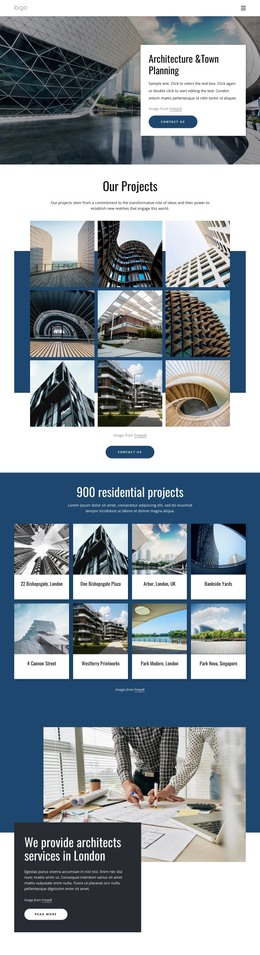

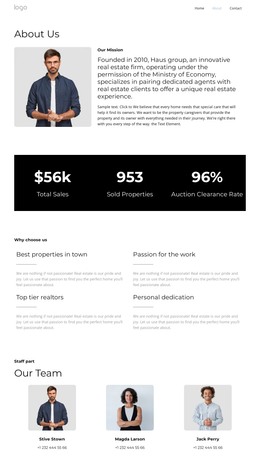
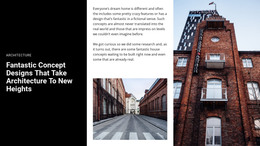
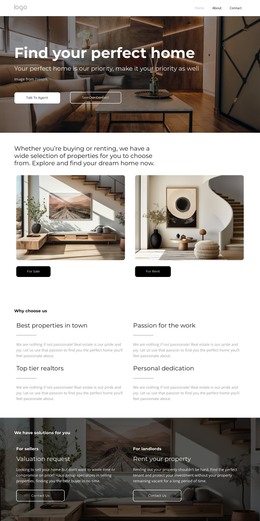














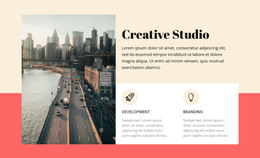
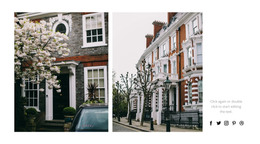
More Website & HTML Templates for Town

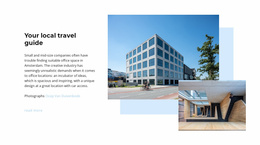
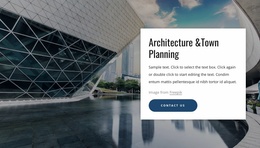



More HTML Templates from Architecture & Building Category








Other Architecture & Building HTML Templates
Clean Town HTML Templates
A developer asked to launch a site for a small municipality rarely has time to build every page by hand. Town HTML templates give that developer a finished layout to fill with local services, community events, and contacts. You adjust the layout visually in Nicepage, export it as HTML files with scripts and images, and upload it to the town's hosting. The format suits informational sites with a modest page count, and the exported files stay open to direct editing.
What a Town HTML Package Should Include
A sensible heading order in the markup helps screen reader users get through a long council page and shows the next editor where each block begins. A few checks reveal how much of the town project a package already covers:
- Match the ready pages against your plan, since a services directory, a news section, and a contact page save more time than one long layout.
- Open a department section to see how the address, phone number, and hours are arranged, because these details change most often.
- Swap a demo photo and check how the layout copes with a wide river view beside a tall shot of the clock tower.
- Look closely at maps, schedules, and contact forms, as some only display fixed content while others need extra functionality.
A permit request form or a self-updating calendar may depend on the publishing method or an extra tool, since markup alone does not make them work.
Test the Exported Version Before Launch
Nicepage exports the project as a ZIP archive, and its desktop applications can also send it to a folder or over FTP. Once the package is online, three quick checks catch most problems:
- Click every menu item and cross-link to confirm that pages still connect on the new server.
- Make sure images and scripts load from the hosting account, since a missing resource often shows up only outside the editor.
- Open the mobile menu on a real phone and check that schedule tables and contact details stay fully visible.
Keeping Content Current After Publication
The Nicepage Text Element covers routine edits, such as renaming a department heading or adding a new line about recycling days. The Image Gallery Caption layout fits a heritage walk section with short notes under photos of the market square. A phone number updated once in the shared footer appears on every page in the next export.
Push a sanitation department page crowded with hours and a festival page built around one large photo through the same export. If both arrive with working links and nothing clipped on a phone, the package can take the rest of the town's content.