
Facade HTML Templates
Technical facade content needs markup that can handle project images, service sections, system details, and contact information across screen sizes. These HTML templates provide a structured starting point without making a CMS workflow the core requirement.



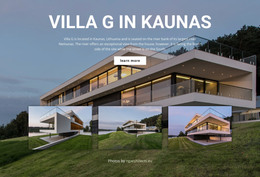
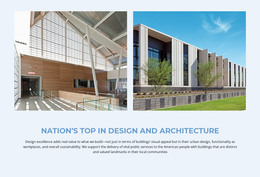
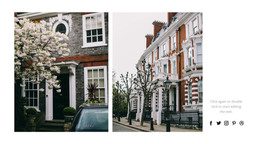



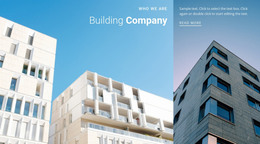




















































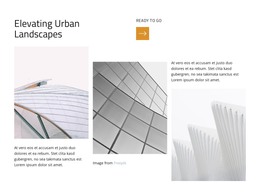







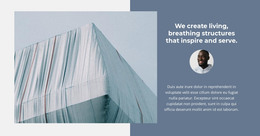

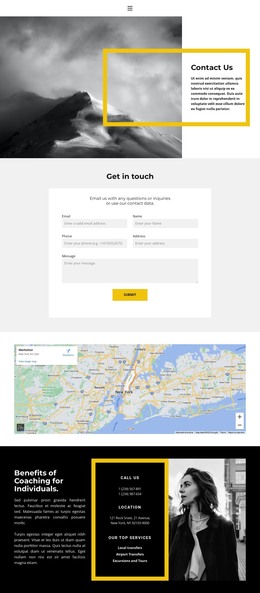


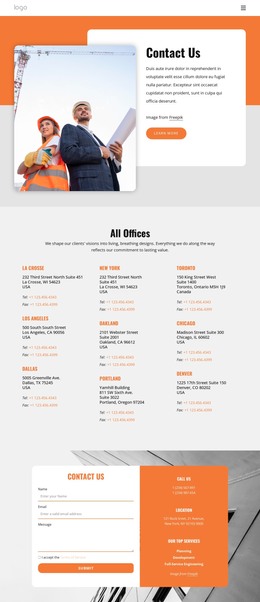

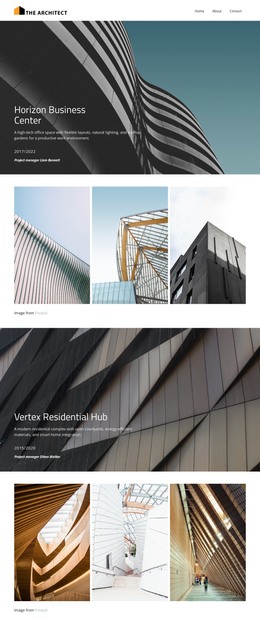
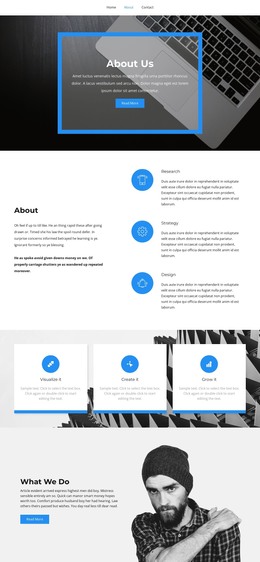

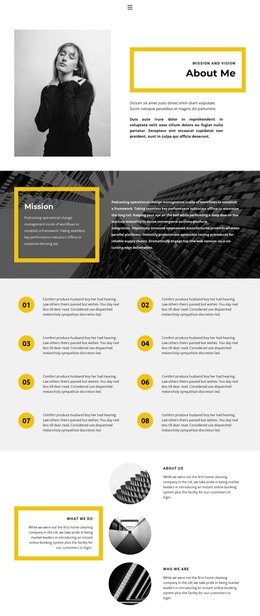
Other Architecture & Building HTML Templates
Clean Facade HTML Templates for Custom Front-End Development
Facade HTML templates give web developers ready-to-use code for an architectural portfolio before they write a single line. Project sections, image galleries, and contact areas usually come pre-marked up. The files can then be edited, extended, and hosted wherever the client prefers. Nothing ties the result to a CMS, which suits custom builds and integration into an existing stack.
Coded Sections Worth Reusing
Facade content repeats in predictable units, and good markup repeats with it. A project block often breaks into parts like these, each ready to copy for every new building:
- A full-width image container for the main elevation, with the project heading over it or just below.
- A gallery row that can mix exterior views with close crops of mullions, gaskets, or panel edges.
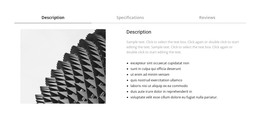
- A specification area for the system, materials, and scope of the package, sometimes set out as a small table.
One coded service block, duplicated and rewritten, can carry curtain wall installation, glazing replacement, and envelope repair. Each copy keeps the same heading levels and content order.
Elevations, Towers, Close Crops
Facade photography rarely fits standard frames. Most portfolios mix three formats, and each one puts different pressure on the layout:
- Wide elevation photos, which need containers that scale down on a phone and still show the whole frontage.
- Vertical tower shots taken from street level, which a fixed landscape frame cuts off at the crown or the entrance.
- Tight crops of thin brick or anodized aluminum, which lose their point once stretched to banner width.
Architectural photos also tend to arrive as large files, so you create compressed and smaller phone versions before anything goes live. Nicepage describes the HTML its layouts generate as clean and lightweight, which leaves the photos as the main weight to manage.
Exported Files Stay Portable
Nicepage exports the finished project as HTML files along with its scripts and images. The desktop app can save them to a local folder or upload them over FTP. The package includes the files needed for publishing. It works independently of Nicepage Hosting so that you can deploy it to the client's server or hand it off to another developer. The code remains open to manual edits, allowing the inquiry form to integrate with the firm's own systems.
Judge a facade HTML template by how readable its markup is, how its image containers behave on phones, and how easily a project block can be reused. Those answers say more about the months after launch than the demo's opening image.