
Urban HTML Templates
Urban HTML templates organize district profiles, project showcases, event details, location data, and contact sections into a reusable markup foundation. The emphasis is on clear HTML structure and responsive content behavior rather than visual direction alone.






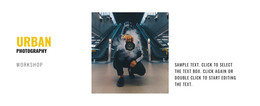

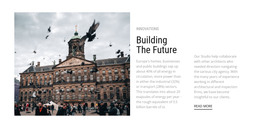












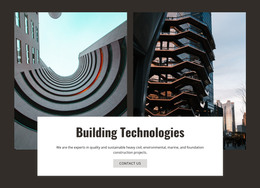






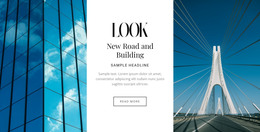

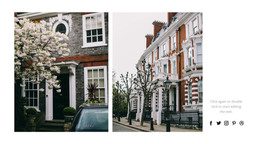























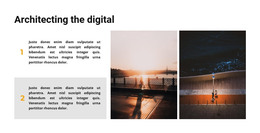
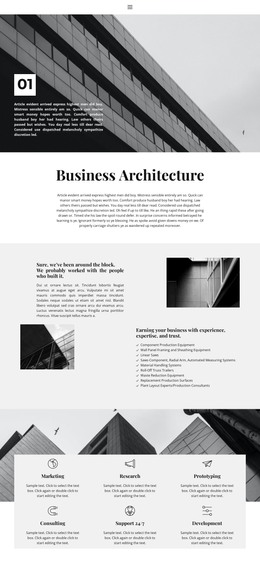









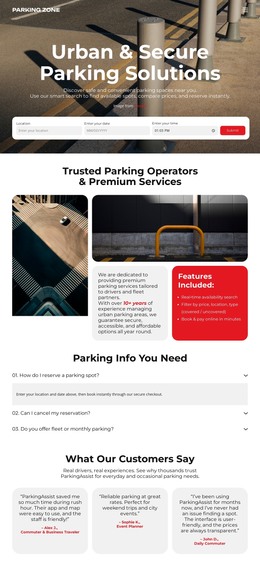
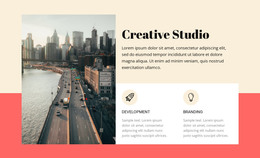





















Other Architecture & Building HTML Templates
Ready-to-Use Urban HTML Templates
Urban HTML templates give you a finished layout in editable HTML that you can publish on your own hosting. This category includes layouts for street photographers, old-town walking tours, and even a city parking service. Dense city content makes a generic template hard to adapt, since one screen may need a large photo, a full address, and opening hours. A template built around urban topics already reserves those spots, so most of the work is replacing the sample text and images.
Sections Worth Looking For
The gap between a page idea and a usable HTML base shows up in how the file is divided. These sections come up often in urban HTML templates, although no two include the same set:
- A header with the logo and menu links, kept apart from the content so it can be reused on new pages.
- Repeating project or listing entries, each following the same order of heading, photo, and short facts.
- Location details written as live text, with space for a map embed when the project needs one.
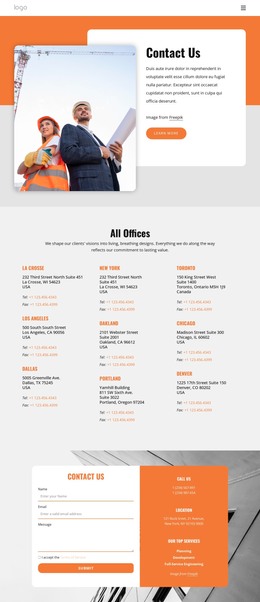
- Contact or inquiry forms placed in a section of their own.
An address saved inside an image cannot be copied into a maps app, and search engines cannot read it either. For a parking garage or a gallery that people look up by street name, live text is the safer choice.
Publishing the Finished Files
Nicepage can export a finished project as HTML files together with the scripts and images the pages need. The official Export HTML documentation explains the available output options. A typical path from a template to a live urban site looks like this:
- Customize the template in Nicepage, swapping sample photos and text for your own.
- Export the project and open the files in a code editor if links or scripts need adjusting by hand.
- Upload the folder to your own hosting account, or pass it to a developer.
The exported package is not tied to Nicepage hosting and can move between servers like any other set of files.
Extending Pages After Launch
Urban projects rarely stay the same size. A walking tour company keeps adding routes, and each one is created by copying an existing entry and updating its text, photo, and link. Since Nicepage templates are responsive, the copy also adapts to phones like the original. Before settling on a template, try this once after export. If the new entry drops into place without any extra fixes, the template is a solid foundation for a project that will keep growing.