
Work HTML Templates


















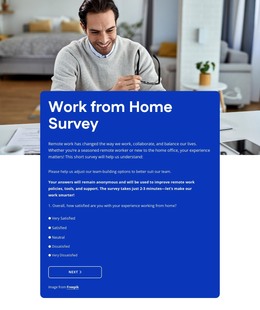


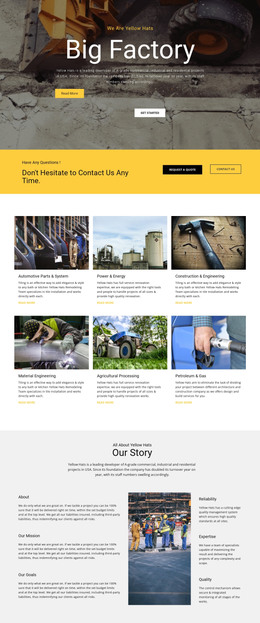


























Other Architecture & Building HTML Templates
High-End Work HTML Templates With Editable Source Files
Why must a website be designed starting from clear HTML rather than a complex structure? According to the Stack Overflow Developer Survey 2025, 61.9% of developers have worked on HTML and CSS projects within the last year. The same survey has reported that just 24.5% of developers were satisfied with their jobs. While clear tools will not solve all problems at the workplace, source files that work properly can lessen the tensions and make some changes more manageable.
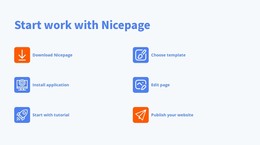
Work HTML page templates make it easier for developers, freelancers, agencies, contractors, career portals, and service providers to design web pages with code editing. With Nicepage, a user is able to select a layout, modify blocks, preview desktop and mobile layouts, add custom HTML or CSS, and export HTML, CSS, and JavaScript files.
Elegant HTML Structures That Keep Work Content Clear
The professional website that is used for work purposes requires not only an aesthetically pleasing structure but also a good technical structure. The semantic structure allows all people who use the website, including search engines and browsers, to understand the purpose of a particular section. Proper headings, concise navigation elements, informative links, and useful names of forms will facilitate the exploration of the website and its further improvement.
Before export, check these core parts of the work HTML layouts:
- Semantic Structure
- Responsive Grid
- Class System
- Optimized Media
- Accessible Forms
- Page Metadata
- Action Buttons
Each is used for a unique component of the final output. The responsive grid layout will allow service cards, project gallery, and forms to be legible on various device screens. Use of logical class names makes the stylesheet more maintainable, while compressing media will enhance load time without taking away the necessary visual components of the website. Alternative texts are required for meaningful images.
Easy Source Checks Before Publication
After this review, test every link, form, and menu with a keyboard. Check image size and page weight as well. A simple code base makes later edits easier when services, staff, or project details change. The form should communicate to visitors what information is expected and how errors can be corrected. The metadata should be relevant to the actual page content and not the template. The buttons should give a brief description of what the user is supposed to do, like request a quote, case studies, apply for a job, etc.
Customize and Publish Your Work HTML Site
Discover the Nicepage library and try out different work HTML templates. Adjust the one that suits your content the best, save it, remove all dummy content, and style the source files according to your requirements. Save the result and convert your work offer into a digital document.