
1010 Travel & Hotels Html Code Examples


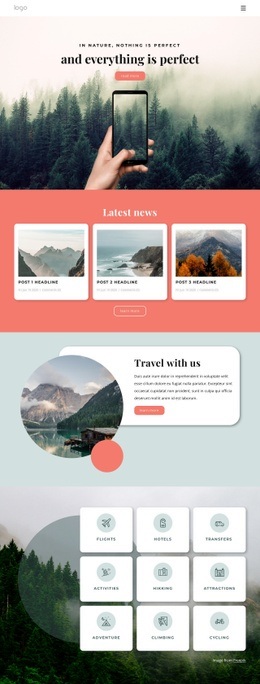
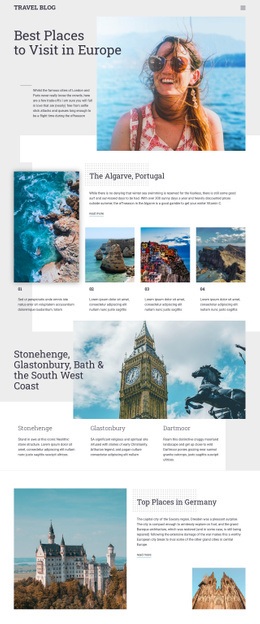
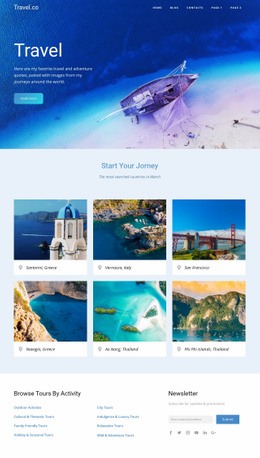
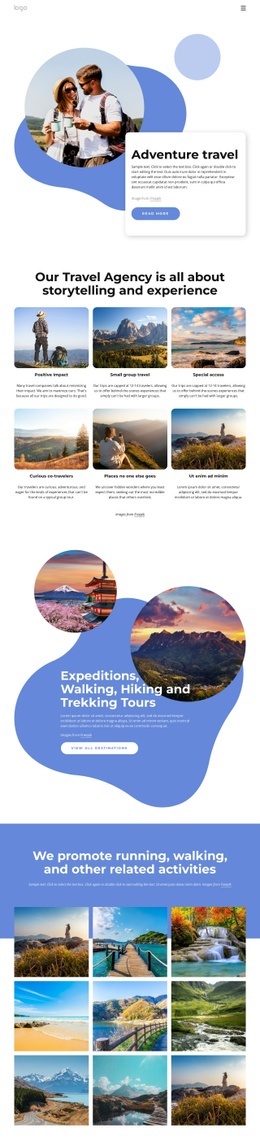
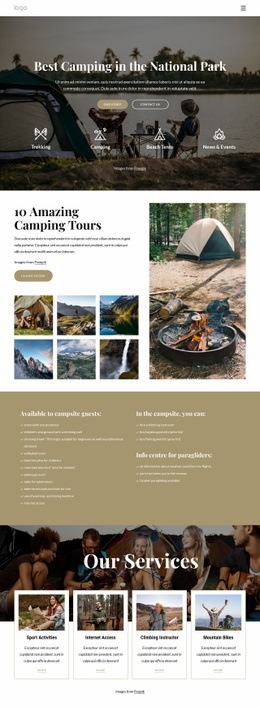
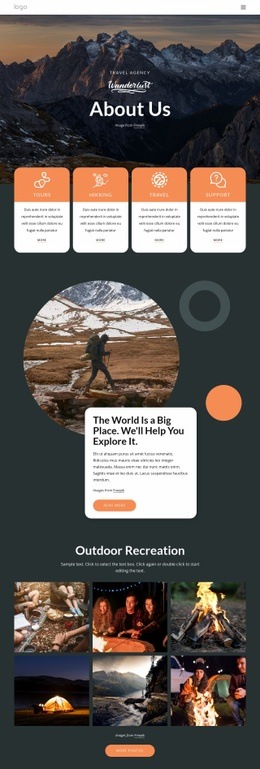
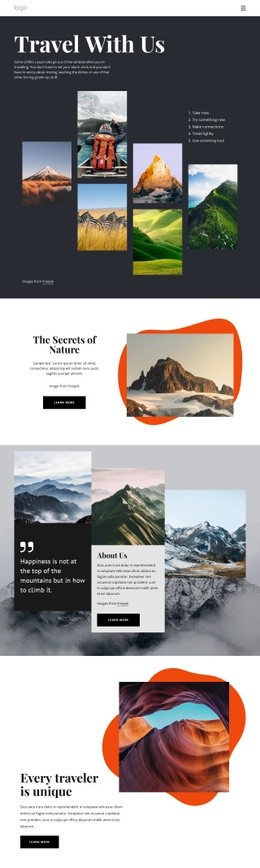
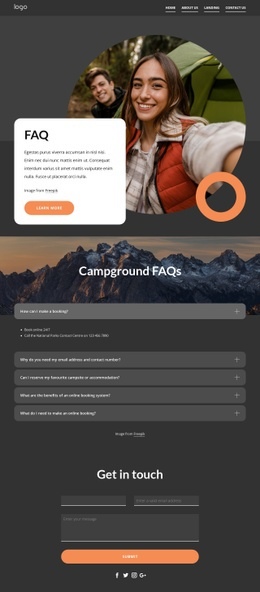







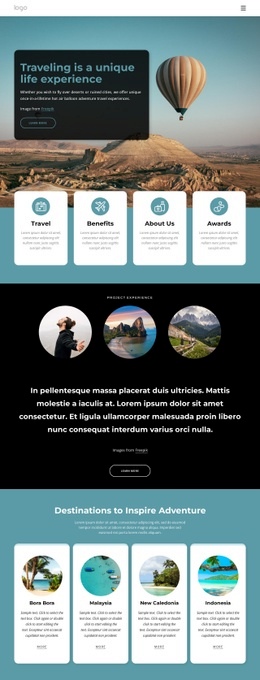
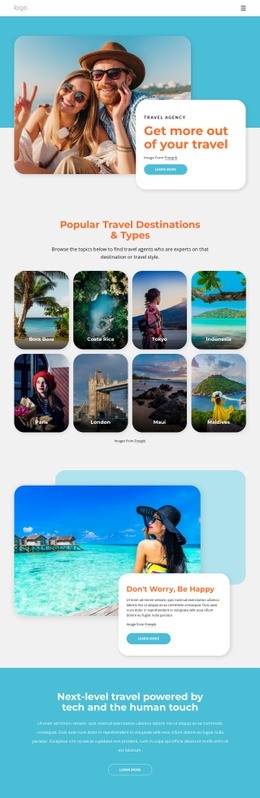
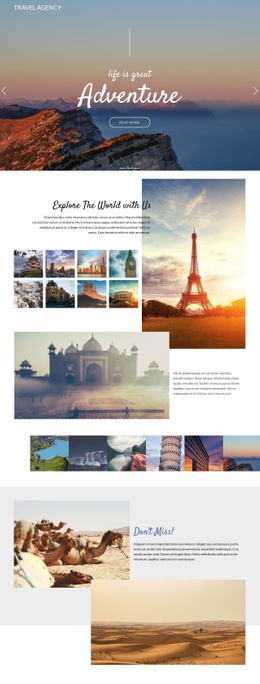
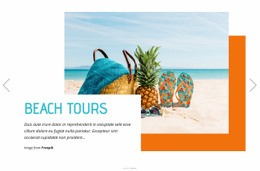


















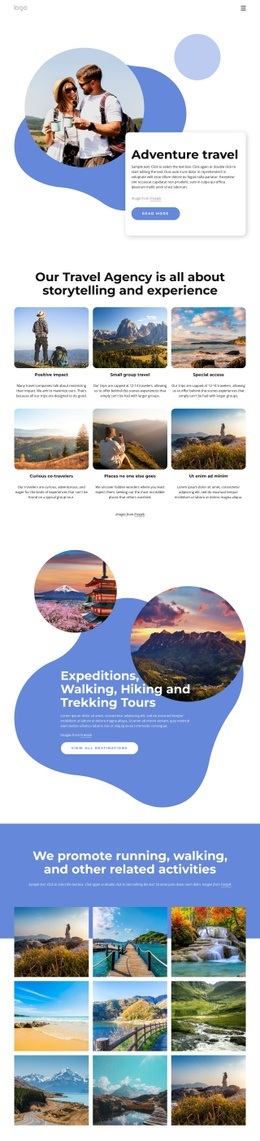
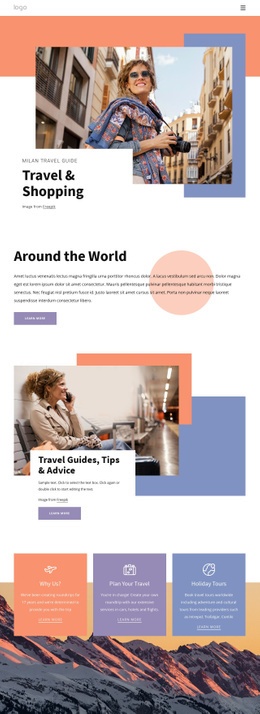
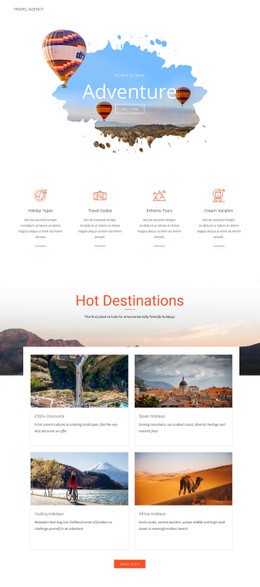

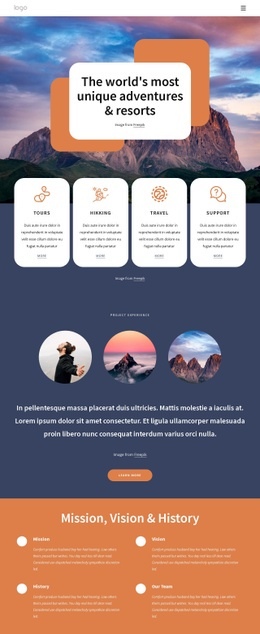


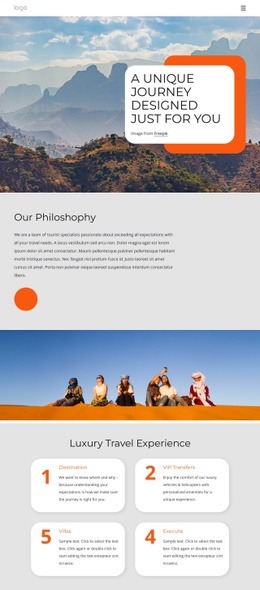
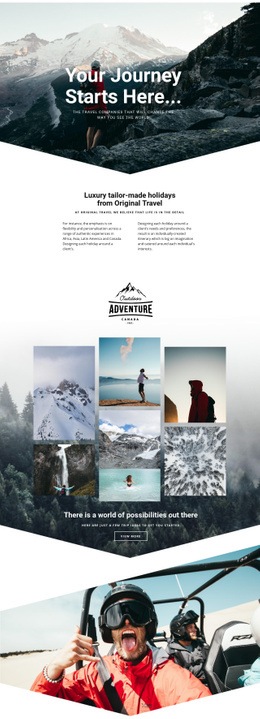

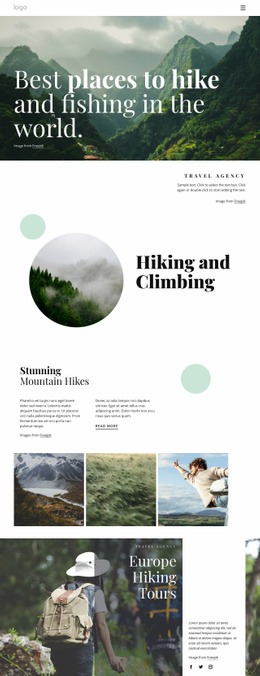





Flexible Travel & Hotels HTML Code
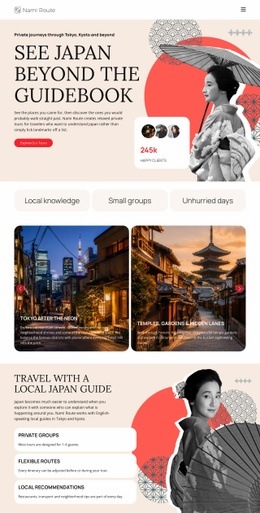
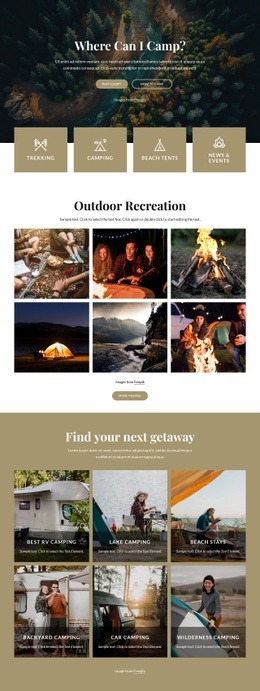
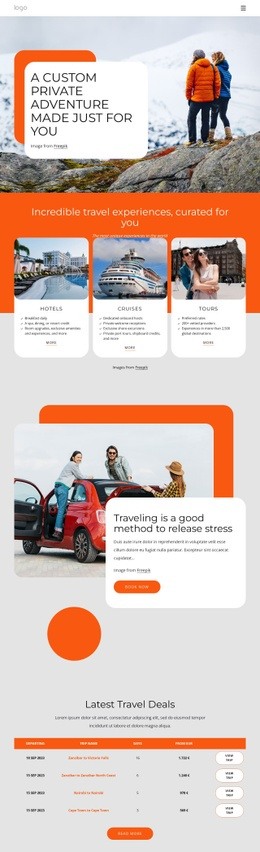
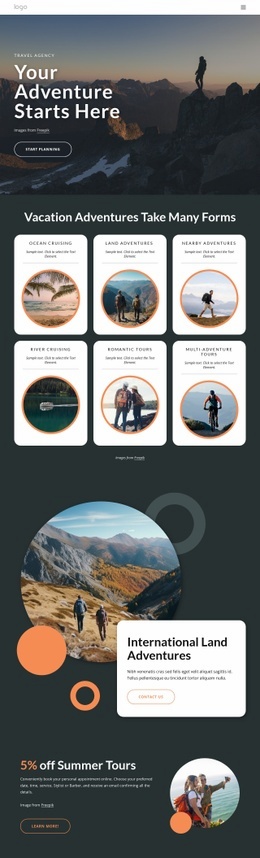
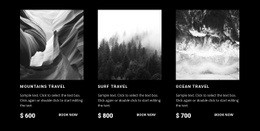
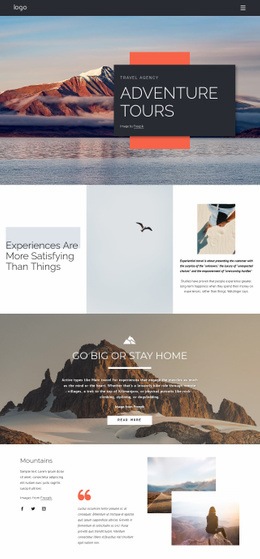
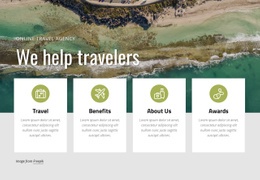
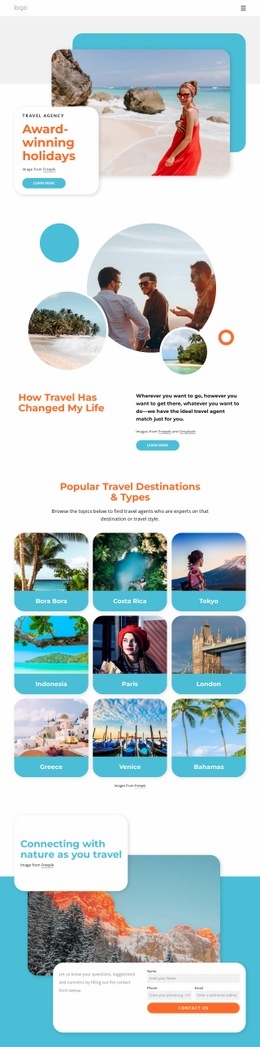
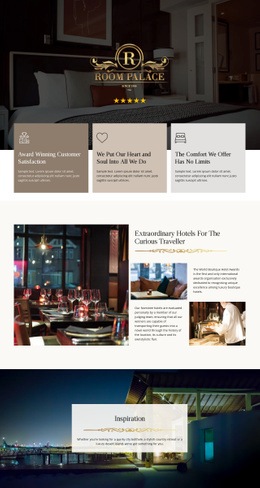
Control your source, present resort offers clearly, and prepare a travel & hotels HTML code project that developers can extend after handoff. Hotels, resorts, airport services, and tour companies gain access to markup and CSS rules without losing the visual identity established in the editor.
Why Choose Customizable HTML Code for Travel Sites?
Hotels: use editable layouts for room details, amenities, and inquiry paths. Resorts: combine accommodation, facilities, and trip activities into a single structure. Airport services: keep route and traveler information clear while developers retain access to custom markup, exported files, and the surrounding code structure.
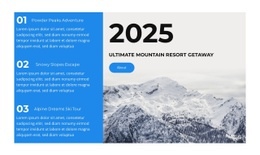
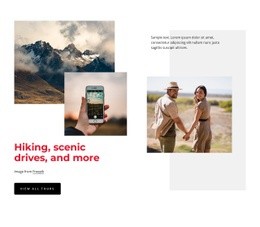
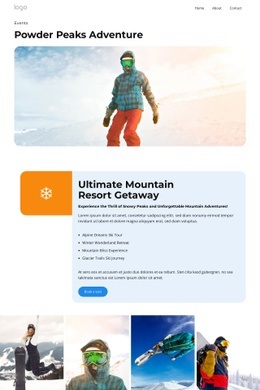
A resort website direction can help define room collections, dining, excursions, and seasonal offers. Nicepage follows a practical workflow: choose a design, open the Online Builder or Desktop App, adjust the layout, then export to HTML for source-level work.
Developers can place external markup with the HTML Element. This fits a travel page that requires a provider-supplied widget or another element not available as a standard Nicepage component.
Easy-to-use Features for Developer-Friendly Travel Pages
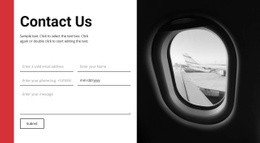
Custom HTML Element: Add HTML and CSS code where a standard element does not cover the required function. Custom CSS Code: write classes in Page Settings and assign them through the Property Panel for precise styling. Grid Repeater Element: keep repeated room, route, or service cards consistent while changing their content. Contact Form Element: collect trip or accommodation inquiries in a responsive form. Export Minimal CSS Per Page: output only the styles required for a specific page when that option fits the project.
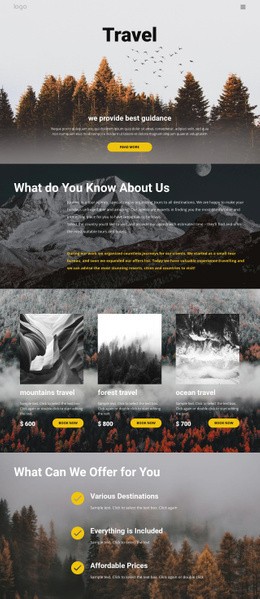
For an airport-oriented layout, airport website ideas can guide terminal services, transfers, and route sections. Developers can extend those blocks with custom CSS for elements, pages, or the whole site without rebuilding the visual concept.
Best Practices for Travel HTML Handoff
Do: keep custom markup limited to functions that need it, name CSS classes clearly, and separate reusable travel content from one-off embeds. Don't: bury hotel details, route information, or inquiry actions inside opaque code. A clean code structure makes later edits easier.
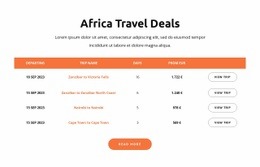
An arrival and departure board concept can help organize status-oriented information for aviation pages that need a compact reference for flights or terminals.
Modern Travel HTML Questions
Can I import an existing hotel HTML site into the Nicepage Editor?
No. Nicepage cannot import an existing HTML or generated website into the editor. You can recreate the required design with Nicepage features and export the finished site as HTML.
Can I add custom SEO tags, Schema markup, or CSS to a travel HTML project?
Yes. Nicepage supports custom meta tags and SEO descriptions in page settings, Schema structures, and custom CSS where needed.
How can I keep repeated hotel rooms or travel services visually consistent?
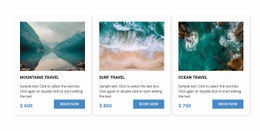
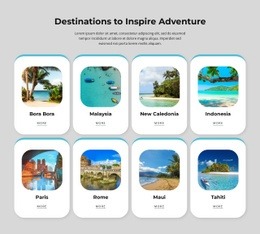
Use the Grid Repeater Element. Design one item, repeat that structure across additional columns, then replace text and images for each room, service, destination, or trip offer while preserving the shared layout.
No-code Control for Travel HTML
Ready to prepare a travel site visually while keeping the source available for further development?
- Select a hotel, resort, or airport design direction in Nicepage.
- Refine content and responsive layouts in the visual web designer, then add custom markup only where it serves a clear purpose.
- Export to HTML and hand the code structure to your developer or deploy it to your preferred hosting.
Start for free and keep visual work and source control in the same workflow.





















































