
900 Features Html Code Examples



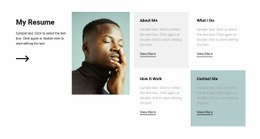




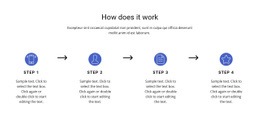
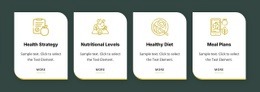






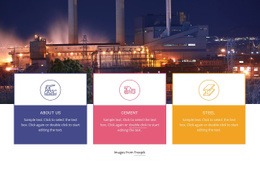







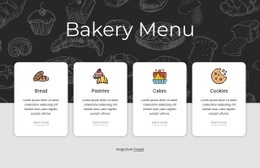





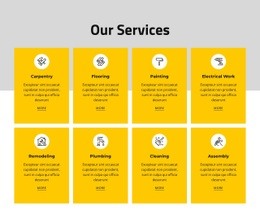

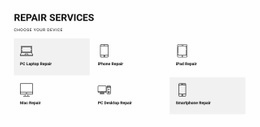


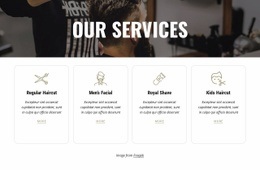














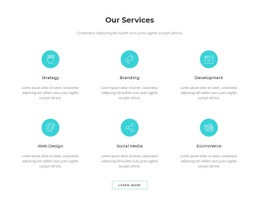
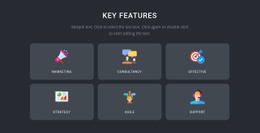









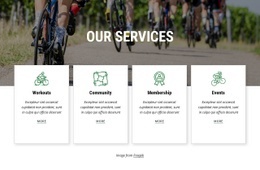











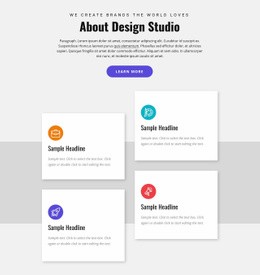
























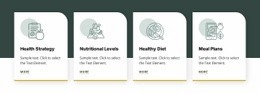

Features HTML Code Examples for Editable Markup and HTML Output
Features HTML Code gives you code-oriented examples for presenting product, service, or capability highlights as an HTML section. Instead of starting from empty markup, you can work from an existing example, replace the feature content, refine the structure, and continue with the resulting HTML in your project.
The emphasis is on the HTML code example and its editable output. Cards, columns, icons, images, or stacked items still shape how Features content appears. Still, the main workflow is to take a usable section example and adapt its generated markup, not browse a library of finished template designs.
Start With an Editable Features HTML Code Example
A useful Features HTML code example gives you a practical markup starting point for repeated benefit content. The section should already contain a clear item structure that you can edit without rebuilding the HTML from scratch.
- Repeated item markup can support several concise advantages.
- Icon and text combinations can be replaced with project-specific content.
- Image-supported feature items can be adjusted when visual explanation is important.
- Stacked structures can provide more room for longer descriptions.
The goal is not simply to select a visual layout. It is to begin with usable HTML markup that already represents the Features section you need, then refine the generated result for the surrounding project.
Edit Feature Content and Refine the Generated Markup
Each feature item normally includes a short title and supporting copy, with optional icons, images, links, or buttons. After replacing the sample content, review the markup and make sure the repeated items remain clear, consistent, and easy to scan.
For repeated cards, the Grid Repeater element provides direct structural support in Nicepage. It can keep the shared item pattern consistent while each feature carries different text or supporting media.
A practical code-oriented workflow is simple:
- Choose a Features HTML code example that already contains the needed item structure.
- Replace the placeholder titles, descriptions, icons, images, or links.
- Refine the generated markup, spacing, and section structure where needed.
- Use the finished HTML output in the broader page or site.
Use HTML Code Examples Across Different Features Sections
The same HTML section pattern can support software capabilities, service benefits, product advantages, process strengths, or package highlights. What changes is the content and visual treatment; the code example still provides the markup foundation for a recognizable Features section.
In a custom project context, an editable example can be especially useful when you need project-specific wording, unusual media, or a less standard structure. You can adapt the content first, then refine the resulting HTML to fit the existing project's requirements.
Keep the Workflow Focused on Editable HTML Output
Features HTML Code is most useful when the starting point is a code example or generated HTML section that you expect to keep editing. You can adjust titles, descriptions, media, classes, and section structure as the content develops, while the resulting markup stays available for integration into the wider HTML project.
This keeps the page centered on editable markup, generated HTML, and practical HTML output rather than on choosing among finished template designs.
Features HTML Code Questions
What Can I Edit in a Features HTML Code Example?
You can replace feature titles, descriptions, icons, images, links, and other section content, then refine the generated markup and structure to fit the surrounding HTML project.
Can I Edit the Content Before Using the HTML?
Yes. Replace the example content first, then review the resulting HTML so the section reflects the real product, service, or capabilities you want to present.
How Can I Keep Repeated Feature Items Consistent?
Use a shared item structure for titles, descriptions, and supporting elements. Grid Repeater helps maintain that pattern while allowing different content in each item.
When Is a Features HTML Code Example Useful?
A Features HTML code example is useful when you want a code-oriented starting point that can be edited as markup, generated as HTML, and adapted before use in an existing HTML project. You can refine the feature content, adjust the section structure, edit the resulting code, and integrate the final HTML output where it is needed.
Turn the Example Into Usable HTML Output
Choose the closest Features code example, edit the titles, descriptions, and supporting content, refine the generated markup, and use the finished HTML output in the wider project.






















































