
Accordion Html Code Examples


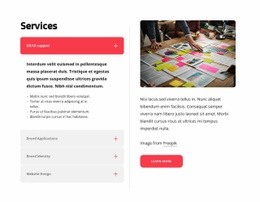

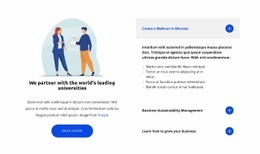




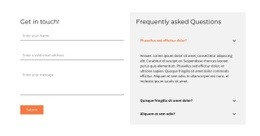
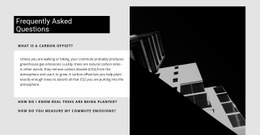









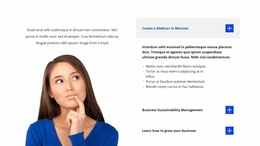

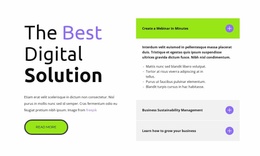
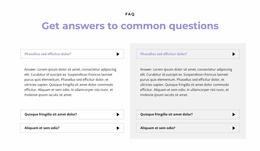
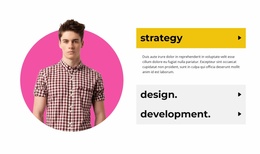














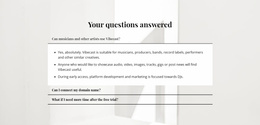
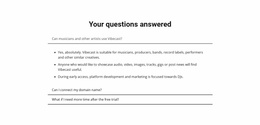
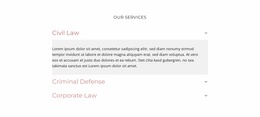
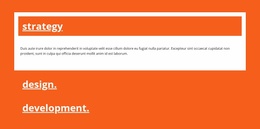




Flexible Accordion HTML Code for Expandable Panels and Custom Markup
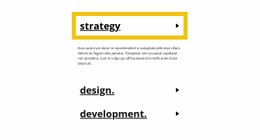
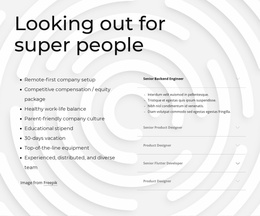
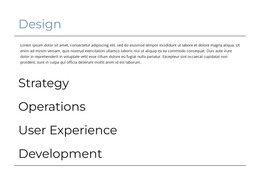
Accordion HTML Code keeps detailed information compact by arranging it as stacked headings with content visitors reveal when needed. Instead of showing every explanation at once, the section supports vertical scanning and progressive disclosure. Custom markup matters when an accordion area needs functionality beyond the standard content structure.
How Does an Accordion Section Control Dense Content?
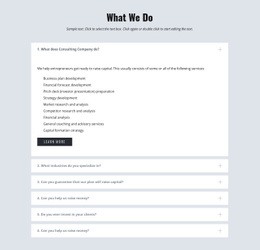
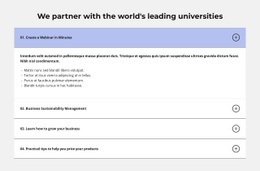
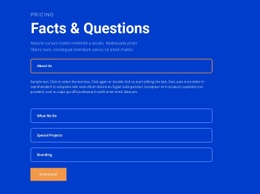
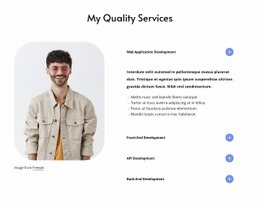
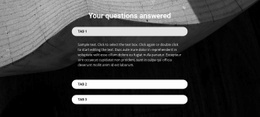
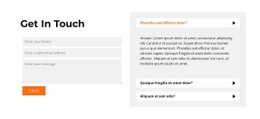
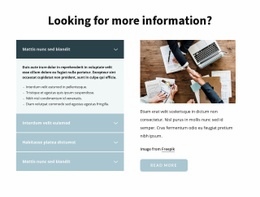
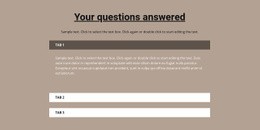
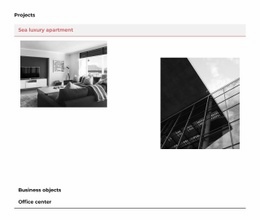
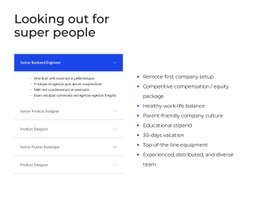
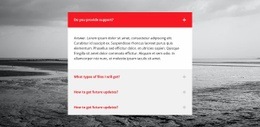
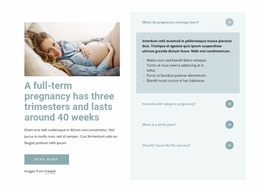
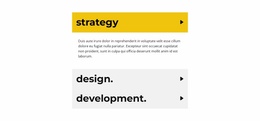
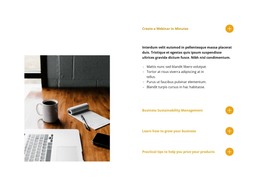
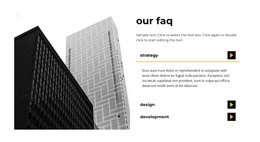
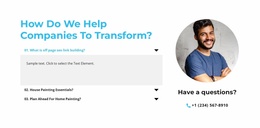
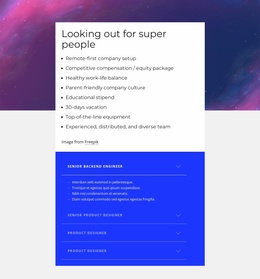
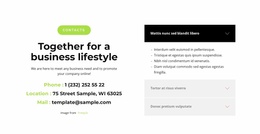
An Accordion section divides related information into vertically stacked, expandable items. Visitors scan the item headings first, then open the panel containing the detail they want. Unlike an FAQ, the format doesn't require question-and-answer content; its defining feature is the expand/collapse interaction itself.
This pattern works well for specifications, policies, service details, instructions, or other material where showing every paragraph at once would make the page unnecessarily long.
Essential Parts of a User-Friendly Accordion Layout
A clear Accordion implementation depends on a few functional relationships:
- Recognizable headings should explain what each item contains.
- Corresponding content bodies should stay directly tied to those headings.
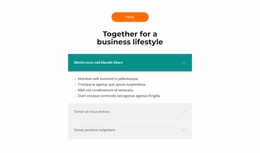
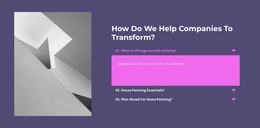
- Open and closed states should make it obvious which panel is active and which content body is currently revealed.
Nicepage provides the Accordion Element for this interaction. Its expandable and collapsible panels give the section its core behavior, keeping detailed material available without giving every item equal visual weight at the same time.
Content order also matters. Put headings in a sequence that makes sense when users scan them without opening every panel. The result should still communicate the available topics before any detailed body content is revealed.
Extend Accordion HTML Code With Custom Markup
The HTML-code angle becomes useful when the Accordion needs a project-specific implementation change or extension rather than another standard content panel. Nicepage's HTML Element can add targeted custom code to a block, including HTML, CSS, JavaScript, or supported external components.
Keep that extension focused. The Accordion Element should remain responsible for the stacked expand/collapse experience; custom HTML can supplement a specific panel when you need custom content, an additional component, or project-specific integration behavior that the standard structure does not cover. This preserves the section's functional identity instead of turning the entire block into hand-written code.
Accordion vs FAQ: Choose the Interaction Pattern First
A common mistake is treating every Accordion as an FAQ. The two can overlap, but they answer different design questions.
Accordion: choose it when the main requirement is progressive disclosure across vertically stacked content panels.
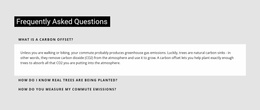
FAQ: choose it when the defining content is a set of recurring questions and answers, whether those answers are collapsible or displayed statically.
Tabs are different again: they switch between parallel content views using persistent tab controls rather than a vertical sequence of expanding items.
Accordion HTML Code Questions
Can I import an existing HTML accordion into the Nicepage editor?
No. Nicepage does not support importing an existing HTML site or another generated site into the editor. You can recreate the required section and use custom code where the project needs an additional HTML-based component.
Can I add custom CSS, Schema, or other page-level code around an accordion?
Nicepage provides page settings for supported custom meta information, Schema structures, and custom CSS. Use those options only where the project requires them; they do not replace the Accordion Element's expand/collapse function.
When should I use an Accordion instead of an FAQ section?
Use an Accordion when the interaction pattern is the priority: visitors scan stacked headings and reveal selected details. Use an FAQ when the content itself is specifically organized as recurring questions and answers.
Should custom HTML replace the Accordion interaction?
No. Use custom markup for a specific extension while keeping the Accordion Element responsible for the stacked expand/collapse behavior.
Add the Accordion Section That Fits Your Content
Start from the Accordion implementation you already have, then extend only what the project requires. Keep the trigger-to-panel relationship clear, preserve readable open and closed states, and add targeted custom markup or embedded functionality only where the standard Accordion structure is not enough.





















































