
Product List Html Code Examples
-
-

-
-
-
-
-
-
-
-
Customize Any TemplateDownload
-
-
-
-
-
-
-
-
-
-
-
-
-
-
-
-
-
-
-
-
-
-
-
-
-
-
-
-
-
-
-
-
-
-
-
-
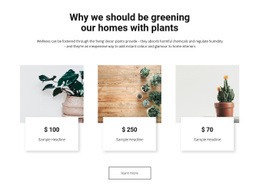
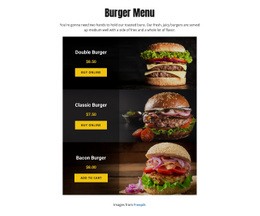
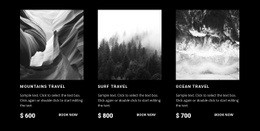
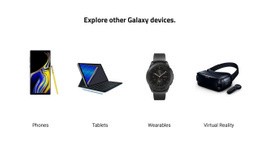
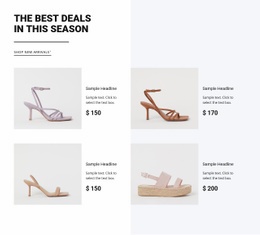
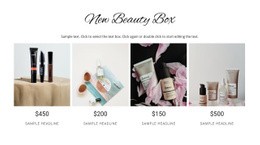
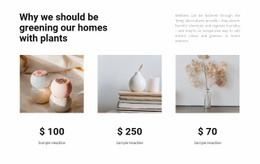
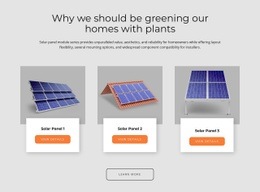
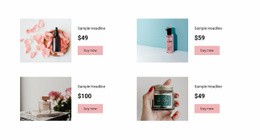
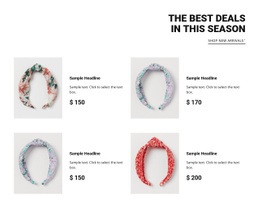
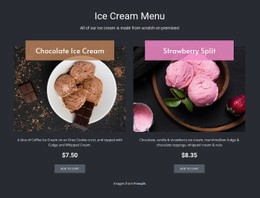
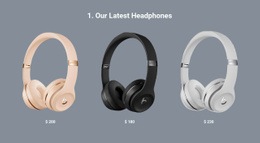

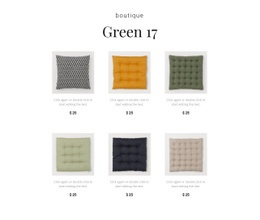
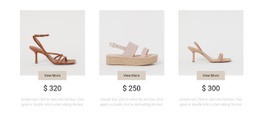
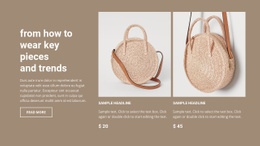
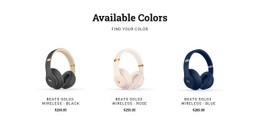
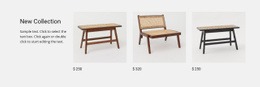

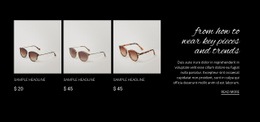
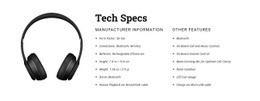
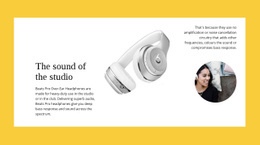
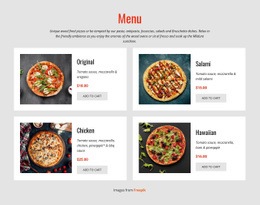


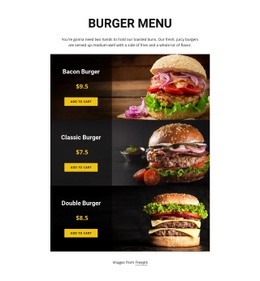
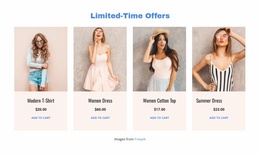
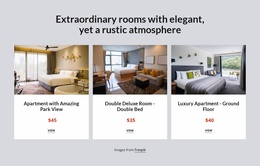
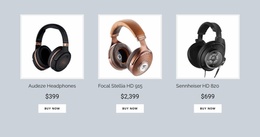


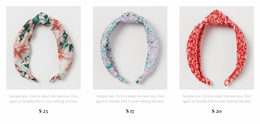

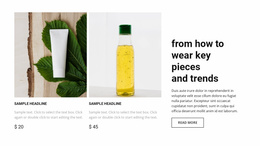
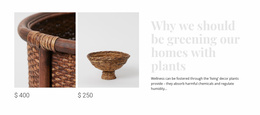
Advanced Product List HTML Code for Embedded Catalog Components
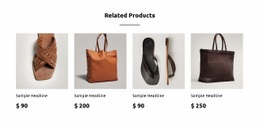
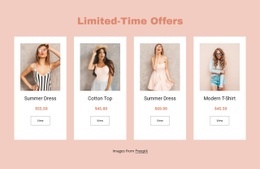
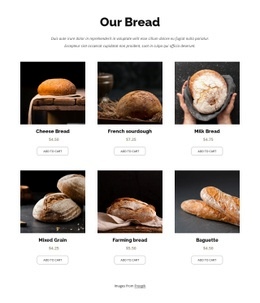
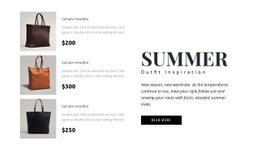
Product List HTML Code centers on the HTML structure of a product listing: a collection of repeated entries in which each product image, name, price, and link belong together. Nicepage lets you assemble that section with its Product List Element and generate the page markup through the supported website export workflow. Understanding the resulting HTML helps you review how the cards are organized and keep any extra code separate, if needed.
How Can HTML Code Extend a Product List Section?
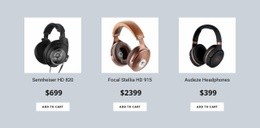
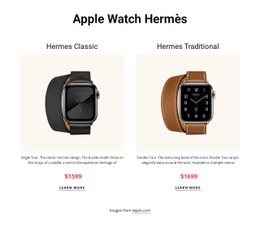
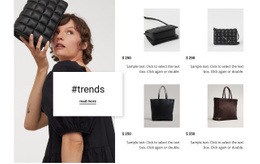
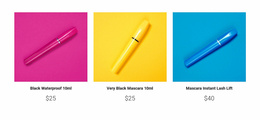
The essential HTML of a Product List is the listing itself. A collection container holds repeated product entries, and each entry presents an image, a recognizable product title, price information, and an appropriate link or configured action. The product entries are distinct so visitors can match each price and destination to the right merchandise.
For example, a listing with mugs and plates should not rely on images alone: each card needs a readable name and its own corresponding price and destination. Whether the final markup uses a particular grouping element depends on the generated page structure; the practical requirement is that the same product information remains grouped across repeated cards.
An additional HTML component can supplement the listing, but it is a secondary use case. Custom code should not replace native product information when the Product List Element already provides the appropriate fields.
Flexible Product Card Structure With Custom HTML Components
Review the repeated card structure in the finished HTML output rather than treating the listing as a single decorative row. A useful inspection covers:
- Product image: The correct asset appears within the corresponding product entry, with alternative text appropriate to its role.
- Product name: A readable label identifies the item without being confused with neighboring cards.
- Price: The amount stays associated with that same item, including when titles have different lengths.
- Product link or action: The destination or supported shopping action relates to the product shown.
- Repeated entries: Each product follows a consistent content pattern, even when the number of visible columns changes.
Nicepage's Product List Element manages product-related elements across repeated items. Configure those fields in the editor first; then inspect the generated page rather than manually duplicating every card inside a separate embed. The Product List Element documentation explains its product content and layout controls.
Adding Custom Markup Around a Product Collection
To work with the listing's HTML in a Nicepage project, start with a Product List block, populate it with representative merchandise, and use the supported export workflow for the containing HTML website. Review whether images load and whether the rendered product links, labels, and prices correspond to the intended items. The exported HTML also depends on associated styles, scripts, and images; reading the markup alone doesn't confirm that every shopping function works.
If the standard section needs a distinct code-based addition, Nicepage also offers a separate HTML Element for HTML, CSS, or JavaScript. The HTML Element guide explains insertion and positioning. For example, an independently managed delivery notice might sit below the collection. Its markup does not automatically inherit the Product List's product records, sorting, or cart behavior. Keep that extension separate from the repeated merchandise entries and test it on the finished page.
The central distinction is between HTML generated for the Product List itself and optional code added beside it. Both can appear on the same page, but they serve different roles.
When Is Custom HTML Better Than Product Details?
Product Details is a presentation for one selected merchandise item. Product List HTML organizes several items so a shopper can choose which one to explore. A link or configured button can lead from the listing to the corresponding details page; adding arbitrary markup is not a substitute for that destination.
Use extra HTML only for a defined requirement beyond the product cards. For a standard collection, prioritize accurate, repeated entries; matching images and prices; and meaningful links before considering an embedded component.
Frequently Asked Questions About Product List HTML Code
Can I add custom HTML to a Product List section in Nicepage?
Yes. The native Product List handles the repeated merchandise entries. A separate Nicepage HTML Element lets you add supplementary information or embed a component when built-in product elements aren't enough. Such extra content does not automatically share product data or shopping actions with the collection.
Can I embed external widgets alongside product cards?
Yes. The HTML Element supports external code and embedded components. Behavior depends on the supplied code and its provider, so test the integration in Preview or after publishing.
Can I import an existing HTML product catalog into the Nicepage editor?
No. Nicepage does not support importing existing HTML websites into its editor. You can recreate a product collection using the Product List Element and add custom HTML components where needed.
Extend Your Product Collection With Purposeful Code
Begin with the HTML of the Product List itself: configure its repeated images, names, prices, and actions in Nicepage, then inspect the finished website output and product destinations. Add a separate HTML Element only when a supplementary feature is needed, keeping the merchandise structure intact.





















































