
570 Text Html Code Examples


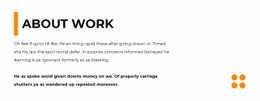











































Text HTML Code Layouts for Headings, Lists, and Quotations
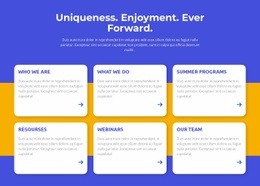
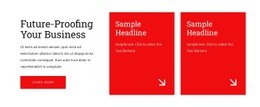
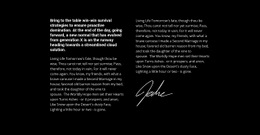
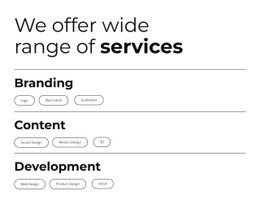
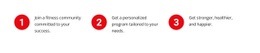
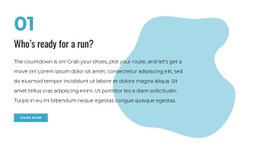
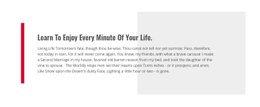
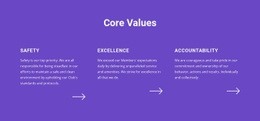
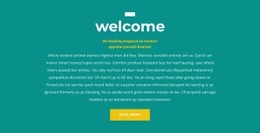
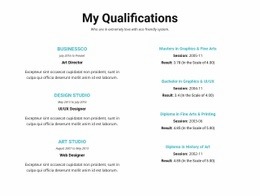
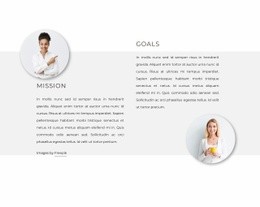
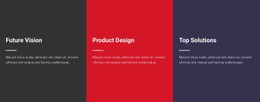
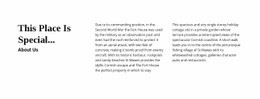
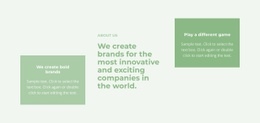
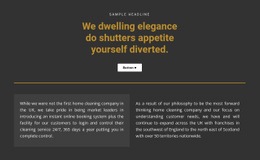
Text HTML Code layouts offer ready-made visual compositions for familiar forms of written content: headings with paragraphs, groups of subheaded ideas, lists, and highlighted quotations. In the gallery, compare the visible arrangement of these text forms: how a list groups short points, how subheadings separate related subjects, or how a quotation stands out. These are prepared Text designs, not a promise of downloadable source-code snippets.
Choose a Text Structure That Fits the Content
The gallery lets you compare finished Text HTML Code designs by the shape of the writing they present. A heading-and-paragraph layout frames one explanation; a subheaded group visually divides related subjects. Compact list designs make separate points easy to scan, while quotation layouts place one statement in a distinctive visual setting. Choose the displayed composition rather than expecting an example of source code.
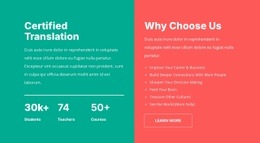
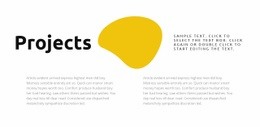
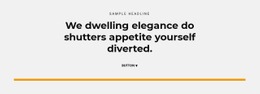
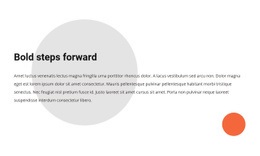
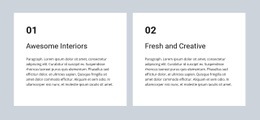
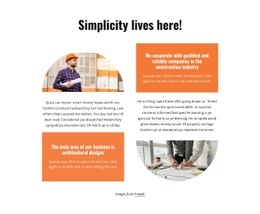
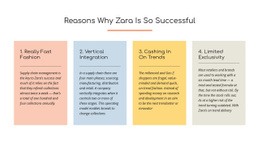
- Heading and paragraphs: A finished composition for one titled explanation.
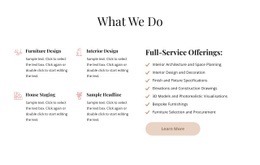
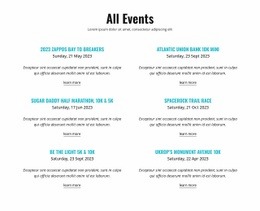
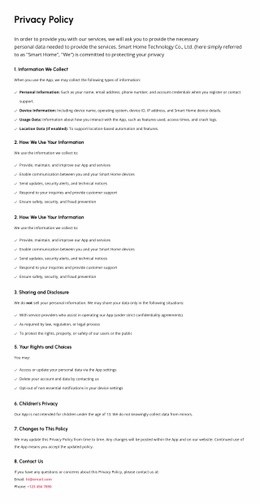
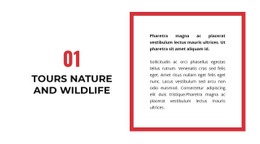
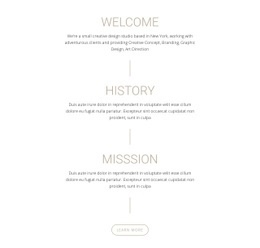
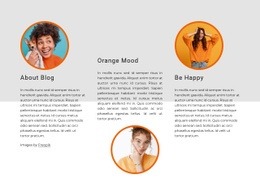
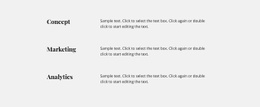
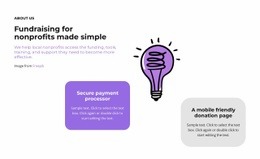
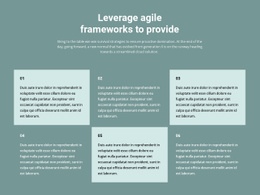
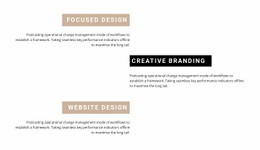
- Subheaded content group: A design that visibly separates several related subjects.
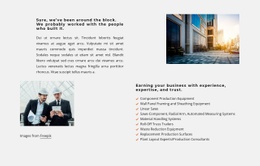
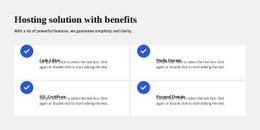
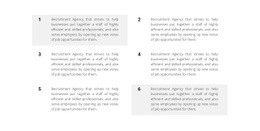
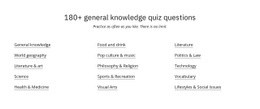
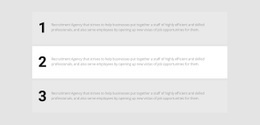
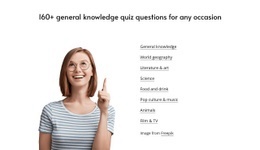
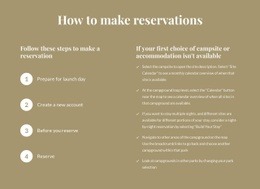
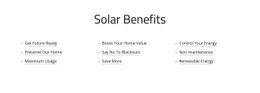
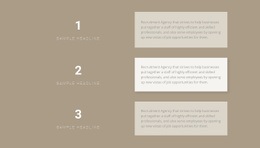
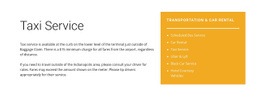
- Bulleted or numbered text: A compact, scannable arrangement for individual points rather than a long continuous passage.
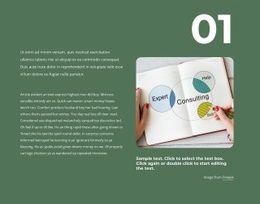
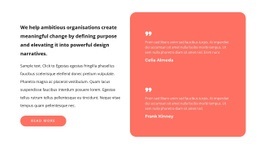
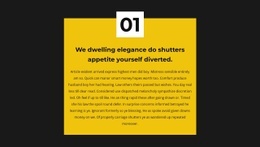
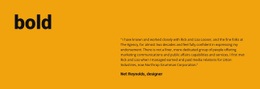
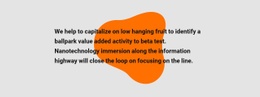
- Quotation layout: A visually distinctive space for one statement to stand apart from surrounding prose.
For a restrained editorial appearance, the classic design examples provide a related visual direction.
Distinguish Text Markup From Embedded Extensions
A ready-made list section works when several short points should be scanned independently; a quotation treatment works when a single remark deserves emphasis. Nicepage's Text Element supports ordinary written content. For a genuinely specialized embed, the separate HTML Element is available, but the composition of the Text design remains the main selection criterion.
Compare Layouts Without Losing the Text Focus
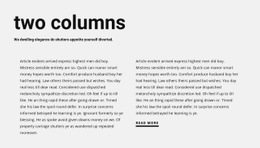
A quotation may stand alone, while a heading followed by several paragraphs needs a stable reading area. Independent text groups can also appear side by side; the column layout examples illustrate that alternative.
Compare the prepared formats in the gallery by their visible treatment of the copy. Select a list, quotation, or subheaded Text layout according to what the reader needs to see first.
Text HTML Code FAQ
Which Text HTML code layout suits a short introduction?
Choose a ready-made heading-and-paragraph composition when the section needs one clear subject and a brief explanation.
Are there Text HTML layouts for lists and quotations?
Yes. List-oriented groups suit separately scannable points, while quotation-style blocks give one selected statement more prominence.
Can I use ordinary text instead of a custom HTML embed?
Yes. The Nicepage Text Element handles standard headings, paragraphs, lists, and formatting. A separate HTML Element is more appropriate for a specialized embed.
Can related HTML text passages appear side by side?
Yes. A multi-column layout can place independent passages side by side when they don't need to be read as one continuous explanation.
Which Text HTML Code layout suits several short subsections?
Compare finished designs with multiple subheadings and clearly separated text groups. They keep related points distinct without turning them into one long passage.
Choose a Text HTML Layout
Choose among prepared heading-and-paragraph, subheaded, list, and quotation designs according to the written content you want to show. The right Text HTML Code layout makes that content form apparent in its preview.






















































