
1130 Fashion & Beauty Html Code Examples
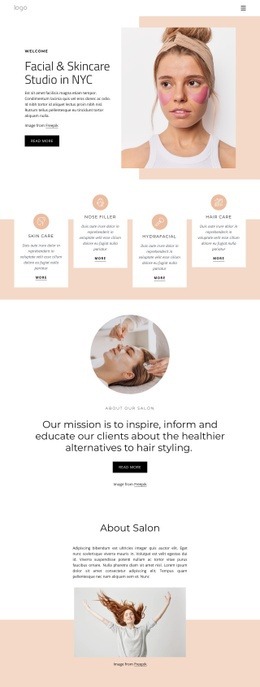
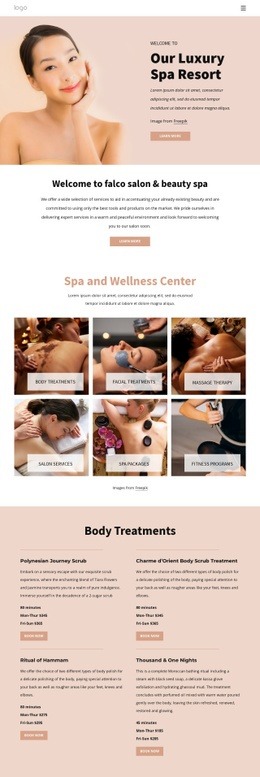













Advanced Fashion & Beauty HTML Code Examples for Custom Sections
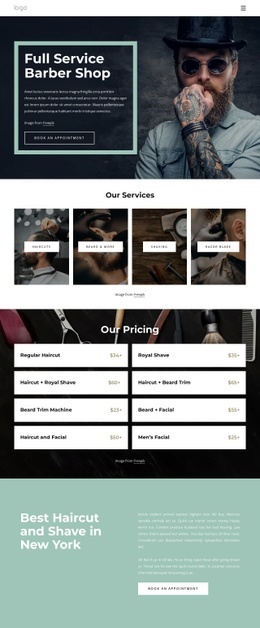
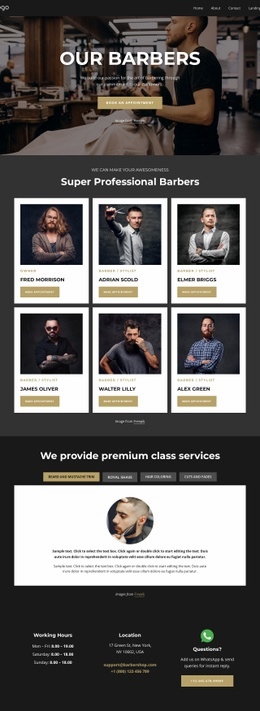
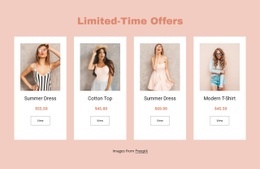
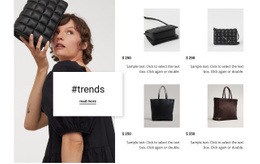
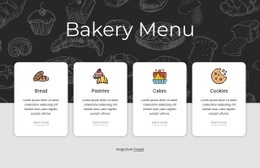
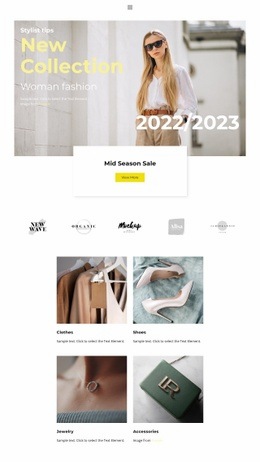
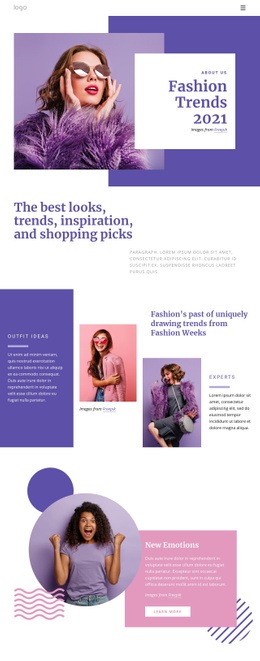
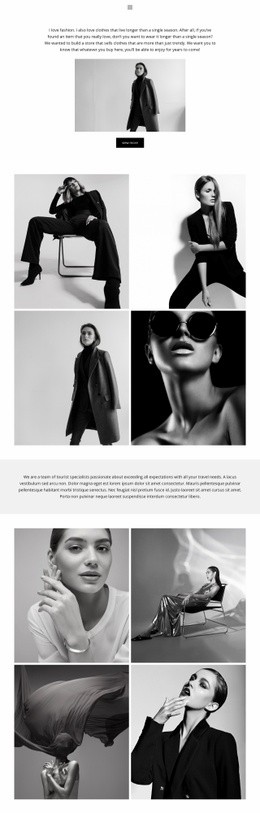
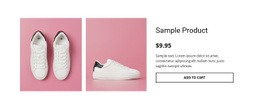
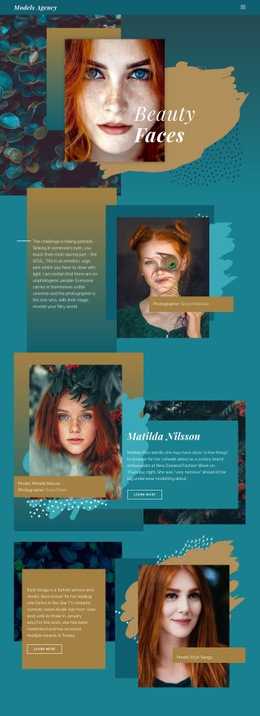
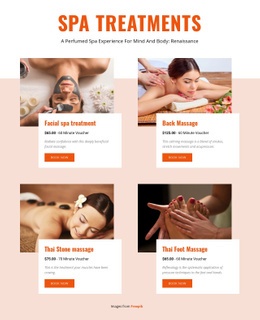
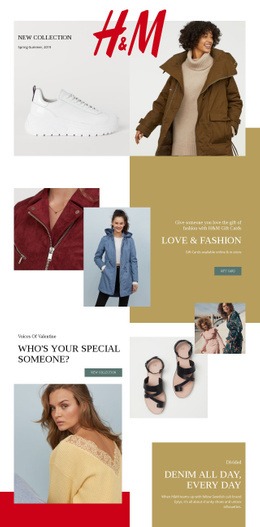
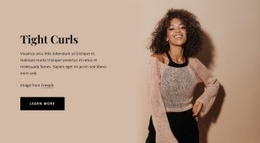
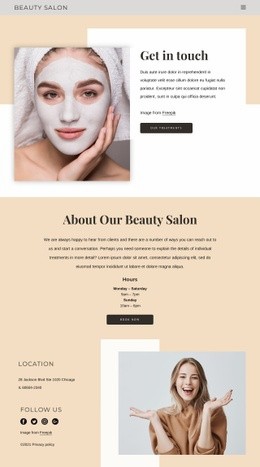
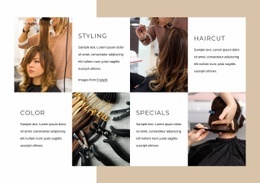
Fashion & Beauty HTML Code Examples provide developers and technically minded teams with reusable starting points for collection areas, service sections, portfolios, contact blocks, and other parts of a fashion or beauty website. Instead of treating the page as a finished template, the focus stays on markup that can be adapted, embedded, and modified for a specific project.
Who Uses Fashion & Beauty HTML Code Examples?
HTML code examples are useful when a project needs more than visual customization.
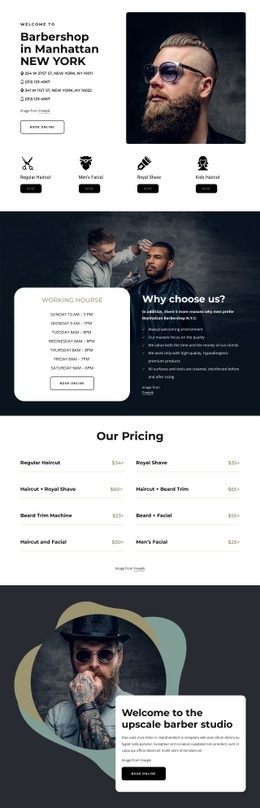
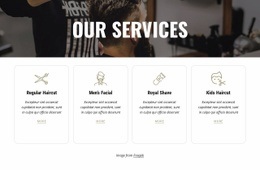
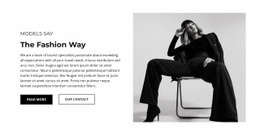
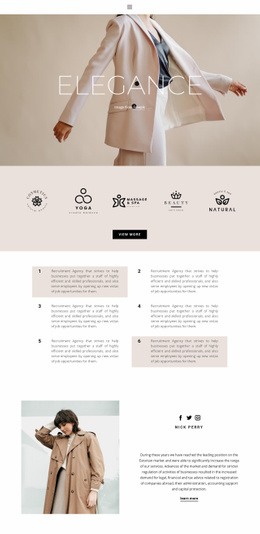
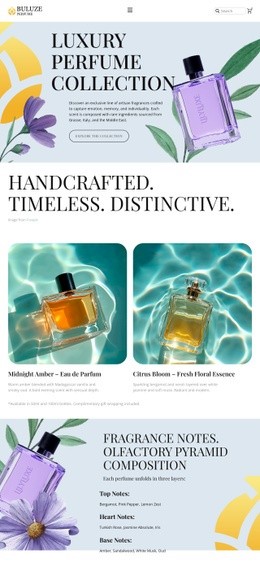
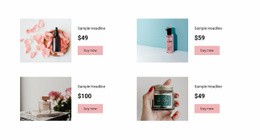
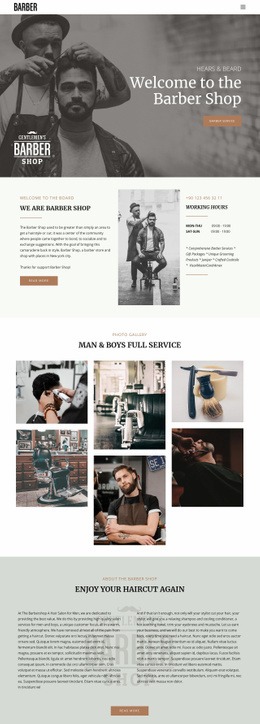
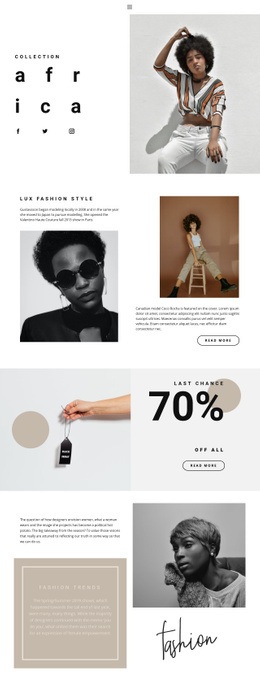
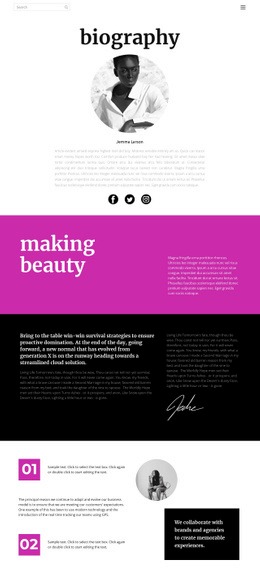
A developer may want a reusable collection section to insert into an existing fashion site. A salon team may need a custom service block that follows an established frontend structure. A model agency may want a portfolio section whose markup can be extended with project-specific classes or scripts.
The important difference is that the HTML itself becomes part of the workflow.
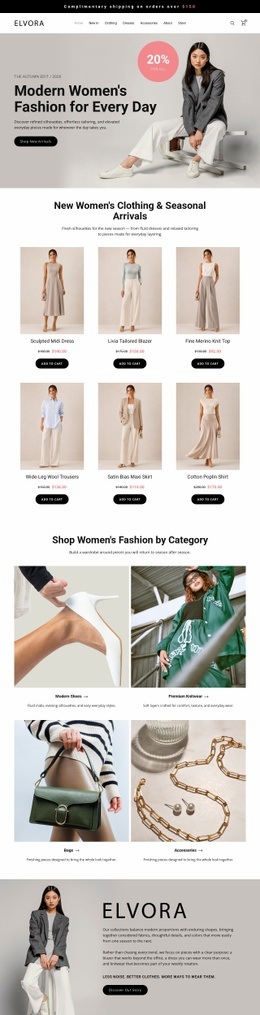
Fashion HTML code can provide a starting structure for:
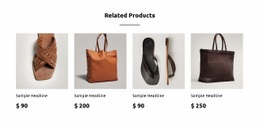
- collection sections;
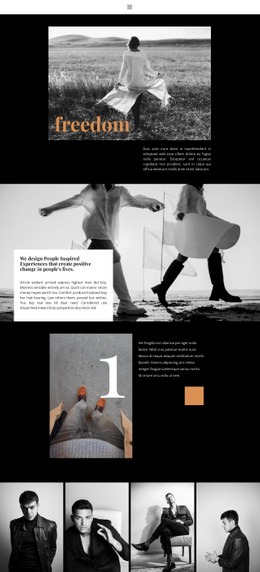
- editorial or lookbook areas;
- portfolio blocks;
- campaign content;
- contact sections.
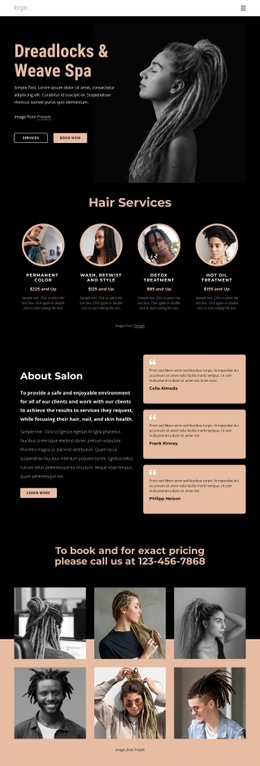
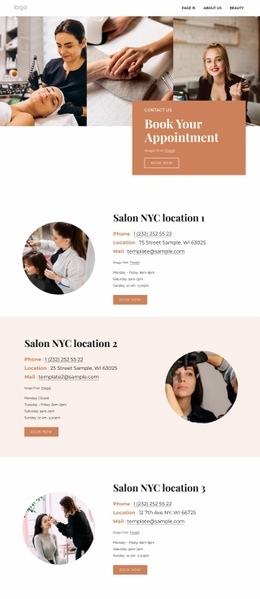
Beauty website HTML code can be adapted for:
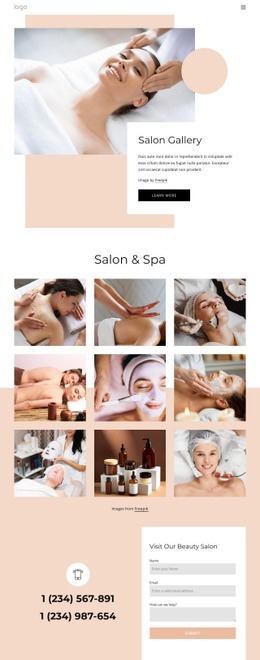
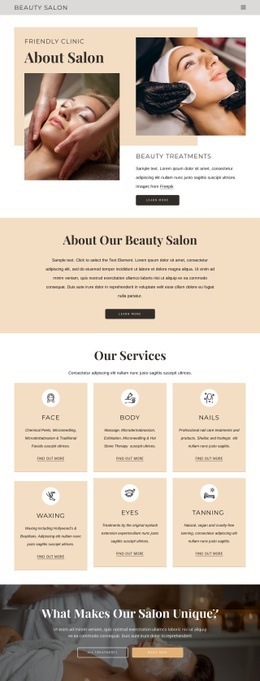
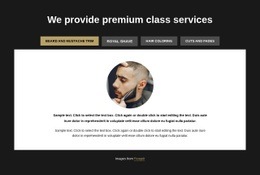
- services;
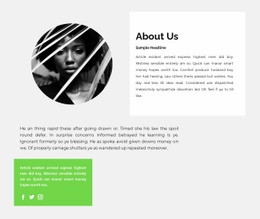
- specialist profiles;
- treatment information;
- before-and-after portfolios;
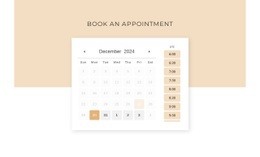
- appointment or inquiry sections.
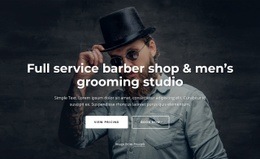
Model website ideas can inform portfolio content, grooming website concepts can guide service blocks, and hairdresser website designs can help determine which specialist, pricing, or contact information the custom section needs.
Reusable Markup and Source-Level Customization
A useful code example should be easy to modify without rebuilding the surrounding page.
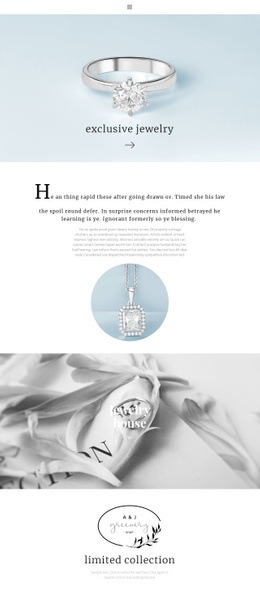
Reusable section code gives developers a known starting point for repeated page areas. One collection block can be duplicated for another season, or one service layout can be reused for several treatment categories.
Custom markup is useful when the project requires elements or structures that are not covered by standard visual components.
Custom classes can connect those sections to project-specific CSS, while data attributes, IDs, or additional wrappers can support later developer modifications when the technical requirements justify them.
Embedding custom blocks is also different from choosing a complete template. A code example may represent only one portfolio, service, collection, or contact section that is added to an existing larger website.
Nicepage supports this workflow through the Custom HTML Element, which accepts HTML and CSS for functionality or markup beyond standard elements. The HTML Element guide documents its use.
Custom CSS can provide project-specific styling, while exported HTML/CSS files can be reviewed and modified further when source-level editing is part of the handoff.
Developer Modifications After the Initial Example
Treat a code example as a starting point rather than immutable output.
A developer may:
- rename classes to match an existing design system;
- replace placeholder content and images;
- extend the markup for analytics or project scripts;
- connect the section to an external application;
- adjust accessibility attributes;
- reorganize content to match the surrounding page.
The goal is not to hide the source behind a visual workflow. It is to make the structure available for further technical work.
Keep modifications deliberate. Avoid inserting unrelated scripts into presentation sections, and keep custom markup understandable enough that another developer can identify where collection, service, portfolio, or contact content begins and ends.
Flexible HTML Code Questions for Fashion & Beauty
Can I import an existing fashion HTML site into the Nicepage Editor?
No. Nicepage does not support importing an existing HTML or generated site into the editor. Its tools can instead be used to recreate the required structure or add custom code to a Nicepage project.
Can Nicepage fashion and beauty layouts support mobile performance checks?
The supplied Nicepage FAQ states that its layouts use clean, lightweight HTML/CSS structure and optimized elements for mobile and desktop performance checks. Custom code should still be reviewed after it is added.
Can I add a custom snippet to a salon or model website?
Yes. Use the Custom HTML Element when you need targeted HTML and CSS for functionality or a custom section that is not available through standard Nicepage elements.
Customize Fashion & Beauty HTML Code for the Project
Start with the section that needs technical control. Choose a relevant HTML code example, replace the placeholder content, adjust the classes and markup, and integrate the block into the surrounding project.
Use source-level editing when the implementation requires developer modifications rather than turning every custom requirement into another full website template.
Fashion & Beauty HTML Code Examples are most useful as adaptable building blocks for collection, service, portfolio, and contact interfaces.






















































