
370 Cars & Transportation Html Code Examples

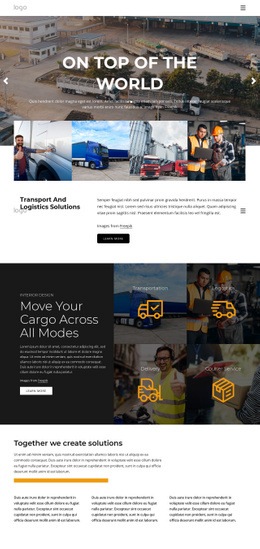
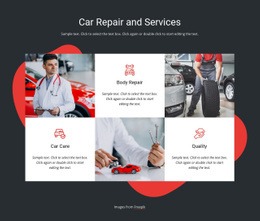
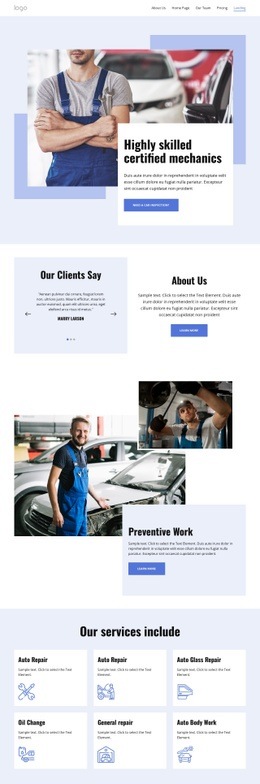
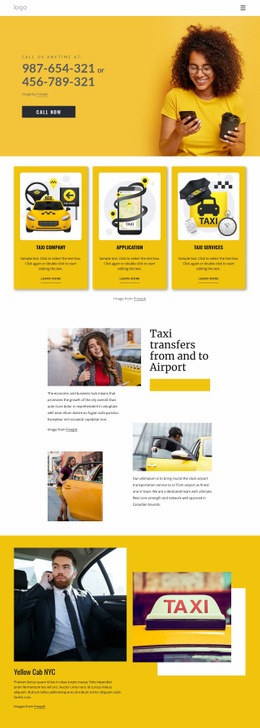




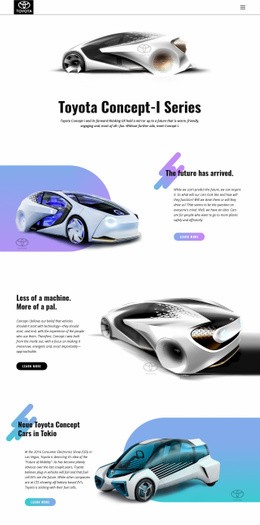
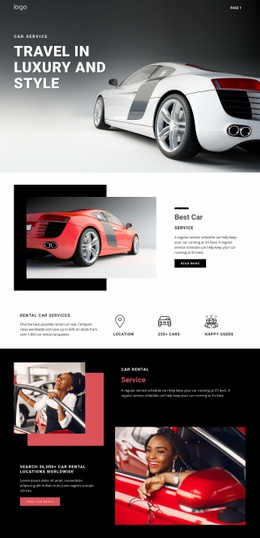

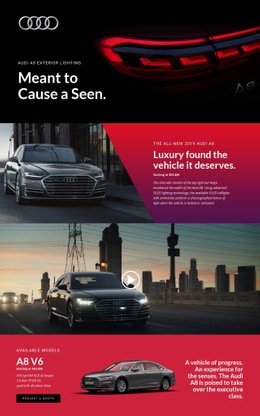
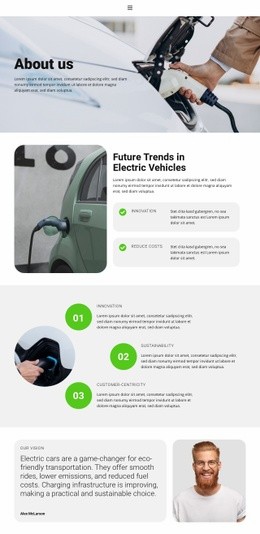





























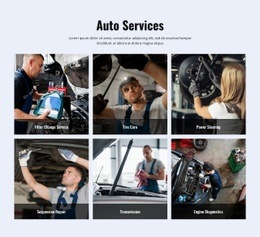





Clean Cars & Transportation HTML Code
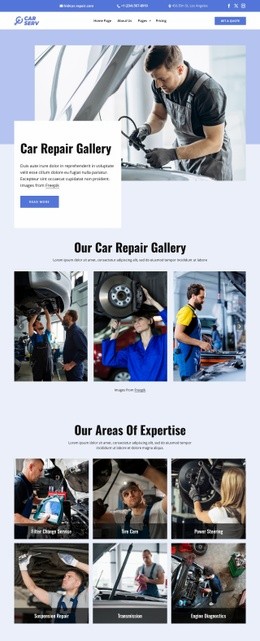
Cars and transportation HTML code becomes important after the visual layout has been created and the project needs direct access to its source files. Delivery fleets, reservation services, car-service businesses, and automotive brands can work with exported HTML markup, CSS files, images, and other assets, and custom-code areas when developers need to inspect, extend, integrate, or deploy the finished site.
What Does an Automotive HTML Code Workflow Include?
The core output is the code and supporting files. An exported project can include HTML documents, stylesheets, image assets, page-specific CSS, and custom markup added for third-party components or special integrations. Developers can then use those files for deployment, code review, analytics, scripts, tracking, external systems, or server-side work.
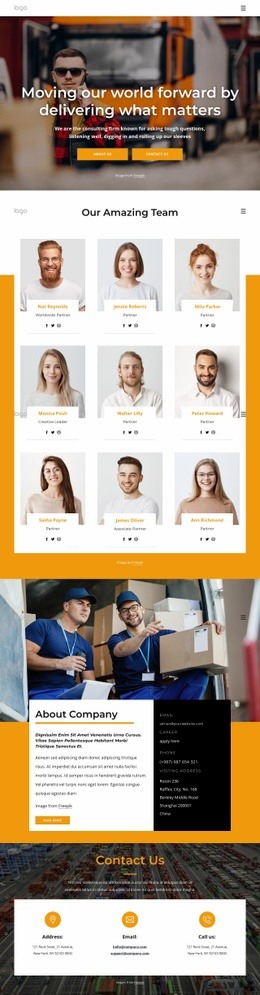
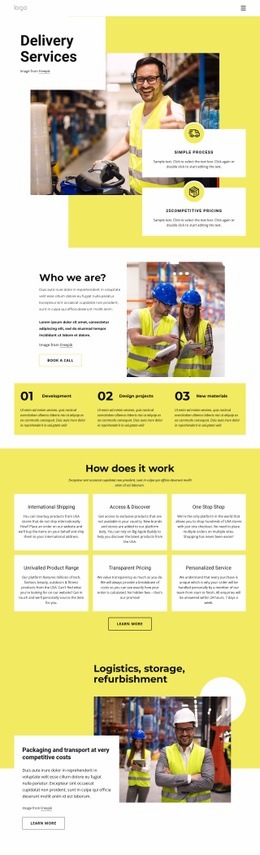
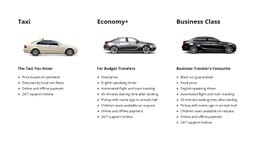
A delivery company can use delivery website ideas to organize service zones, shipment options, contact actions, and trust content before export. Nicepage supports HTML export via the documented Export HTML Website workflow, enabling the resulting site files to be moved to external hosting or a client environment.
Direct access to the exported source provides a technical team with a concrete production package rather than a static design reference.
Source Files for Vehicle and Transport Projects
HTML markup
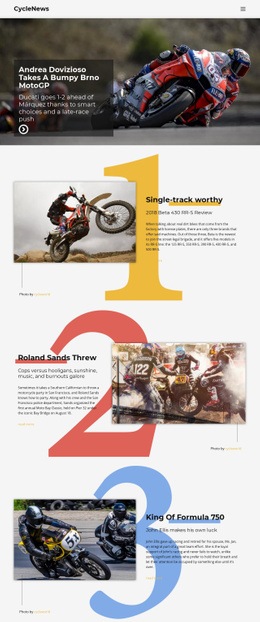
The exported HTML represents the page structure developers receive. A vehicle-service page may include model or service sections, route information, forms, contact blocks, and supporting content in the resulting markup. Developers can inspect that structure when they need to add analytics, scripts, server-side processes, or external services.
CSS files
Automotive layouts often include dense cards, visual states, responsive spacing, and image-heavy sections. Export Minimal CSS Per Page can create a separate stylesheet that contains only the rules required by an individual page, making the output easier to review and maintain.
Assets
Vehicle photography, icons, logos, and other media need to remain in the HTML and CSS as part of the exported package, so paths and page presentation remain intact during deployment.
Custom HTML, scripts, and integrations
The Custom HTML Element provides a place for HTML and CSS when a page needs an external component or functionality outside the standard element set. The HTML Element documentation explains this approach for inserting external code directly into a page. Additional analytics, scripts, or integrations can then be documented and connected in the appropriate developer workflow.
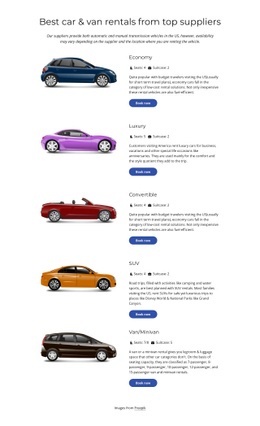
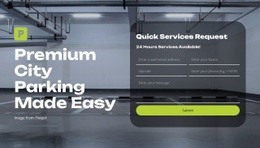
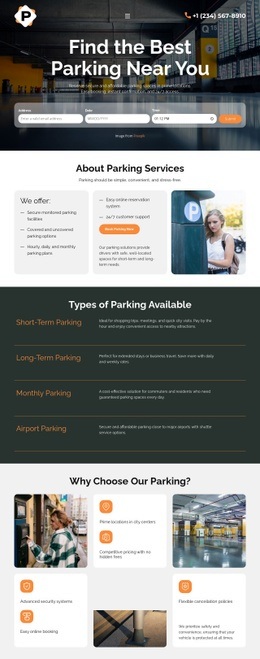
For a vehicle-focused project, automobile website concepts can guide model, service, and inquiry sections before export. Reservation-driven businesses can use reservation page ideas to organize availability, service selection, and contact logic before developers work with the resulting source files.
Exported File Checklist
A usable production package should make it clear which files belong together and what has already been customized.
- Export the HTML site from the supported Nicepage Application workflow.
- Keep generated HTML, CSS, images, and other assets together.
- Identify custom HTML or code-dependent sections.
- Review page-specific CSS when minimal CSS export is enabled.
- Document analytics, third-party scripts, and integrations that require additional setup.
- Confirm the destination hosting or deployment environment.
Automotive HTML Code Questions
Can I host the exported cars and transportation HTML code on a third-party hosting service?
Yes. Nicepage allows unlimited third-party hosting. You can generate unlimited sites and place exported HTML websites on the hosting provider you choose.
Can developers modify the exported automotive source files?
Yes. Developers can review and work with the exported HTML, CSS, assets, and custom-code areas for deployment or further integration. Later code changes should be managed in the appropriate development workflow.
Can I import an existing automotive HTML site into the Nicepage Editor?
No. Nicepage does not import an existing HTML or generated site into the Editor. Its features can be used to visually recreate the required website.
How can I keep CSS lean on a delivery or vehicle-service HTML page?
Use Export Minimal CSS Per Page. When enabled in Site Settings, it exports a separate CSS file with only the style rules needed to display that specific page.
Where can I add custom markup for an automotive integration?
Use the Custom HTML Element when a page needs HTML or CSS for an external component or a function outside the standard element set. Keep any additional script or integration requirements documented for the developer who will be working with the exported files.
Move from Visual Layout to Production Files
Once the visual design is ready, the practical value of the HTML export lies in direct access to the markup, CSS, assets, custom code, scripts, and integration points that a developer can inspect, deploy, or extend for a real automotive or transportation project.





















































