
2010 Art & Design Html Code Examples



















































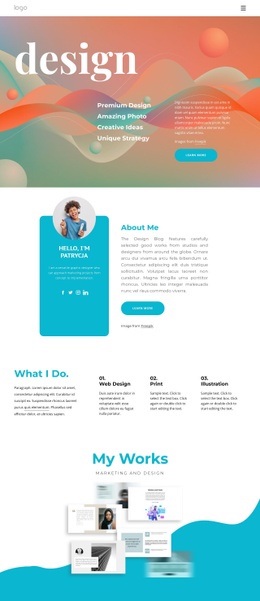



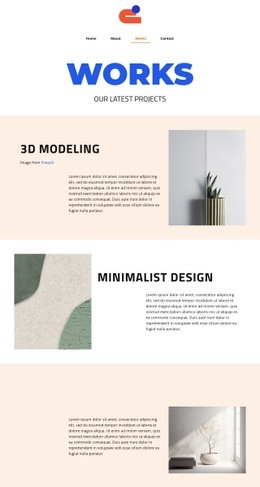





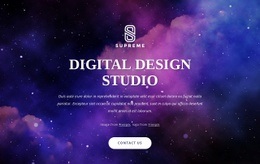


















Simple Art & Design HTML Code
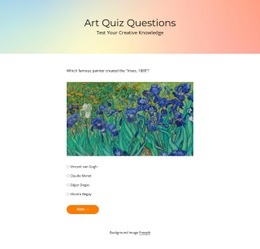
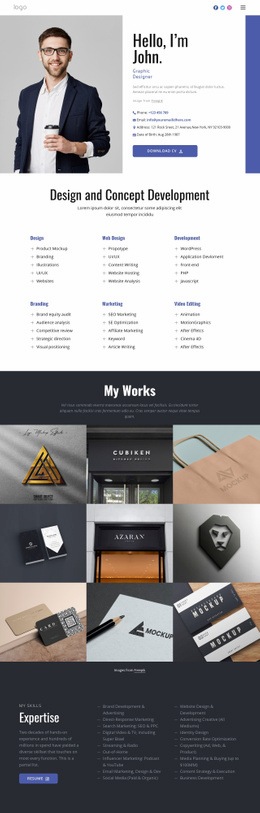
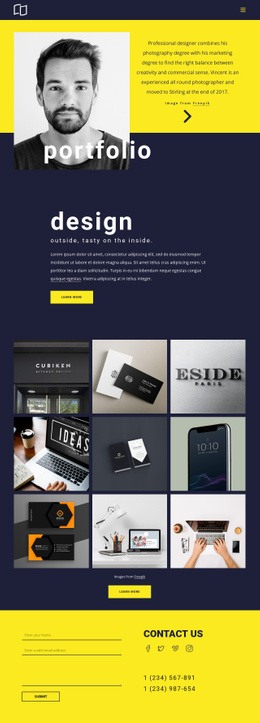
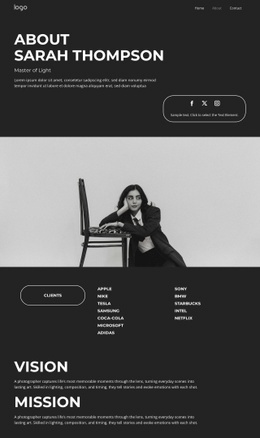
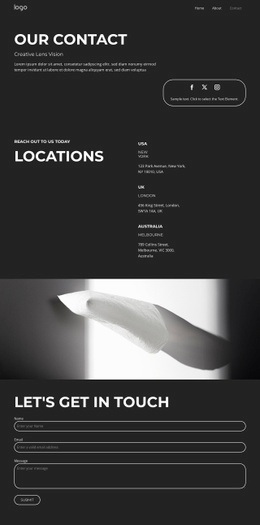
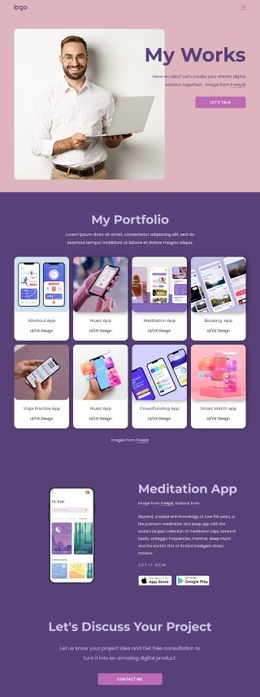
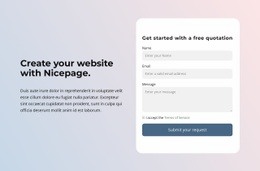
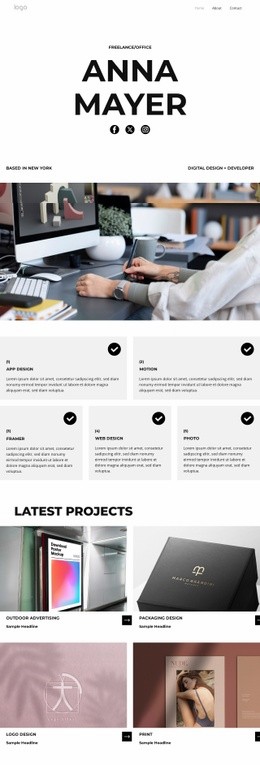
Art & design HTML code gives artists, poster designers, and craft studios direct control over portfolio structure and source files. Custom markup, responsive grids, and exportable HTML make it easier to refine visual projects without surrendering the codebase.
Who Needs Multipurpose Art HTML Code?
Independent artists need editable project pages, poster designers need strong image-and-type relationships, and craft studios need room for process details, collections, and contact content. HTML code for artists is useful when a designer or developer expects access to exported files and a clear handoff for later technical changes.
The visual page editor lets you choose a design, adjust blocks, and prepare an art portfolio HTML code project before export. Poster design references can help establish bold type, artwork scale, and collection rhythm before the Desktop Application exports the site.
Drag-and-drop Features for Art HTML Code
Code and export controls
- Custom HTML Element lets you add HTML and CSS for functionality not already implemented in Nicepage; the HTML Element documentation covers this external-code workflow.
- Custom CSS Code can be written in Page Settings and assigned as a class from the Property Panel.
- Export Websites prepares HTML websites from the Nicepage Application for Windows or Mac OS.
Portfolio structure
- Grid Element keeps artwork, captions, and project notes in cells that move beneath one another on smaller screens.
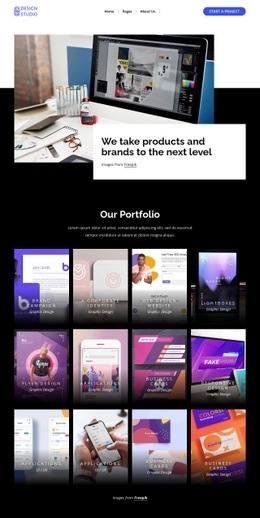
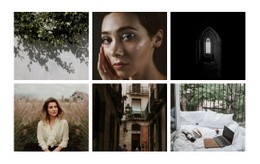
- Image Gallery Element groups images with text titles, hover effects, and styling for collections or visual studies.
For deeper styling changes, use the Custom CSS controls at element, page, or site level. This helps when creative studio HTML code or art portfolio HTML code needs a treatment beyond the selected design settings.
Developer Practices for Art HTML Output
Do: keep custom markup purposeful, preserve a developer-friendly code structure, and use semantic tags when you add or revise custom sections. Run W3C Markup Validator after export as a quality-control step, then test the adaptive layout on real-world screen sizes. Don't: add decorative code only because the page can accept it. A craft-focused visual direction still benefits from restrained source changes when product photography already carries the story.
Nicepage lets you shape the visual composition in the website builder, export HTML, then hand the files to a developer for additional custom markup when required. For HTML code for artists and creative studios it supports source control and a practical developer handoff.
Professional Art HTML Code FAQ
Can Nicepage host an HTML art portfolio?
Yes. Nicepage provides hosting for HTML websites created with Nicepage. It does not provide regular hosting for PHP, JS, and other files.
Can I import an existing coded art website into the Nicepage Editor?
No. Nicepage does not import HTML or other generated sites into the editor. Its features can instead be used to recreate the required design.
Can I add a custom interactive element to an artist portfolio page?
Yes, when HTML and CSS are enough for the required addition. The Custom HTML Element lets you insert custom HTML and CSS for functionality that has not yet been implemented in Nicepage.
Free Control of Your Art HTML Source
Want visual freedom without giving up the files behind the site?
- Choose a design and open it in the Desktop App.
- Shape galleries, project descriptions, responsive grids, and custom code areas.
- Export HTML/CSS for your own hosting or developer handoff.
Use the free website builder for art portfolios while you test the direction, then prepare the source for deployment.





















































