Table Html Code Examples
-
-

-
-
-
-
-
-
-
-
-
Customize Any TemplateDownload
-
-
-
-
-
-
-
-
-
-
-
-
-
-
-
-
-
-
-
-
-
-
-
-
-
-
-
-
-
-
-


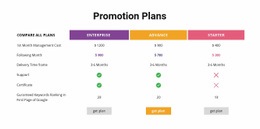
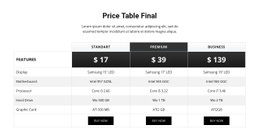
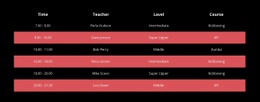
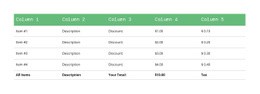
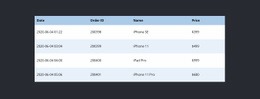
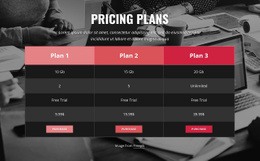
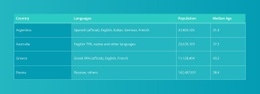
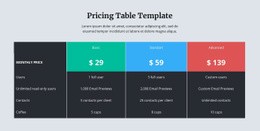
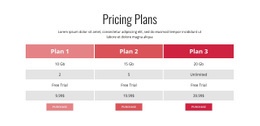
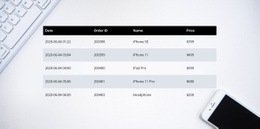

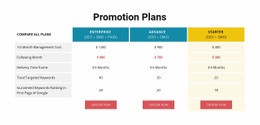
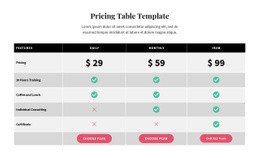
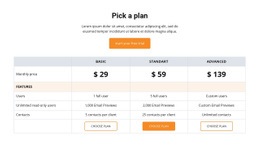
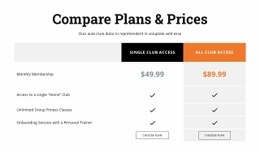
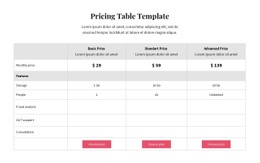
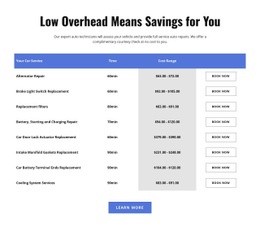
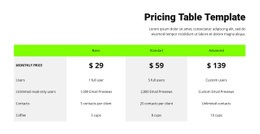
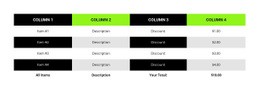

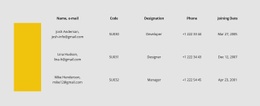

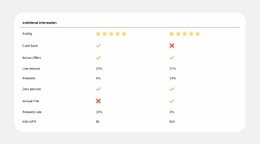
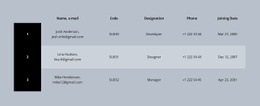

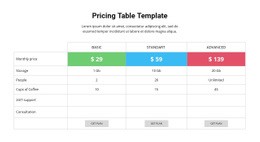


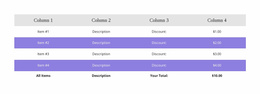
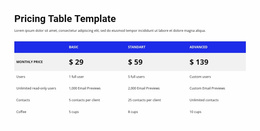
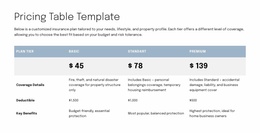
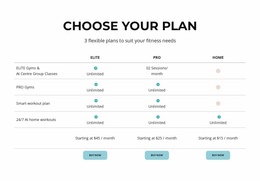

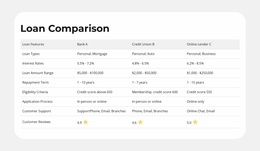
Flexible Table HTML Code Templates for Custom Markup and Data Sections
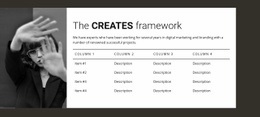
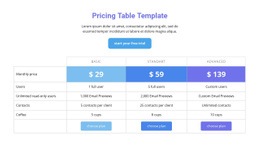
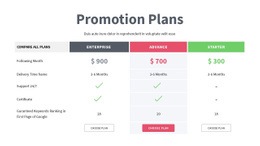
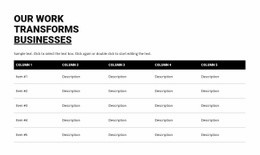
Table HTML Code designs provide ready-made appearances for specifications, comparison data, schedules, and other structured sections in HTML projects. Start by comparing table formats: a compact reference block for a few fields, a wider feature comparison for several options, or a schedule with clearly distinguished headings. Each offers a visual starting point before project-specific content is added.
For projects that also use embedded components or custom markup, the type of implementation is one criterion for selecting a design. A native Nicepage Table stays visually editable; a separately supplied HTML component may be appropriate when its own code is a requirement. The goal remains a finished table section that presents the data clearly.
Choose a Ready-Made Design for HTML Code Projects
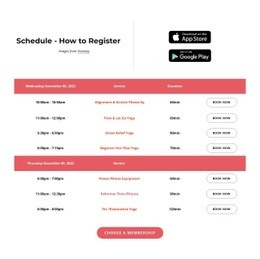
Compare prepared Table sections by their data layout first. A specification block works best when labels and values are easy to pair; a schedule benefits from a clear row rhythm; a broader comparison needs enough width for meaningful differences. A restrained reference table can use subtle separators, while a detailed component may need stronger headings.
Then consider how the chosen appearance will be used:
- Native Table designs suit structured records that will be maintained visually in Nicepage.
- A separate HTML Element suits a compatible externally supplied component or a requirement for custom markup.
Embedded markup does not turn into an editable native Table. This matters when selecting the right ready-made section, but it should not eclipse the choice of layout, column proportions, and header treatment.
Compare Native Table Layouts Before Selecting
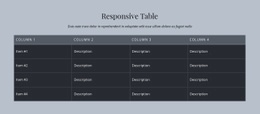
The Table Element in Nicepage provides prepared designs with editable headers, row backgrounds, content, and cell dimensions. A short reference section often suits a compact style with modest spacing. A comparison with many attributes may call for wider columns and more visible header contrast.
Choose the design that already accommodates the data's length and relationships. A good ready-made layout should require only focused adjustments, rather than extensive restructuring before it can present the intended facts.
Consider Custom Markup Only for Specialized Designs
Nicepage's separate HTML Element accepts compatible HTML, CSS, and JavaScript. When a project requires a provider-supplied widget or a separately implemented table component, this is a relevant option alongside the prepared native designs. Sorting, filtering, or live-data behavior must come from the supplied component; the HTML Element does not automatically provide it.
Select an embedded component because its requirements genuinely call for custom code, not merely because the content is arranged in rows and columns. Ordinary specifications, comparisons, and schedules can start with a ready-made visual Table section.
Check the Selected Table's Final Presentation
For a native design, judge the clarity of labels, cell spacing, and the balance between the table and its surrounding page. For a custom component, review its rendered appearance in Preview or after publication and confirm that its code can be maintained. Embedded content remains separate from the native Table cells.
Choose the finished design that displays the facts most clearly while meeting the project's genuine markup requirements. Technical flexibility supports the choice; it is not the main reason visitors browse Table HTML Code designs.
Table HTML Code FAQ
Can I insert custom HTML code into a Nicepage Table section?
Yes. Nicepage provides an HTML Element that can be added to a block for custom HTML, CSS, and JavaScript. It is a separate element from the native Table Element and can be used when specialized markup is required.
Do I need HTML coding skills to create a standard table?
No. The Nicepage Table Element provides visual controls for adding rows and columns, editing cell content, adjusting dimensions, and formatting the table. Custom code is optional for projects requiring additional functionality.
Should I choose an HTML embed for a standard comparison table?
Usually not. A ready-made Nicepage Table block is a more direct choice for ordinary schedules, specifications, and comparisons. An embed makes sense only when the project requires a separately implemented component.
Can a ready-made Table design be adapted for an HTML project?
Yes. You can change headings, cell values, dimensions, and styling through the Nicepage Table Element. A separate HTML embed is only needed for specialized markup and does not turn into a native editable table.
Customize Your Table Section With Nicepage
Choose a Table block that matches the information you need to present. Adjust its headings, rows, column widths, and cell formatting in the Nicepage editor. If the project requires external markup or specialized behavior, add an HTML Element and test the embedded component separately.
The result should be a readable table section with only the custom code its functionality requires.