
140 Sale Html Code Examples

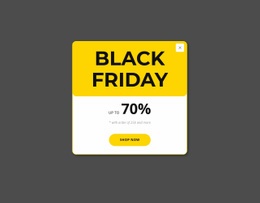
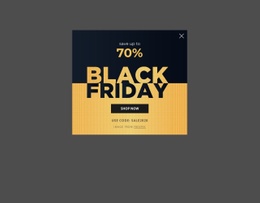
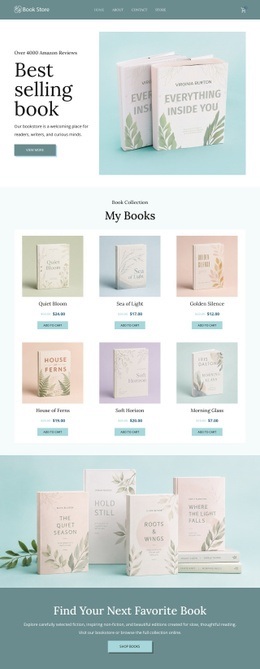



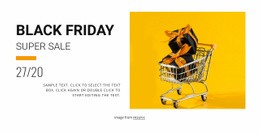
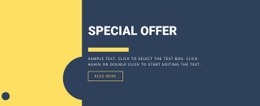
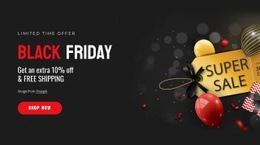
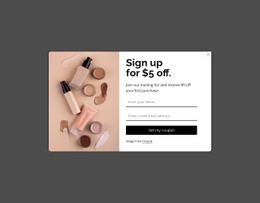
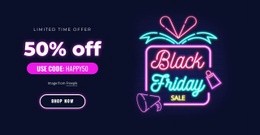












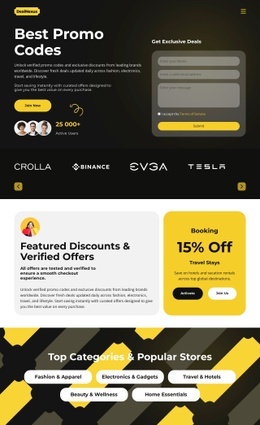






































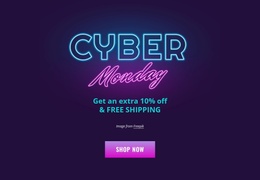

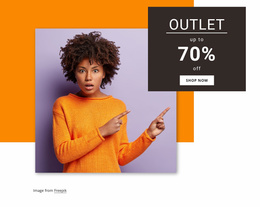


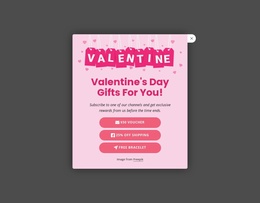
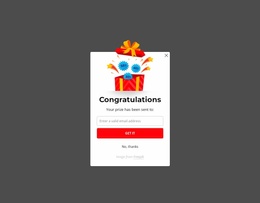


SEO-Friendly Sale HTML Code for Developer-Ready Retail Campaigns
Sale HTML code gives retail teams direct source control over discount pages, product offers, and purchase paths. Marketers can define campaign priorities while developers retain access to custom markup and exported files. This split supports easier client handover and precise technical review before deployment.
What Makes a Multipurpose Sale HTML Code Page Effective?
If a store runs a short promotion, the code structure should keep offer blocks easy to identify. For product-driven campaigns, purchase cues need a clear place in the markup. If a developer must extend the page, custom markup and predictable sections make later changes easier to review and maintain.
A sale HTML website becomes easier to maintain when a selling-focused page structure clearly separates product groups, promotional copy, and action areas. Keep campaign hierarchy visible in the code structure so a developer can distinguish the primary offer from supporting content without reverse-engineering the design.
Nicepage supports e-commerce websites that can be exported as HTML and uploaded to a hosting provider. The E-Commerce In HTML workflow fits sale campaigns that need editable product sections plus a direct path from the visual editor to deployable files. This gives a sale HTML website a practical handoff route after visual approval.
Fully Responsive Features for Retail Campaign Code
For a retail HTML page, use the visual page editor for layout work and add code controls only where the promotion requires them:
- Custom HTML Element adds HTML and CSS for functionality not already available in Nicepage; the HTML Element supports external code and additional page options.
- Custom CSS Code lets developers write CSS in Page Settings and assign classes to individual elements.
- Build E-Commerce HTML Site supports product management, Product Elements, HTML export, and upload to your own hosting.
- Shopping Cart Icon Element places cart access in the header and shows how many products shoppers have added.
- Button Element provides the primary CTA control, with separate button states and reusable styles.
A retail HTML page for a purchase-focused campaign can use these controls to keep the path from discount message to cart action clear. Custom markup should extend the retail experience rather than replace the visual hierarchy that explains the offer.
Stunning HTML Sale Questions
Can Nicepage host an HTML sale website?
Yes. Nicepage provides hosting for HTML websites created with Nicepage. It does not provide regular hosting for PHP, JS, and other files.
Can I import an existing sale HTML site into the Nicepage Editor?
No. Nicepage cannot import an HTML site or another generated site into the editor. Its features can instead be used to recreate the required website.
Can I insert custom markup into a sale offer section?
Yes. Use the Custom HTML Element when the campaign requires HTML or CSS functionality not already implemented in Nicepage.
Free Control Over Your Sale Campaign Code
A market-focused promotion can move from visual approval to code delivery without a separate rebuild. Keep the campaign structure readable and the technical handoff direct:
- Choose a sale design concept that matches the products, offer type, and purchase path.
- Launch the sale website builder through the Online Builder or Desktop App, refine the layout, and add custom markup only where it serves the campaign.
- Export HTML for deployment or publish online when the page is ready.





















































