
Modal Popup Html Code Examples
-

-

-
-
-
-
-
-
-
-
-
Customize Any TemplateDownload
-
-
-
-
-
-
-
-
-
-
-
-
-
-
-
-
-
-
-
-
-
-
-
-
-
-
-
-
-
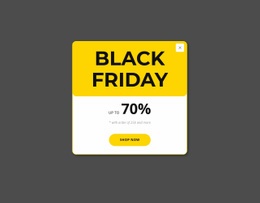
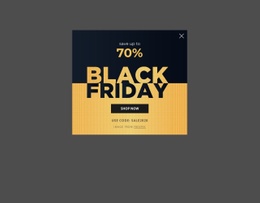
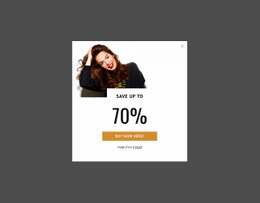

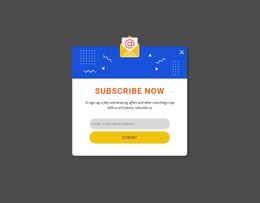
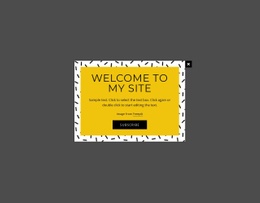
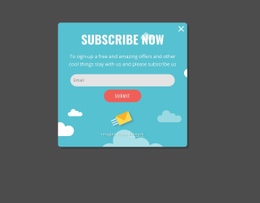
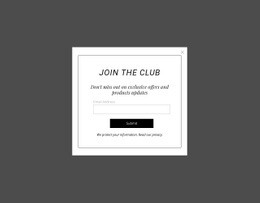




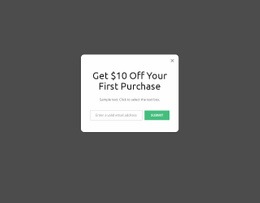
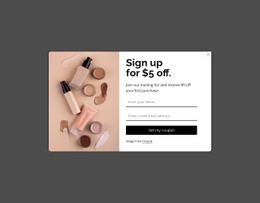
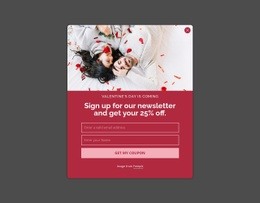



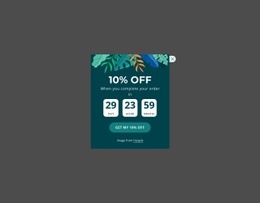


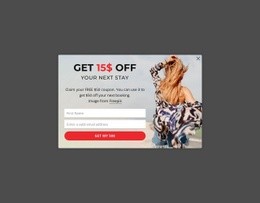

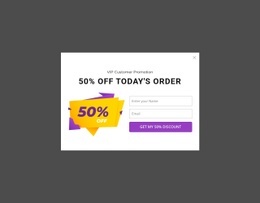
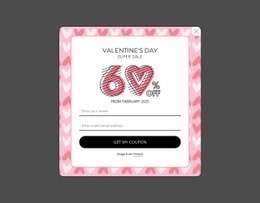

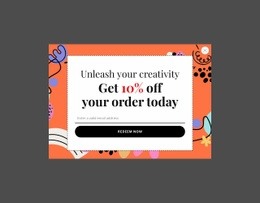
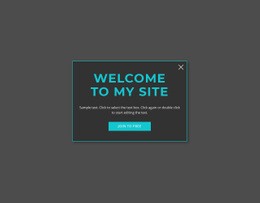
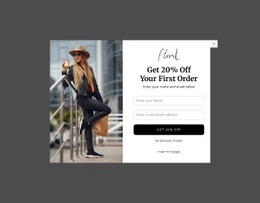
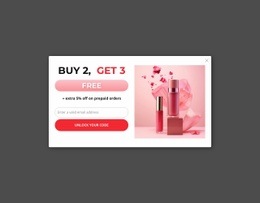

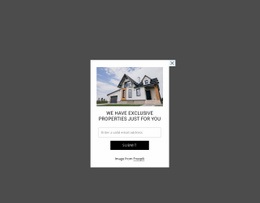
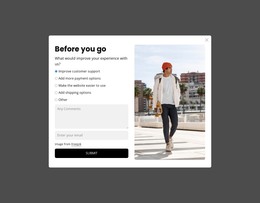
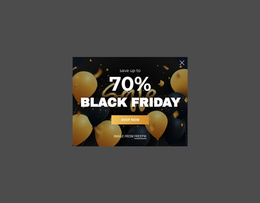
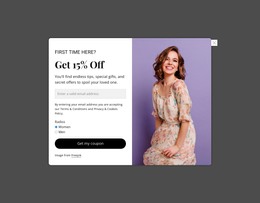

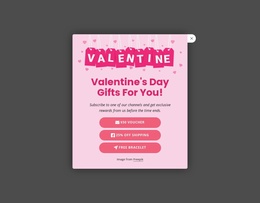
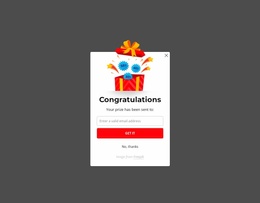
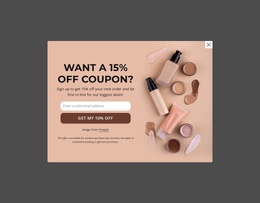
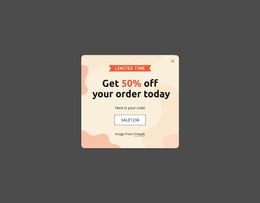
Advanced Modal Popup HTML Code Blocks for Custom Markup Extensions
A Modal Popup HTML Code block keeps the popup interaction at the center while allowing project-specific markup to support the content inside or around that temporary overlay. The modal still appears above the current page after a trigger, holds a focused message, form, media item, detail, or CTA, and then returns the visitor to the underlying content after dismissal.
What Can Custom HTML Add to a Modal Popup?
A code-oriented modal matters when a standard popup needs project-specific functionality, not just a different ready-made structure. Typical extension points include: - custom trigger logic for opening the dialog from a project-specific interaction; - custom opening, closing, or state behavior when the standard interaction needs to be extended; - embedded or project-specific markup inside the focused content area; - HTML, CSS, and JavaScript working together where the extension genuinely requires structure, presentation, and behavior. HTML provides the custom structure, CSS supports the required presentation, and JavaScript can manage project-specific opening, closing, or state changes. The point is to extend how the modal works, not to recreate a ready template from scratch.
Custom markup makes sense when the popup needs an embedded component or another project-specific extension that basic content alone can't represent. The extension should support the modal task rather than redefine it.
For example, an embedded component can occupy part of the focused content area while the surrounding popup still provides the heading, explanation, or action context. The important boundary is functional: HTML code may extend what appears inside the overlay, but the Modal Popup remains responsible for the temporary overlay pattern itself.
This keeps html-code separate from a generic HTML template. The goal here is not to describe a ready-made static section or its HTML5 hierarchy; it is to explain where custom markup adds functionality to this specific popup interaction.
Flexible Modal Popup Extensions With an HTML Element
Nicepage product rules keep Modal Popup as the primary feature for this block type and place HTML/custom-code functionality in the suffix-specific role. An HTML Element can therefore be relevant when custom markup or an embedded component materially supports the popup content.
Use that extension selectively. A short promotion, notice, or simple CTA may need no custom code. Adding markup only because the URL contains “HTML Code” would weaken the section logic.
The stronger use case is a popup whose focused content genuinely requires an external or project-specific component. In that scenario, the HTML extension supplements the overlay instead of replacing its native content hierarchy.
Modal Popup vs Contact Form With Custom Code
A Contact Form remains defined by structured visitor input, labels, fields, and submission. A Modal Popup remains defined by triggered overlay behavior and temporary focus.
Those two functions can overlap when a form appears inside a popup, but they shouldn't be collapsed into one category. Custom HTML around a form does not automatically make it a modal, and placing a form in an overlay does not change the fact that the popup interaction is a separate functional layer.
This distinction matters when planning extensions. Start from the overlay task first, then add custom markup only where it serves the content shown during that temporary interaction.
Keep Custom Functionality Tied to the Overlay Task
Developer-oriented flexibility is useful only when it remains connected to the visitor experience. Before adding HTML, identify what the popup needs to communicate and what genuinely requires custom markup or an embedded component.
Avoid moving unrelated page functionality into the overlay simply because code can be added there. Keep the popup compact enough to preserve temporary focus, while longer explanations and permanent content remain in the normal page flow.
Modal Popup HTML Code FAQ
Can I import an existing HTML site into the Nicepage editor?
No. Nicepage does not support importing an existing HTML or generated site into the editor. You can use its available features to recreate the required layout and content instead.
Does Nicepage provide an API for custom popup integrations?
No. The supplied Nicepage product information states that Nicepage does not provide an API. Custom HTML therefore should not be described as API support or as an automatic connection to unsupported services.
Does custom HTML replace the Modal Popup interaction?
No. Custom markup can supplement the content or functionality inside the focused area. Still, the defining Modal Popup behavior remains the triggered temporary overlay and the return to the underlying page after dismissal.
What roles do HTML, CSS, and JavaScript play in a modal?
HTML provides the dialog content structure, CSS controls its visual presentation, and JavaScript can manage custom opening, closing, and state behavior when needed.
Extend the Popup Only Where Custom Markup Is Needed
Select a Modal Popup design that fits the temporary interaction, adapt its core content in the Nicepage editor, and identify any part that genuinely needs an HTML extension. Add custom markup only for that specific requirement, then keep the resulting component integrated with the popup rather than turning the block into a generic code container.





















































