370 Contacts Html Code Examples
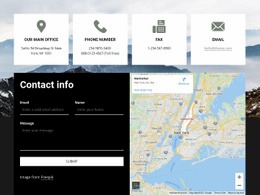
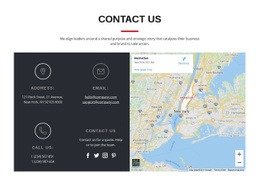
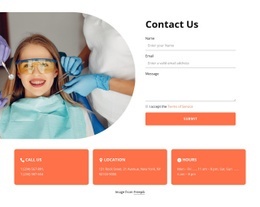
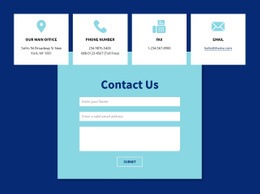
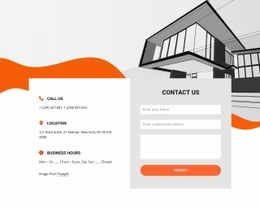

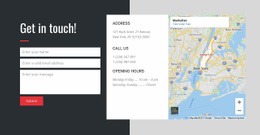

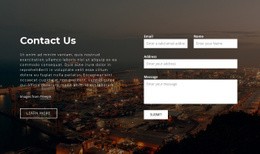












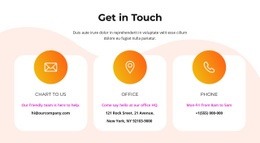


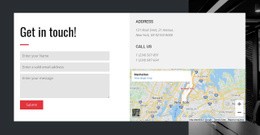
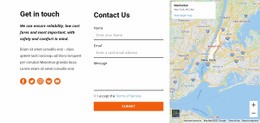
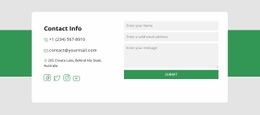





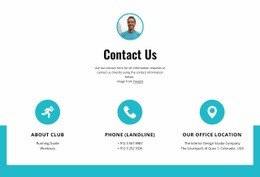
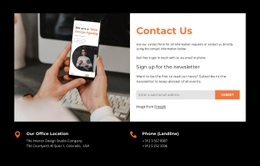
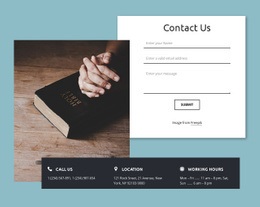
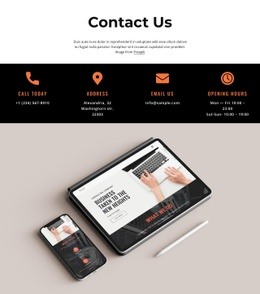


























Contacts HTML Code Designs and Ready-Made Contact Markup Options
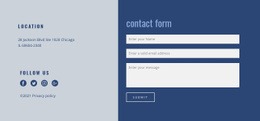
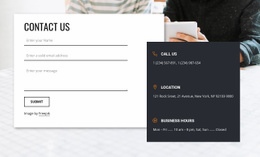
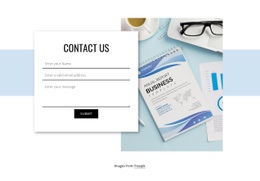
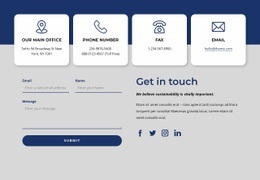
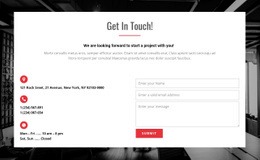
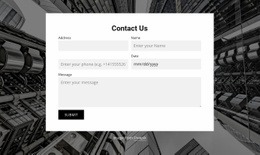
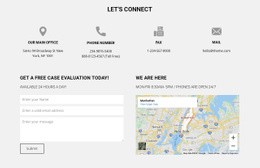
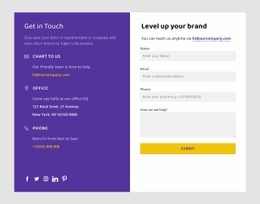
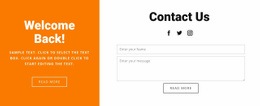
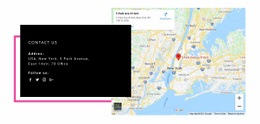
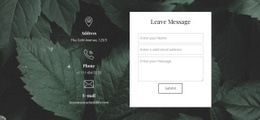
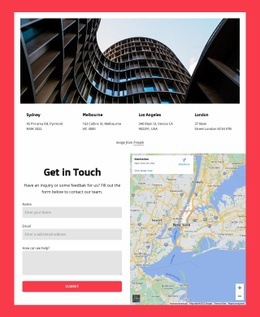
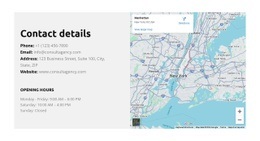
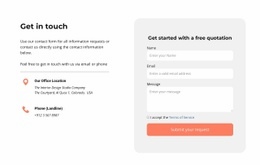
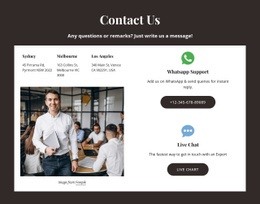
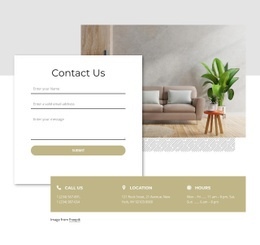
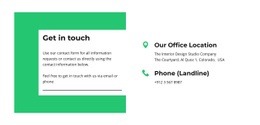
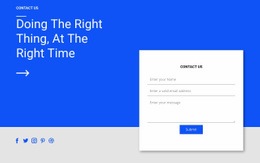
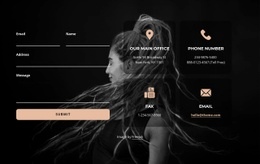
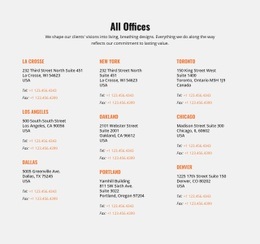
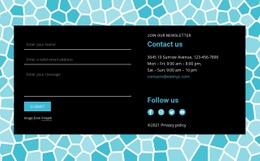
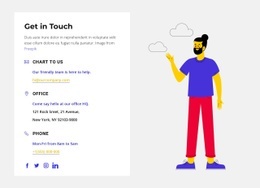
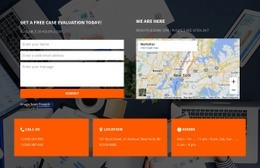
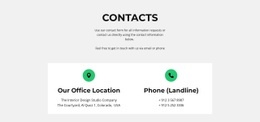
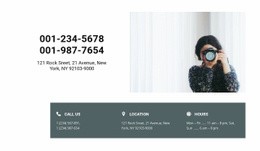
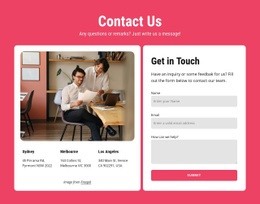
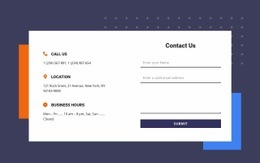
Browse ready-made Contacts HTML Code designs for HTML websites and contact sections. Compare prepared layouts that display phone numbers, email addresses, business locations, and optional embedded content. Choose a design that fits your page, then check its available HTML output options if your project requires them.
The same visual layout might appear in Contacts HTML Templates. Here, the additional selection concern is how well the chosen composition suits HTML contact actions and the required output, not an assumption that this catalog contains exclusive visual types.
Compare Ready-Made Designs by Contact Content
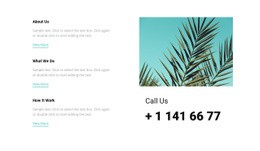
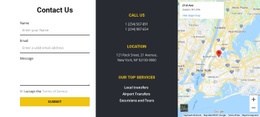
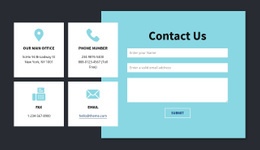
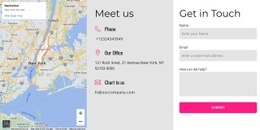
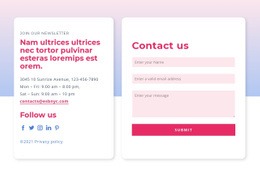
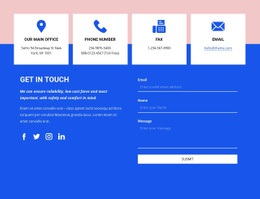
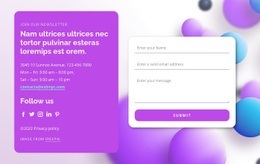
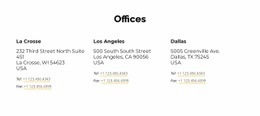
Start with the actual ready-made Contacts designs. Look for visibly distinct telephone and email actions, readable addresses, and enough contact groups for your page. A section for one business contact point may need a different information arrangement from one identifying several departments; choose according to the content shown in the previews.
Useful selection checks include:
- Direct contact methods: phone and email values presented as recognizable link candidates, with clear labels.
- Business information: written addresses linked visually to the correct office, hours, or department.
- Section scope: a prepared composition that fits the intended part of the HTML page.
- Optional elements: location maps or other embedded content only when relevant and available.
These checks help narrow the visual shortlist without inventing a new family of Contacts layouts.
Between two suitable prepared designs, favor the one whose existing content groups and contact actions need fewer changes. Verify the available code or export format as a separate final selection check.
Consider Custom HTML and Embedded Contact Elements
Compare ready-made Contacts designs by how clearly they present phone and email links, written addresses, and optional embedded location content. A prepared block may already fit; if a specialized map or other contact element is needed, shortlist a composition with suitable space for it. Nicepage's HTML Element supports compatible custom content, but that option is secondary to choosing the design.
Check Contact Links and Optional Embeds in the Result
Compare whether the selected composition gives phone and email actions recognizable labels and keeps the written address legible beside an optional map. If particular link behavior matters, confirm it in the finished result rather than inferring it from the preview.
Nicepage's Google Maps Element can provide geographical context, including a custom embed option for special needs.
These checks follow the visual choice; they should not replace comparison of the prepared designs.
Confirm What the Selected HTML Code Design Provides
An editable Contacts block can become part of a Nicepage HTML project. Project-level HTML export and a standalone code example are different deliverables, so confirm which option is actually offered if source-code access matters.
Use the available output as a final selection check after comparing it with the prepared contact composition.
Contacts HTML Code FAQ
Which Contacts HTML Code design should I choose?
Choose a ready-made layout that clearly presents your phone, email, address, or department contacts. If your project requires specific link behavior or source output, verify those details for the selected item.
Do all Contacts HTML Code designs include downloadable snippets?
Not necessarily. Confirm the available output for the selected item if a standalone snippet is required.
Can I customize a Contacts section without coding it from scratch?
Yes. Nicepage supports visual editing of ready-made blocks, and the HTML Element lets you add compatible custom content when needed. That does not mean manual code changes are required for every contact design.
Choose a Contacts HTML Code Option That Fits the Deliverable
Select a ready-made contact design whose phone, email, and address groups fit the HTML page. Confirm any essential source-code requirements separately; an editable block may be sufficient.
The primary choice remains the prepared Contacts section; the HTML output options help confirm it suits the intended project.