
Real Estate Html Code Examples


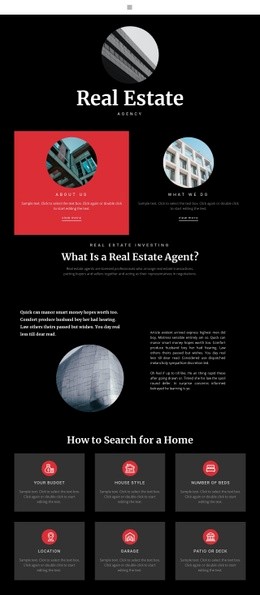
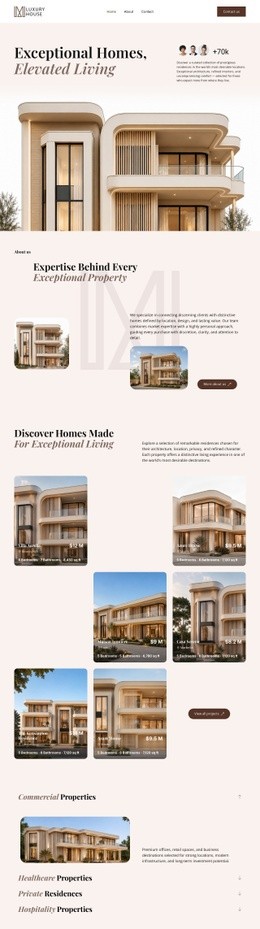








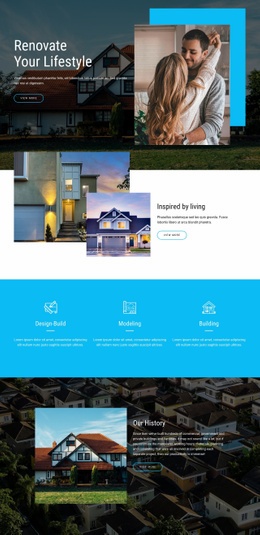











































































Customizable Real Estate HTML Code for Property Components
Real estate HTML code is useful when the requirement is a custom component structure rather than another ready-made layout. A developer may need to define markup for a specialized property record, add fields not present in the standard design, or create a reusable agent or listing block that connects to project-specific data.
That makes this category different from both HTML templates and CSS templates. HTML templates provide complete ready-made layouts, while CSS controls presentation. HTML code defines the component structure and markup itself.
What Property Markup May Need Custom HTML?
A custom listing component might include fields such as property ID, price, status, address, property type, floor area, bedrooms, bathrooms, or availability. A detail block may need a structured group for specifications, a separate agent contact component, or project-specific data attributes used by scripts or integrations.
Some projects may also add Schema or other structured markup where it fits the selected property page and implementation. The goal is to provide the frontend with a clear component structure that developers can reuse or extend.
HTML Tools for Real Estate Extensions
Custom HTML Element: Add project-specific markup when standard elements do not cover a required property component. The HTML Element documentation explains how external code can be placed inside a page.
Examples include:
- A custom property-facts block with project-specific fields.
- A reusable agent contact component with structured contact data.
- A listing wrapper with custom data attributes for filtering or scripting.
- Schema markup or other structured HTML required by the implementation.
Custom CSS Code can support those structures when additional classes are needed, but styling should remain secondary to the markup role of this page. The Custom CSS documentation explains how to add extra classes and rules.
Grid Repeater can still manage recurring listing structures visually, while Contact Form Element can handle standard inquiry fields without requiring every form to be written from scratch.
Extend the Markup, Not the Entire Site
Custom HTML is most useful when a project requires a specific structure that ready-made elements do not provide. It should not replace standard content merely for the sake of access to sources.
For teams that export finished frontends, Nicepage Desktop Applications can prepare HTML output for third-party hosting or further development. Developers can then extend selected property components while keeping the rest of the project visually manageable.
Real Estate HTML Code Questions
Can I create a custom property component with my own markup?
Yes. The Custom HTML Element can be used when the standard element set does not cover the required property structure.
Can I add custom fields or data attributes to a listing block?
Yes. Custom markup can include project-specific fields and data attributes needed by the frontend implementation.
Can I import an existing real estate HTML website into Nicepage?
No. Nicepage does not import an existing HTML site or another generated website into the editor. The required property layout can instead be recreated with Nicepage features.
Can exported real estate HTML files use third-party hosting?
Yes. Nicepage allows unlimited third-party hosting, so HTML output can be deployed to an external hosting environment that suits the project.
Use Source-Level HTML for Structural Extensions
Choose custom HTML when the project needs new markup, property fields, reusable component structures, Schema, or developer-specific hooks. Use CSS separately for visual states and presentation, and use full HTML templates when the need is a ready-made site package rather than a custom component.





















































