410 Testimonials Html Code Examples












































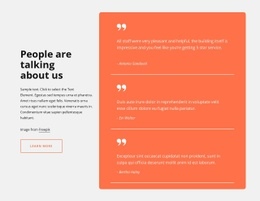
Ready-To-Use Testimonials HTML Code Designs for Customer Review Sections
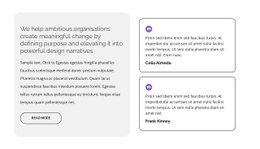
Testimonials HTML Code presents customer-review designs for projects where the resulting HTML output or an optional markup extension matters. The examples may show review cards, a featured quote, or portrait-led statements. The important distinction is the available route from an editable Nicepage design to HTML output; a catalog preview by itself does not promise separately downloadable snippets.
The Code qualifier is relevant when the project needs an HTML-oriented output or customization route. It does not mean each preview is automatically a standalone code snippet or that custom programming is required to use a testimonial design.
Testimonials Examples for HTML Output
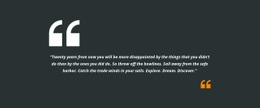
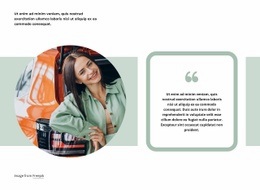
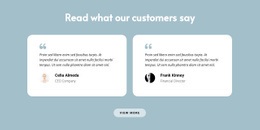
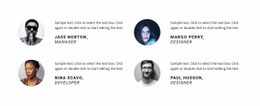
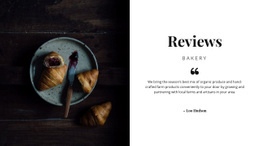
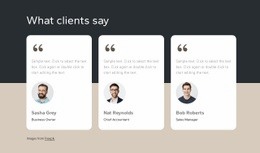
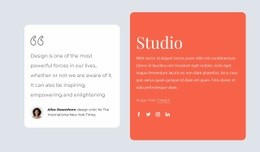
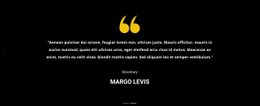
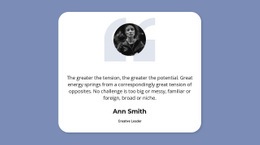
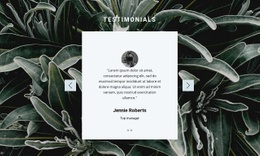
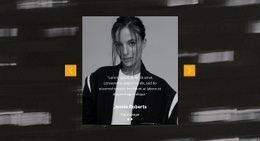
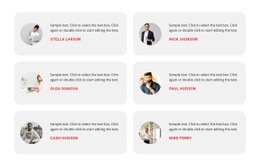
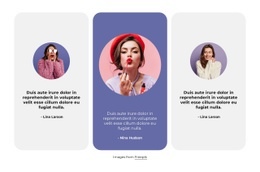
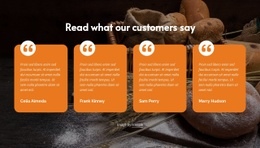
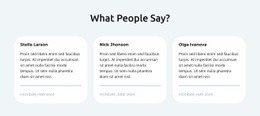
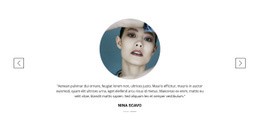
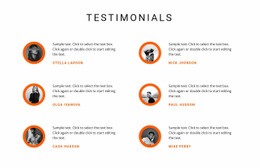
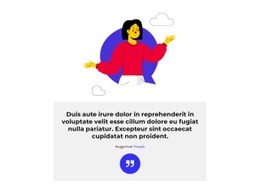
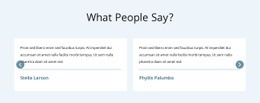
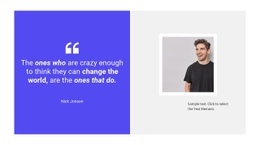
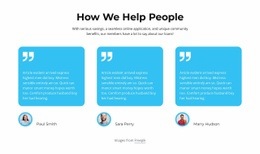
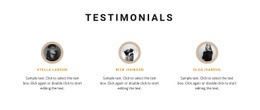
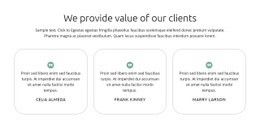
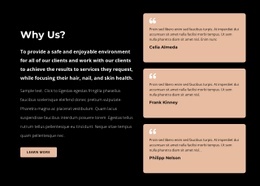
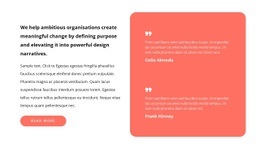
A single large quotation lends weight to a detailed client story; multiple columns keep shorter experiences visible together. Portrait-led panels change the emphasis, and a slider can save space where that format is offered. Your actual customer feedback should guide the selection, rather than a hypothetical need for extra functionality.
Useful formats to compare include:
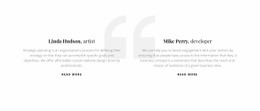
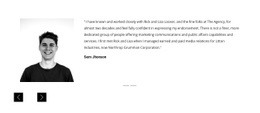
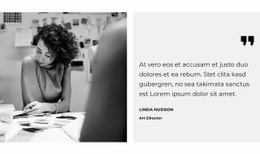
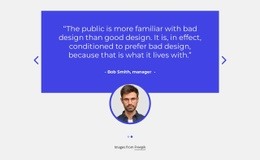
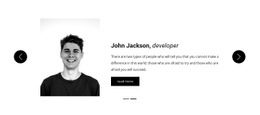
- Single featured quote: Give one long customer account a prominent place.
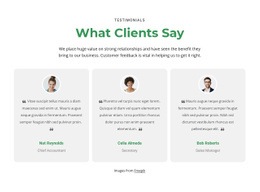
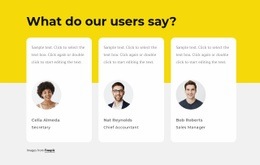
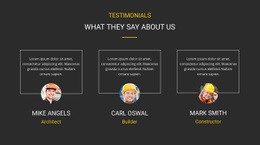
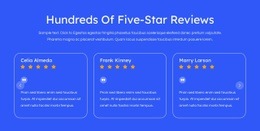
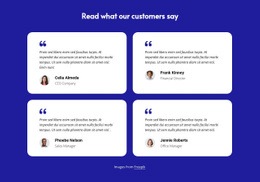
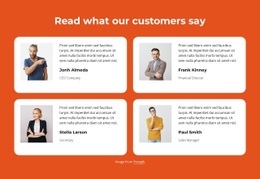
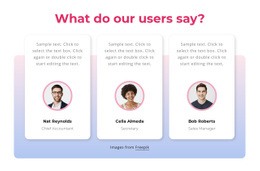
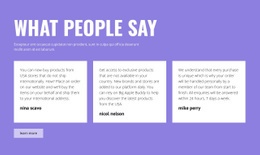
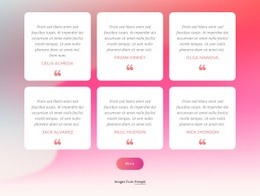
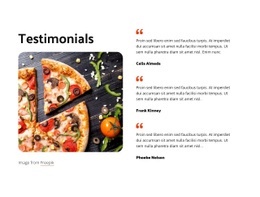
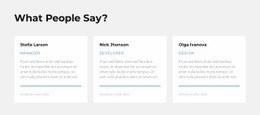
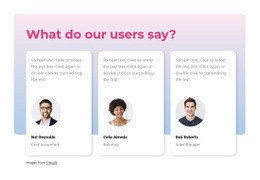
- Multi-column review cards: Present several shorter opinions with similar visual weight.
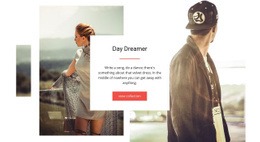
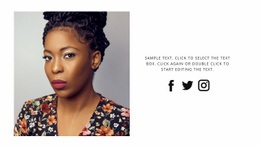
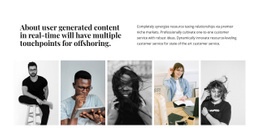
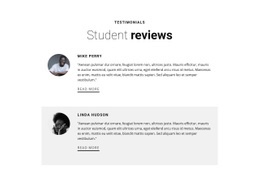
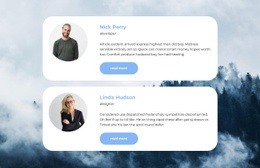
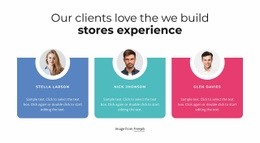
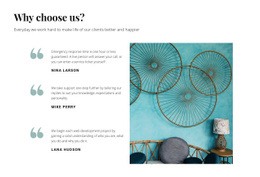
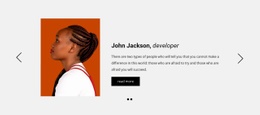
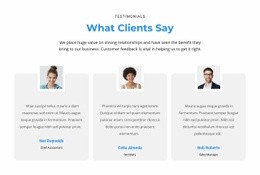
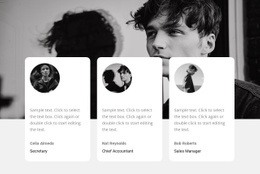
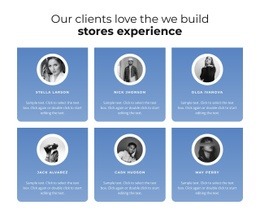
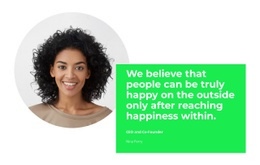
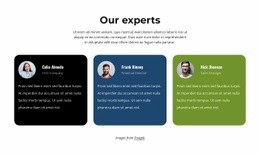
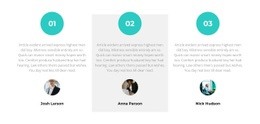
- Portrait-and-quote layout: Show recognizable reviewers alongside their comments.
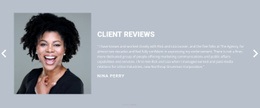
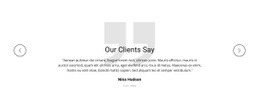
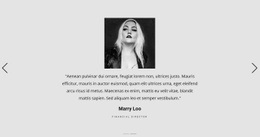
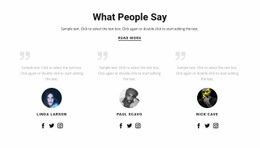
- Compact slider: Display several quotations in one area when that option is present.
Check the preview for quote length, author labels, and card proportions, then consider whether the selected section can be adapted as part of an exported HTML website. A visual block and a standalone code fragment are not interchangeable products.
Prepare the Selected Section for HTML Export
The Nicepage Text Element supports customer quotations, names, and supporting attribution in prepared review sections. Select a design that already has suitable space for those elements; its text, imagery, and appearance can then be adapted to the page.
For an exceptional requirement, the HTML Element can supplement a selected block with custom markup. This is an additional option, not the defining purpose of the Testimonials collection.
A prepared layout can usually be evaluated through:
- Its review capacity, from one story to multiple statements.
- Its attribution treatment, including names and portraits when appropriate.
- Its visual footprint, such as a full-width panel or compact cards.
The adjusted testimonial section can be included in a Nicepage HTML website export. If the project instead needs a custom embed, the HTML Element is a separate option: it accepts project-specific code. Still, it does not convert an arbitrary external HTML snippet into an editable Nicepage block.
Assess What an HTML Code Example Provides
For this category, what can be exported as part of a Nicepage HTML website is more relevant than how many decorative card styles are available. An adapted testimonial section can be part of a static HTML website export, which includes the site's HTML, CSS, JavaScript, and images. That does not guarantee an isolated copy-and-paste snippet for each catalog preview. Check the individual result and the intended export workflow before promising standalone source.
Keep the following distinctions clear:
- Customer quotations communicate personal experiences and should remain attributable.
- Supporting metadata may include a role, company, or verified rating.
- Available portraits help determine whether an image-led layout makes sense.
- Card density affects whether short or long quotations fit naturally.
The customer review examples can provide further content directions, while quote-focused layouts illustrate different ways to emphasize a statement.
Whichever template you choose, the customer's statement should remain readable and its source identifiable.
The Nicepage HTML Element can host project-specific HTML, CSS, or JavaScript when a prepared block needs an extension; the code provider remains responsible for the external component's functionality. For ordinary testimonials, editable Text and Image Elements are usually sufficient. The HTML Code category is relevant to an HTML-oriented output or extension, not an assurance that every example includes a separately downloadable component.
Testimonials HTML Code FAQ
Can I add custom HTML to a testimonial section in Nicepage?
Yes. Nicepage provides an HTML element to add custom HTML, CSS, and JavaScript. You can use it to introduce supplementary content or a custom component near existing testimonial elements. Any additional functionality must be implemented and checked separately.
How do I choose between one featured quote and several review cards?
Use a featured layout when one customer's account deserves more space. Choose several cards when shorter reviews provide complementary perspectives. Compare how much content the prepared section can display without shrinking the text.
Can I adapt the wording and reviewer information in a selected design?
Yes. Nicepage provides editable text and image elements in its prepared blocks. Replace demonstration content with approved customer statements and reviewer details while keeping the selected composition suitable for the page.
When should I use the Text Element instead of the HTML Element for testimonials?
Use the Text Element for ordinary customer quotations, names, and supporting attribution. Choose the HTML Element when the section needs project-specific markup or an embedded component. Skip custom code when standard text and image elements already provide the required presentation.
Bring a Testimonials Example Into Your HTML Project
Start with a Testimonials block that fits the available customer feedback. Open it in the Nicepage editor, replace example quotations, and organize author details so every statement remains identifiable.
Choose based on the number of reviews, whether you have portraits, and the visual emphasis you want. You can customize Nicepage after selecting the design.
The finished section should preserve authentic customer voices in a layout that suits the HTML-oriented page.