
320 Text & Button Html Code Examples





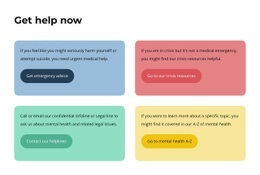
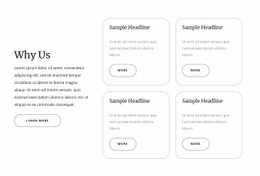















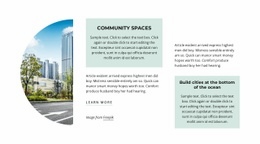


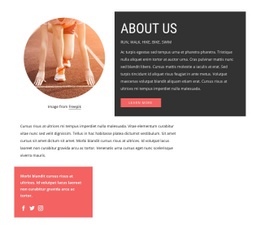




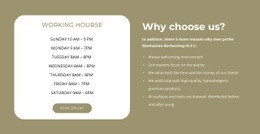




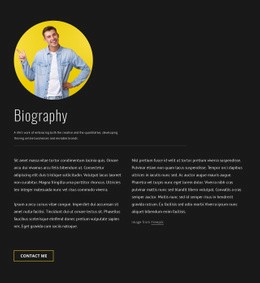


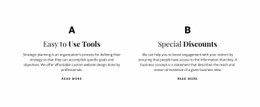



























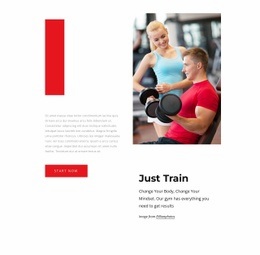











Text & Button HTML Code for Markup Structure and Implementation
Text & Button HTML Code centers on a reusable HTML structure for a concise message and direct action. A typical block combines heading markup, supporting text, and a linked button or anchor in one section that you can adapt to a project. Custom HTML can extend that structure when a specific integration is required, but it is an aption rather than the dpage's default
Structure a Reusable Text & Button HTML Block
A practical HTML-oriented section usually contains:
- heading markup for the main proposition;
- a paragraph or short text container for supporting context;
- a link or button action with a clear destination;
- a section or wrapper that keeps the content together as a reusable block.
This makes the code useful as a recognizable Text & Button structure first. When a project needs an embedded component or another project-specific integration, custom HTML can then supplement the standard block.
Implement the Markup as a Reusable Section
HTML Code is about how the block is represented and extended in markup. A typical implementation can use a section or wrapper, a heading element, supporting paragraph content, and an anchor or button-like link with the required destination.
Implementation details can include:
- semantic heading and text elements that reflect the content hierarchy;
- wrapper elements that group the block into a reusable section;
- link attributes and destinations for the primary action;
- classes or identifiers needed by the surrounding project;
- optional custom markup for a project-specific integration.
A larger visual direction can change the presentation, but the HTML-code intent remains the implementation underneath that appearance.
Extend the Code Only When the Base Structure Needs It
Nicepage provides an HTML Element for adding HTML code. Use it when the standard block needs an additional embedded component, attribute pattern, integration hook, or other project-specific markup.
This page is not primarily about browsing alternative templates. Its focus is the code structure and implementation choices behind the Text & Button block: how the content is grouped, how the action is linked, and where custom HTML belongs when the base structure is not enough.
Keep Presentation Separate From Markup Responsibilities
HTML defines the section structure and any required custom elements. Visual styling can then control typography, spacing, backgrounds, borders, and button appearance. Keeping those responsibilities clear makes the code easier to adapt without turning every visual change into a structural rewrite.
Text & Button HTML Code FAQ
Can I add custom HTML around a Text & Button section?
Nicepage provides an HTML Element for adding HTML code. Use custom markup when it supports a specific extension or integration related to the section's message and action, rather than replacing the block with unrelated code.
Can I import an existing HTML section into the Nicepage editor?
No. Nicepage does not support importing an HTML site or generated site into the Nicepage editor. Existing HTML should therefore not be presented as something that can be imported and converted into this editable block.
What belongs to the HTML-code layer of a Text & Button section?
The HTML-code layer covers the reusable markup structure, wrappers, heading and text elements, action links, attributes, and any project-specific HTML extension required by the section.
Implement the Block, Then Extend Only What Is Necessary
Start from the required markup structure, connect the action to its destination, and keep the section reusable. Add custom HTML only when the project needs an element or integration that the base structure does not already provide.






















































